Sign In Start Free Trial
Account

Add to playlist

Create a Playlist

Modal Close icon
You need to login to use this feature.
  • Book Overview & Buying Simplifying Android Development with Coroutines and Flows
  • Table Of Contents Toc
  • Feedback & Rating feedback
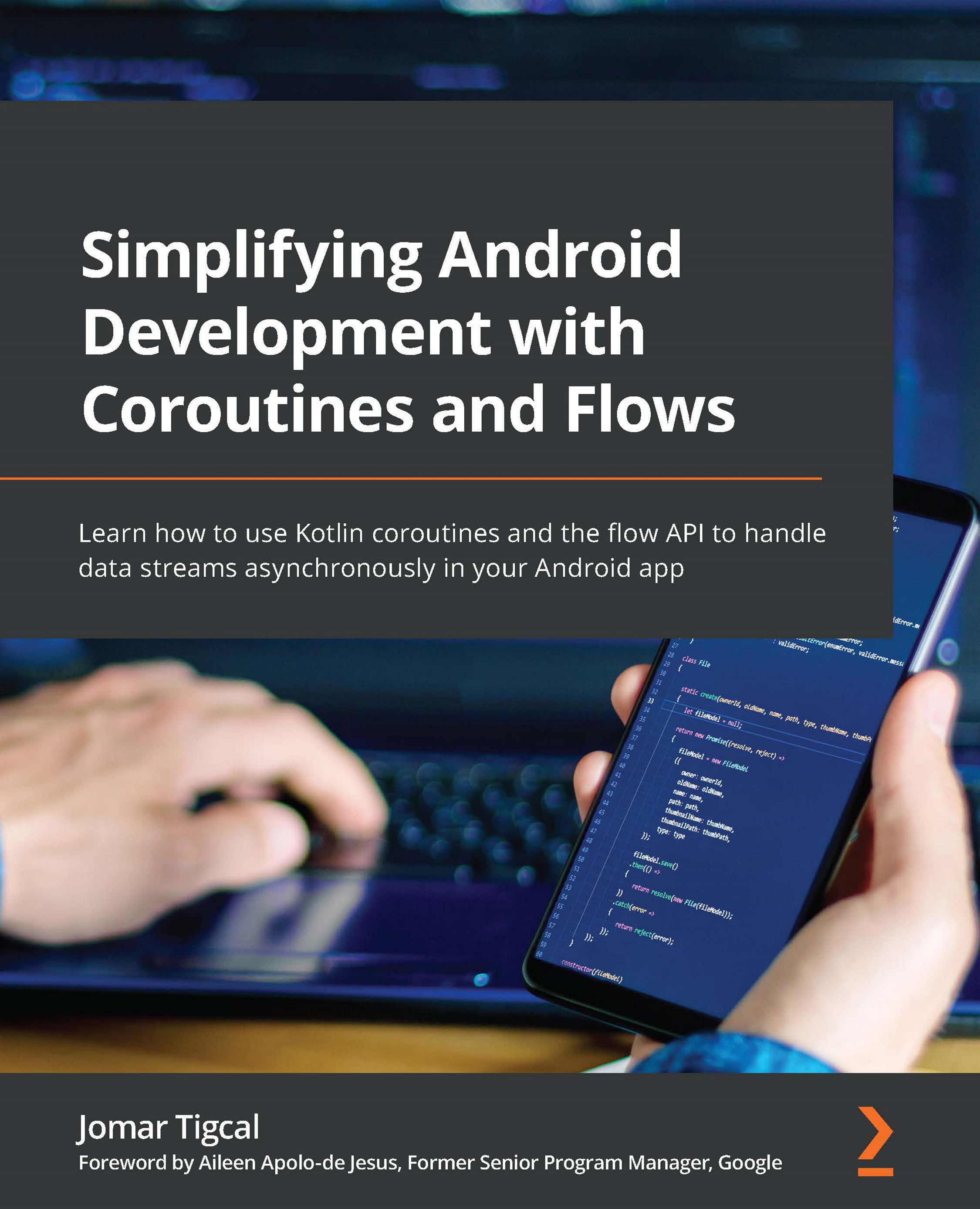
Simplifying Android Development with Coroutines and Flows

Simplifying Android Development with Coroutines and Flows

By : Tigcal
5 (2)
close
close
Simplifying Android Development with Coroutines and Flows

Simplifying Android Development with Coroutines and Flows

5 (2)
By: Tigcal

Overview of this book

Coroutines and flows are the new recommended way for developers to carry out asynchronous programming in Android using simple, modern, and testable code. This book will teach you how coroutines and flows work and how to use them in building Android applications, along with helping you to develop modern Android applications with asynchronous programming using real data. The book begins by showing you how to create and handle Kotlin coroutines on Android. You’ll explore asynchronous programming in Kotlin, and understand how to test Kotlin coroutines. Next, you'll learn about Kotlin flows on Android, and have a closer look at using Kotlin flows by getting to grips with handling flow cancellations and exceptions and testing the flows. By the end of this book, you'll have the skills you need to build high-quality and maintainable Android applications using coroutines and flows.
Table of Contents (11 chapters)
close
close
1
Part 1 – Kotlin Coroutines on Android
6
Part 2 – Kotlin Flows on Android

Exercise 4.01 – adding tests to coroutines in an Android app

For this exercise, you will be continuing the movie app that you worked on in Exercise 2.01, Using coroutines in an Android app. This application displays the movies that are currently playing in cinemas. You will be adding unit tests for the coroutines in the project by following these steps:

  1. Open the movie app you worked on in Exercise 2.01, Using coroutines in an Android app, in Android Studio.
  2. Go to the app/build.gradle file and add the following dependencies, which will be used for the unit test:
    testImplementation ‘org.mockito.kotlin:mockito-
      kotlin:4.0.0’
    testImplementation ‘androidx.arch.core:core-
      testing:2.1.0’
    testImplementation ‘org.jetbrains.kotlinx:kotlinx-
      coroutines-test:1.6.0’

The first line will add Mockito-Core and Mockito-Kotlin, the second line will add the architecture testing library, and the last...

Visually different images
CONTINUE READING
83
Tech Concepts
36
Programming languages
73
Tech Tools
Icon Unlimited access to the largest independent learning library in tech of over 8,000 expert-authored tech books and videos.
Icon Innovative learning tools, including AI book assistants, code context explainers, and text-to-speech.
Icon 50+ new titles added per month and exclusive early access to books as they are being written.
Simplifying Android Development with Coroutines and Flows
notes
bookmark Notes and Bookmarks search Search in title playlist Add to playlist download Download options font-size Font size

Change the font size

margin-width Margin width

Change margin width

day-mode Day/Sepia/Night Modes

Change background colour

Close icon Search
Country selected

Close icon Your notes and bookmarks

Confirmation

Modal Close icon
claim successful

Buy this book with your credits?

Modal Close icon
Are you sure you want to buy this book with one of your credits?
Close
YES, BUY

Submit Your Feedback

Modal Close icon
Modal Close icon
Modal Close icon