Sign In Start Free Trial
Account

Add to playlist

Create a Playlist

Modal Close icon
You need to login to use this feature.
  • Book Overview & Buying SwiftUI Projects
  • Table Of Contents Toc
  • Feedback & Rating feedback
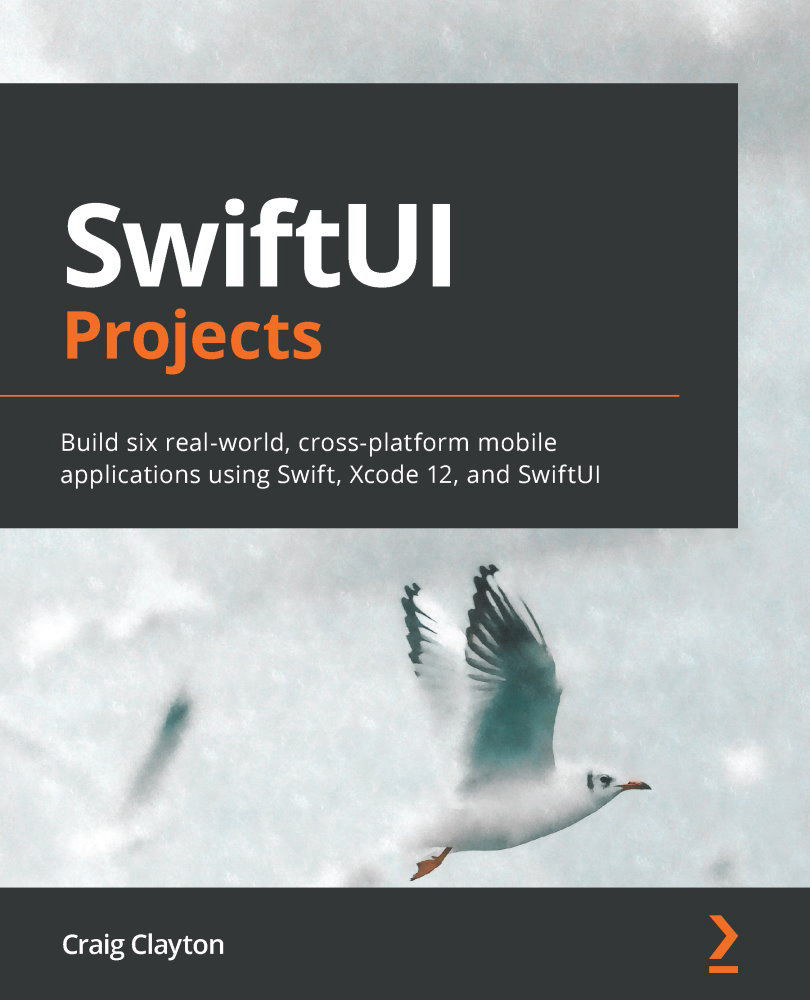
SwiftUI Projects

SwiftUI Projects

By : Craig Clayton
3 (11)
close
close
SwiftUI Projects

SwiftUI Projects

3 (11)
By: Craig Clayton

Overview of this book

Released by Apple during WWDC 2019, SwiftUI provides an innovative and exceptionally simple way to build user interfaces for all Apple platforms with the power of Swift. This practical guide involves six real-world projects built from scratch, with two projects each for iPhone, iPad, and watchOS, built using Swift programming and Xcode. Starting with the basics of SwiftUI, you’ll gradually delve into building these projects. You’ll learn the fundamental concepts of SwiftUI by working with views, layouts, and dynamic types. This SwiftUI book will also help you get hands-on with declarative programming for building apps that can run on multiple platforms. Throughout the book, you’ll work on a chart app (watchOS), NBA draft app (watchOS), financial app (iPhone), Tesla form app (iPhone), sports news app (iPad), and shoe point-of-sale system (iPad), which will enable you to understand the core elements of a SwiftUI project. By the end of the book, you’ll have built fully functional projects for multiple platforms and gained the knowledge required to become a professional SwiftUI developer.
Table of Contents (13 chapters)
close
close

Chapter 1: SwiftUI Basics

When Apple announced SwiftUI at WWDC in June, I was fortunate enough to be there. As soon as Apple presented SwiftUI, I was like a kid in a candy store because one of my biggest passions in iOS is working on the visual side. I love being able to take a design and try to come as close as I can to matching every detail of a designer's composition. The biggest downfall of using storyboards, which I am still a fan of, is that you cannot quickly prototype. I have ways of doing it, but it takes time, and sometimes you want to go in and try something and not spend a lot of time setting things up like Collection views or Table views with data. SwiftUI helps me focus on creating a beautiful design without needing any data, and when I am ready, I can plug in data. I find this to be the best process because I can add the data layer after completing the design.

I enjoyed designing all six apps that we will cover in this book. I tried to cover a wide range of topics with these six apps. We will build two watch apps, two iPhone apps, and two iPad apps. Most of these features are available on any device; I decided to mix up the apps so that there was a little variety. One thing about this book that might be slightly different is that I have set up the book so we cover design first. After that, we'll focus on the data side. If you do not care about design, you can easily skip this part. Do what you feel is best for you.

In this chapter, we will be working with the following:

  • Views and controls
  • Shapes
  • View layout and presentation

Views and controls are a crucial part of SwiftUI. Some of them you'll be familiar with if you have done iOS development before. Shapes in SwiftUI are super easy to create and use, and once you are comfortable with them, we'll add animations to them to bring them to life. We'll look at Rounded Rectangles, Rectangles, Circles, and even creating Activity Rings later in the book. Finally, view layout and presentation is a big part of SwiftUI, and we'll cover a ton of ways to make beautiful designs and recreate them in SwiftUI.

In this chapter's sample files, you will find a project called SwiftUIBasics. You can follow along with all of the code examples in that file. Since we will be doing a ton of writing, I designed this chapter for you to follow along with me.

In the SwiftUIBasics project, you will see three folders: Views and Controls, Shapes and View Layout, and Presentation. Each folder has all of the completed code, so you can just follow along. Feel free at this time to play around with modifiers. If you are new to programming, just type a . at the end of the line, and you will see a list of other modifiers you can add on.

If you want to type out each example, please feel free to follow along by creating a new project and just create a new SwiftUI file for each step.

You will notice ContentView in this app, but you can ignore it as we will not be using this file in this chapter. ContentView is the default view that you see when you create a new project. We are not going to cover all views and controls in this chapter, but we will cover most of them at some point in this book.

Visually different images
CONTINUE READING
83
Tech Concepts
36
Programming languages
73
Tech Tools
Icon Unlimited access to the largest independent learning library in tech of over 8,000 expert-authored tech books and videos.
Icon Innovative learning tools, including AI book assistants, code context explainers, and text-to-speech.
Icon 50+ new titles added per month and exclusive early access to books as they are being written.
SwiftUI Projects
notes
bookmark Notes and Bookmarks search Search in title playlist Add to playlist download Download options font-size Font size

Change the font size

margin-width Margin width

Change margin width

day-mode Day/Sepia/Night Modes

Change background colour

Close icon Search
Country selected

Close icon Your notes and bookmarks

Confirmation

Modal Close icon
claim successful

Buy this book with your credits?

Modal Close icon
Are you sure you want to buy this book with one of your credits?
Close
YES, BUY

Submit Your Feedback

Modal Close icon
Modal Close icon
Modal Close icon