
Sign In Start Free Trial
Account

Add to playlist

Create a Playlist

Modal Close icon
You need to login to use this feature.
  • Book Overview & Buying Selenium WebDriver 3 Practical Guide
  • Table Of Contents Toc
Selenium WebDriver 3 Practical Guide

Selenium WebDriver 3 Practical Guide - Second Edition

By : Sharma, UNMESH GUNDECHA, Avasarala
2.6 (5)
close
close
Selenium WebDriver 3 Practical Guide

Selenium WebDriver 3 Practical Guide

2.6 (5)
By: Sharma, UNMESH GUNDECHA, Avasarala

Overview of this book

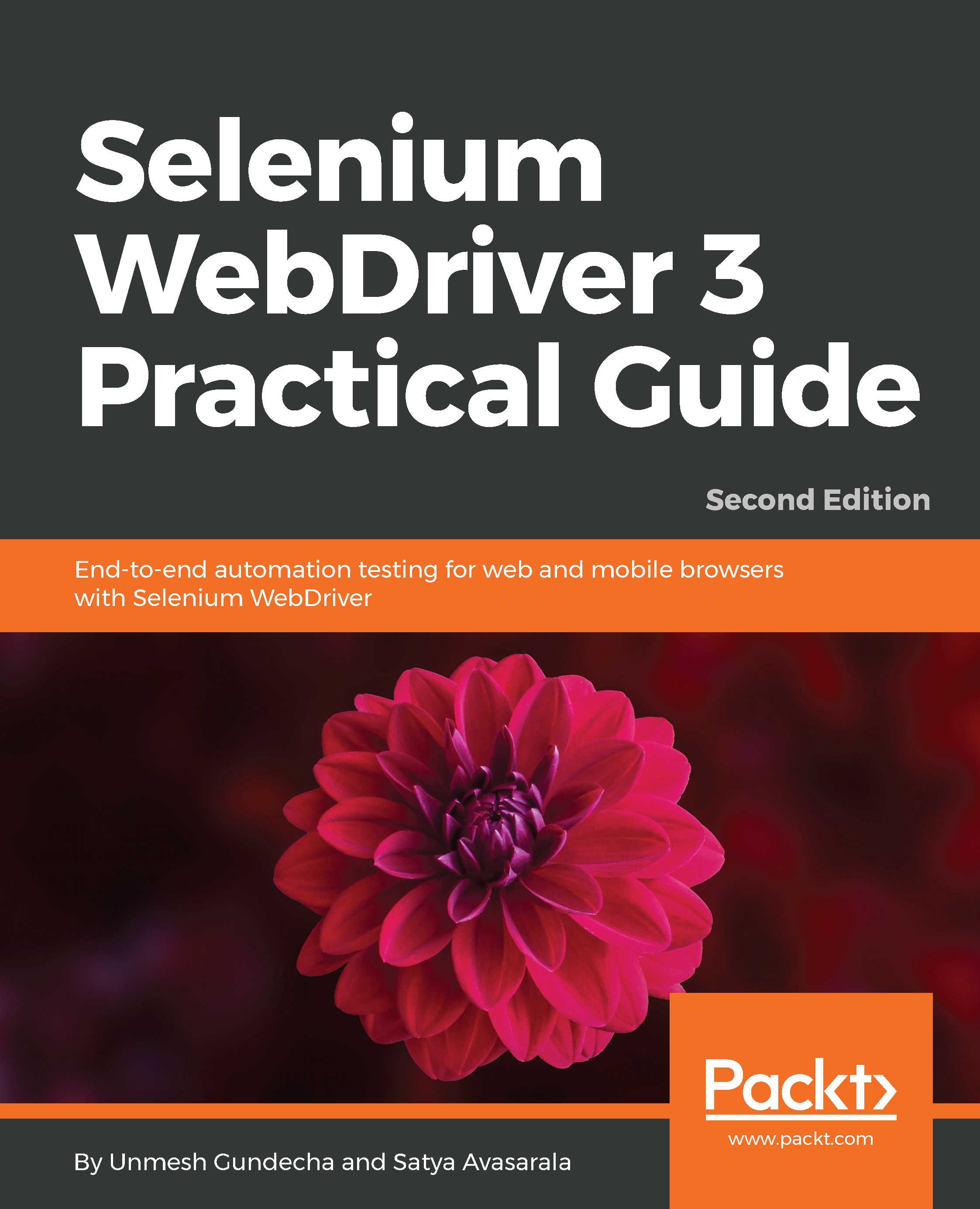
Selenium WebDriver is an open source automation tool implemented through a browser-specific driver, which sends commands to a browser and retrieves results. The latest version of Selenium 3 brings with it a lot of new features that change the way you use and setup Selenium WebDriver. This book covers all those features along with the source code, including a demo website that allows you to work with an HMTL5 application and other examples throughout the book. Selenium WebDriver 3 Practical Guide will walk you through the various APIs of Selenium WebDriver, which are used in automation tests, followed by a discussion of the various WebDriver implementations available. You will learn to strategize and handle rich web UI using advanced WebDriver API along with real-time challenges faced in WebDriver and solutions to handle them. You will discover different types and domains of testing such as cross-browser testing, load testing, and mobile testing with Selenium. Finally, you will also be introduced to data-driven testing using TestNG to create your own automation framework. By the end of this book, you will be able to select any web application and automate it the way you want.
Table of Contents (14 chapters)
close
close

Introducing Java 8 Stream API

The Stream API is a new addition to the Collections API in Java 8. The Stream API brings new ways to process collections of objects. A stream represents a sequence of elements and supports different kinds of operations (filter, sort, map, and collect) from a collection. We can chain these operations together to form a pipeline to query the data, as shown in this diagram:

We can obtain a Stream from a collection using the .stream() method. For example, we have a dropdown of languages supported by the sample web application displayed in the header section. Let's capture this in an Array list, as follows:

List<String> languages = new ArrayList<String>();
languages.add("English");
languages.add("German");
languages.add("French");

If we have to print the list members, we will use a for loop in the following...

Visually different images
CONTINUE READING
83
Tech Concepts
36
Programming languages
73
Tech Tools
Icon Unlimited access to the largest independent learning library in tech of over 8,000 expert-authored tech books and videos.
Icon Innovative learning tools, including AI book assistants, code context explainers, and text-to-speech.
Icon 50+ new titles added per month and exclusive early access to books as they are being written.
Selenium WebDriver 3 Practical Guide
notes
bookmark Notes and Bookmarks search Search in title playlist Add to playlist download Download options font-size Font size

Change the font size

margin-width Margin width

Change margin width

day-mode Day/Sepia/Night Modes

Change background colour

Close icon Search
Country selected

Close icon Your notes and bookmarks

Confirmation

Modal Close icon
claim successful

Buy this book with your credits?

Modal Close icon
Are you sure you want to buy this book with one of your credits?
Close
YES, BUY

Submit Your Feedback

Modal Close icon
Modal Close icon
Modal Close icon