
Sign In Start Free Trial
Account

Add to playlist

Create a Playlist

Modal Close icon
You need to login to use this feature.
  • Book Overview & Buying Salesforce Process Builder Quick Start Guide
  • Table Of Contents Toc
  • Feedback & Rating feedback
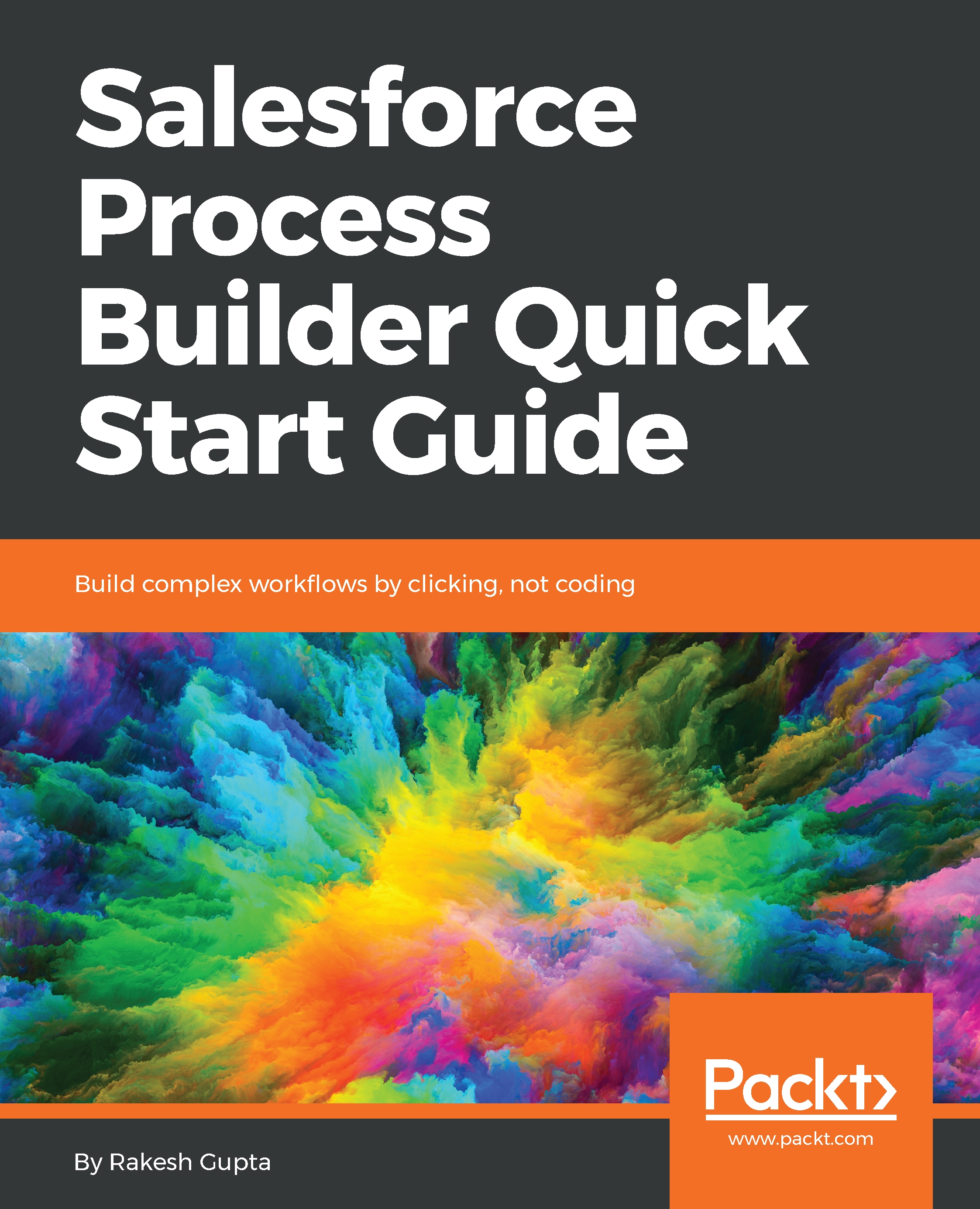
Salesforce Process Builder Quick Start Guide

Salesforce Process Builder Quick Start Guide

By : Gupta
1 (1)
close
close
Salesforce Process Builder Quick Start Guide

Salesforce Process Builder Quick Start Guide

1 (1)
By: Gupta

Overview of this book

Salesforce Management System is an information system used in CRM to automate business processes, such as sales and marketing. Process Builder is a visual tool created to automate business processes in Salesforce. It enables users with no coding expertise to build complex Salesforce workflows. The book starts with an introduction to Process Builder, focussing on the building blocks of creating Processes. Then you will learn about different applications of Process Builder for developing streamlined solutions. You will learn how to easily automate business processes and tackle complex business scenarios using Processes. The book explains the workings of the Process Builder so that you can create reusable processes. It also explains how you can migrate existing Workflow Rules to Process Builder. By the end of the book, you will have a clear understanding of how to use Flows and Process Builder to optimize code usage.
Table of Contents (5 chapters)
close
close

An overview of process management

Now that you have an understanding of Process Builder, you know that it is a tool that allows you to streamline business processes without writing code. You can also use it to view your business process visually. The process management page allows you to see all of the processes in the current Salesforce organization. The process management page provides the following options:

  • Creating a new process.
  • Editing a process.
  • Deleting an inactive process, or its version.
  • Checking the statuses of processes that have been created for the current organization.
  • Sorting the processes by name, description, object, last modified date, or status.

Your process management page should look like the following screenshot:

The process management page displays the fields: PROCESS, DESCRIPTION, OBJECT, PROCESS TYPE, LAST MODIFIED, STATUS, and...

Visually different images
CONTINUE READING
83
Tech Concepts
36
Programming languages
73
Tech Tools
Icon Unlimited access to the largest independent learning library in tech of over 8,000 expert-authored tech books and videos.
Icon Innovative learning tools, including AI book assistants, code context explainers, and text-to-speech.
Icon 50+ new titles added per month and exclusive early access to books as they are being written.
Salesforce Process Builder Quick Start Guide
notes
bookmark Notes and Bookmarks search Search in title playlist Add to playlist font-size Font size

Change the font size

margin-width Margin width

Change margin width

day-mode Day/Sepia/Night Modes

Change background colour

Close icon Search
Country selected

Close icon Your notes and bookmarks

Confirmation

Modal Close icon
claim successful

Buy this book with your credits?

Modal Close icon
Are you sure you want to buy this book with one of your credits?
Close
YES, BUY

Submit Your Feedback

Modal Close icon
Modal Close icon
Modal Close icon