
Sign In Start Free Trial
Account

Add to playlist

Create a Playlist

Modal Close icon
You need to login to use this feature.
  • Book Overview & Buying Dynamics 365 Business Central Development Quick Start Guide
  • Table Of Contents Toc
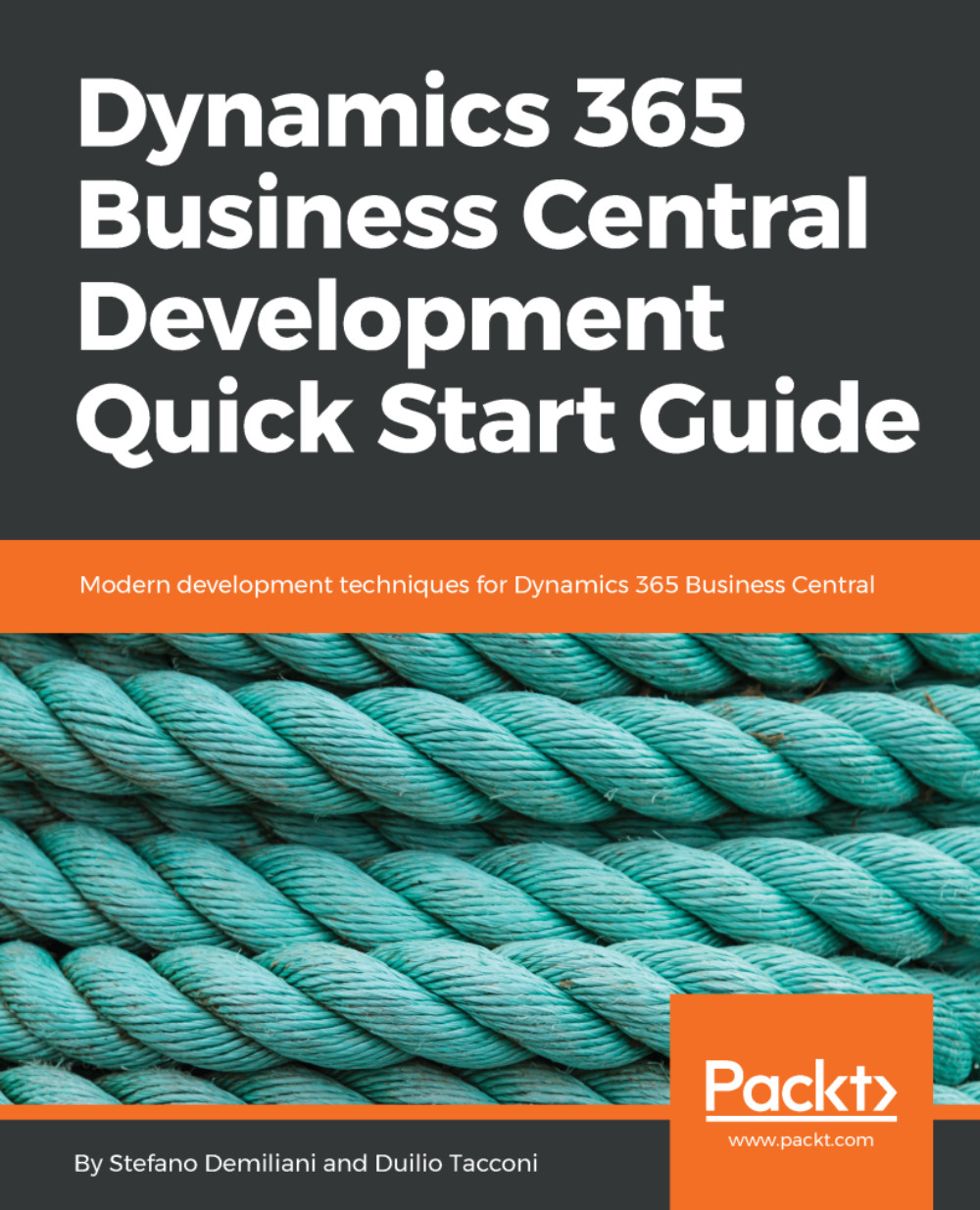
Dynamics 365 Business Central Development Quick Start Guide

Dynamics 365 Business Central Development Quick Start Guide

By : Stefano Demiliani, Tacconi
3.5 (4)
close
close
Dynamics 365 Business Central Development Quick Start Guide

Dynamics 365 Business Central Development Quick Start Guide

3.5 (4)
By: Stefano Demiliani, Tacconi

Overview of this book

Microsoft Dynamics 365 Business Central is the new SaaS ERP proposition from Microsoft. This latest version has many exciting features guaranteed to make your life easier. This book is an ideal guide to Dynamics 365 Business Central and will help you get started with implementing and designing solutions for real-world scenarios. This book will take you through the fundamental topics for implementing solutions based on Dynamics 365 Business Central (on-premise and SaaS). We'll see the core topics of the new development model (based on extensions) and we'll see how to create applications with the new Microsoft ERP proposition. The book begins by explaining the basics of Dynamics 365 Business Central and the Microsoft ERP proposition. We will then cover topics such as extensions, the new modern development model of Visual studio code, sandboxes, Docker, and many others. By the end of the book, you will have learned how to debug and compile extensions and to deploy them to the cloud and on-premise.You will also have learned how to create serverless business processes for Microsoft Dynamics 365 Business Central.
Table of Contents (9 chapters)
close
close

Developing an Extension with AL and VS Code

In Chapter 4, Creating Your Development Sandbox, we saw how to create a Microsoft Dynamics 365 Business Central sandbox environment for developing and testing purposes, and we saw all the available sandbox types you can create (online, hosted on Azure, and hosted locally).

In this chapter, we'll develop a complete extension for Microsoft Dynamics 365 Business Central by using the new modern development environment, Visual Studio Code.

Here, you will learn the following:

  • How to create new tables and extend existing ones
  • How to create new pages and extend existing ones
  • How to create custom business logic and how to use events in AL
  • How to create a custom report
  • Different tips and tricks for developing extensions with AL
  • Handling dependencies between extensions
  • Handling translations and multi-language capabilities

...
Visually different images
CONTINUE READING
83
Tech Concepts
36
Programming languages
73
Tech Tools
Icon Unlimited access to the largest independent learning library in tech of over 8,000 expert-authored tech books and videos.
Icon Innovative learning tools, including AI book assistants, code context explainers, and text-to-speech.
Icon 50+ new titles added per month and exclusive early access to books as they are being written.
Dynamics 365 Business Central Development Quick Start Guide
notes
bookmark Notes and Bookmarks search Search in title playlist Add to playlist download Download options font-size Font size

Change the font size

margin-width Margin width

Change margin width

day-mode Day/Sepia/Night Modes

Change background colour

Close icon Search
Country selected

Close icon Your notes and bookmarks

Confirmation

Modal Close icon
claim successful

Buy this book with your credits?

Modal Close icon
Are you sure you want to buy this book with one of your credits?
Close
YES, BUY

Submit Your Feedback

Modal Close icon
Modal Close icon
Modal Close icon