Sign In Start Free Trial
Account

Add to playlist

Create a Playlist

Modal Close icon
You need to login to use this feature.
  • Book Overview & Buying Modern C++ Programming Cookbook
  • Table Of Contents Toc
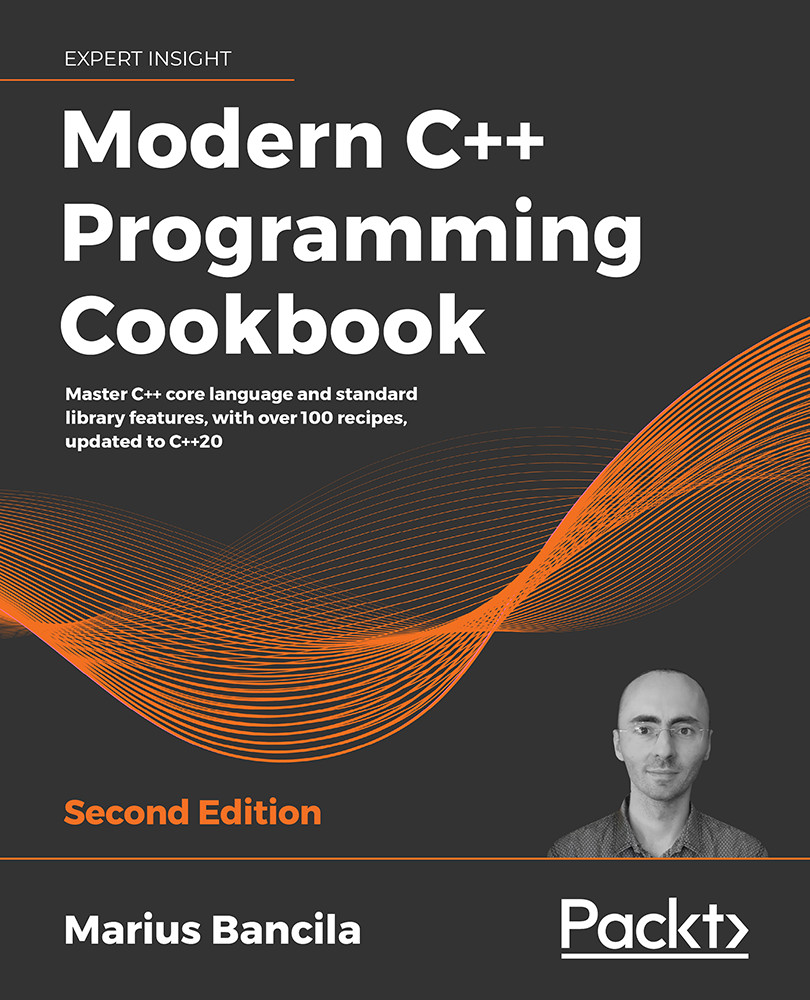
Modern C++ Programming Cookbook

Modern C++ Programming Cookbook - Second Edition

By : Marius Bancila
4.7 (12)
close
close
Modern C++ Programming Cookbook

Modern C++ Programming Cookbook

4.7 (12)
By: Marius Bancila

Overview of this book

C++ has come a long way to be one of the most widely used general-purpose languages that is fast, efficient, and high-performance at its core. The updated second edition of Modern C++ Programming Cookbook addresses the latest features of C++20, such as modules, concepts, coroutines, and the many additions to the standard library, including ranges and text formatting. The book is organized in the form of practical recipes covering a wide range of problems faced by modern developers. The book also delves into the details of all the core concepts in modern C++ programming, such as functions and classes, iterators and algorithms, streams and the file system, threading and concurrency, smart pointers and move semantics, and many others. It goes into the performance aspects of programming in depth, teaching developers how to write fast and lean code with the help of best practices. Furthermore, the book explores useful patterns and delves into the implementation of many idioms, including pimpl, named parameter, and attorney-client, teaching techniques such as avoiding repetition with the factory pattern. There is also a chapter dedicated to unit testing, where you are introduced to three of the most widely used libraries for C++: Boost.Test, Google Test, and Catch2. By the end of the book, you will be able to effectively leverage the features and techniques of C++11/14/17/20 programming to enhance the performance, scalability, and efficiency of your applications.
Table of Contents (16 chapters)
close
close
13
Bibliography
14
Other Books You May Enjoy
15
Index

Creating cooked user-defined literals

Literals are constants of built-in types (numerical, Boolean, character, character string, and pointer) that cannot be altered in a program. The language defines a series of prefixes and suffixes to specify literals (and the prefix/suffix is actually part of the literal). C++11 allows us to create user-defined literals by defining functions called literal operators, which introduce suffixes for specifying literals. These work only with numerical character and character string types.

This opens the possibility of defining both standard literals in future versions and allows developers to create their own literals. In this recipe, we will learn how to create our own cooked literals.

Getting ready

User-defined literals can have two forms: raw and cooked. Raw literals are not processed by the compiler, whereas cooked literals are values processed by the compiler (examples can include handling escape sequences in a character string or identifying numerical values such as integer 2898 from literal 0xBAD). Raw literals are only available for integral and floating-point types, whereas cooked literals are also available for character and character string literals.

How to do it...

To create cooked user-defined literals, you should follow these steps:

  1. Define your literals in a separate namespace to avoid name clashes.
  2. Always prefix the user-defined suffix with an underscore (_).
  3. Define a literal operator of one of the following forms for cooked literals:
    T operator "" _suffix(unsigned long long int);
    T operator "" _suffix(long double);
    T operator "" _suffix(char);
    T operator "" _suffix(wchar_t);
    T operator "" _suffix(char16_t);
    T operator "" _suffix(char32_t);
    T operator "" _suffix(char const *, std::size_t);
    T operator "" _suffix(wchar_t const *, std::size_t);
    T operator "" _suffix(char16_t const *, std::size_t);
    T operator "" _suffix(char32_t const *, std::size_t);
    

The following example creates a user-defined literal for specifying kilobytes:

namespace compunits
{
  constexpr size_t operator "" _KB(unsigned long long const size)
  {
    return static_cast<size_t>(size * 1024);
  }
}
auto size{ 4_KB };         // size_t size = 4096;
using byte = unsigned char;
auto buffer = std::array<byte, 1_KB>{};

How it works...

When the compiler encounters a user-defined literal with a user-defined suffix, S (it always has a leading underscore for third-party suffixes, as suffixes without a leading underscore are reserved for the standard library), it does an unqualified name lookup in order to identify a function with the name operator "" S. If it finds one, then it calls it according to the type of the literal and the type of the literal operator. Otherwise, the compiler will yield an error.

In the example shown in the How to do it... section, the literal operator is called operator "" _KB and has an argument of type unsigned long long int. This is the only integral type possible for literal operators for handling integral types. Similarly, for floating-point user-defined literals, the parameter type must be long double since for numeric types, the literal operators must be able to handle the largest possible values. This literal operator returns a constexpr value so that it can be used where compile-time values are expected, such as specifying the size of an array, as shown in the preceding example.

When the compiler identifies a user-defined literal and has to call the appropriate user-defined literal operator, it will pick the overload from the overload set according to the following rules:

  • For integral literals: It calls in the following order: the operator that takes an unsigned long long, the raw literal operator that takes a const char*, or the literal operator template.
  • For floating-point literals: It calls in the following order: the operator that takes a long double, the raw literal operator that takes a const char*, or the literal operator template.
  • For character literals: It calls the appropriate operator, depending on the character type (char, wchar_t, char16_t, and char32_t).
  • For string literals: It calls the appropriate operator, depending on the string type, that takes a pointer to the string of characters and the size.

In the following example, we're defining a system of units and quantities. We want to operate with kilograms, pieces, liters, and other types of units. This could be useful in a system that can process orders and you need to specify the amount and unit for each article.

The following are defined in the namespace units:

  • A scoped enumeration for the possible types of units (kilogram, meter, liter, and pieces):
    enum class unit { kilogram, liter, meter, piece, };
    
  • A class template to specify quantities of a particular unit (such as 3.5 kilograms or 42 pieces):
    template <unit U>
    class quantity
    {
      const double amount;
    public:
      constexpr explicit quantity(double const a) : amount(a)
      {}
      explicit operator double() const { return amount; }
    };
    
  • The operator+ and operator- functions for the quantity class template in order to be able to add and subtract quantities:
    template <unit U>
    constexpr quantity<U> operator+(quantity<U> const &q1,
                                    quantity<U> const &q2)
    {
      return quantity<U>(static_cast<double>(q1) +
                         static_cast<double>(q2));
    }
    template <unit U>
    constexpr quantity<U> operator-(quantity<U> const &q1,
                                    quantity<U> const &q2)
    {
      return quantity<U>(static_cast<double>(q1) –
                         static_cast<double>(q2));
    }
    
  • Literal operators to create quantity literals, defined in an inner namespace called unit_literals. The purpose of this is to avoid possible name clashes with literals from other namespaces.

    If such collisions do happen, developers could select the ones that they should use using the appropriate namespace in the scope where the literals need to be defined:

    namespace unit_literals
    {
      constexpr quantity<unit::kilogram> operator "" _kg(
          long double const amount)
      {
        return quantity<unit::kilogram>
          { static_cast<double>(amount) };
      }
      constexpr quantity<unit::kilogram> operator "" _kg(
          unsigned long long const amount)
      {
        return quantity<unit::kilogram>
          { static_cast<double>(amount) };
      }
      constexpr quantity<unit::liter> operator "" _l(
          long double const amount)
      {
        return quantity<unit::liter>
          { static_cast<double>(amount) };
      }
      constexpr quantity<unit::meter> operator "" _m(
          long double const amount)
      {
        return quantity<unit::meter>
          { static_cast<double>(amount) };
      }
      constexpr quantity<unit::piece> operator "" _pcs(
          unsigned long long const amount)
      {
        return quantity<unit::piece>
          { static_cast<double>(amount) };
      }
    }
    

By looking carefully, you can note that the literal operators defined earlier are not the same:

  • _kg is defined for both integral and floating-point literals; that enables us to create both integral and floating-point values such as 1_kg and 1.0_kg.
  • _l and _m are defined only for floating-point literals; this means we can only define quantity literals for these units with floating points, such as 4.5_l and 10.0_m.
  • _pcs is only defined for integral literals; this means we can only define quantities of an integer number of pieces, such as 42_pcs.

Having these literal operators available, we can operate with various quantities. The following examples show both valid and invalid operations:

using namespace units;
using namespace unit_literals;
auto q1{ 1_kg };    // OK
auto q2{ 4.5_kg };  // OK
auto q3{ q1 + q2 }; // OK
auto q4{ q2 - q1 }; // OK
// error, cannot add meters and pieces
auto q5{ 1.0_m + 1_pcs };
// error, cannot have an integer number of liters
auto q6{ 1_l };
// error, can only have an integer number of pieces
auto q7{ 2.0_pcs}

q1 is a quantity of 1 kg; this is an integer value. Since an overloaded operator "" _kg(unsigned long long const) exists, the literal can be correctly created from the integer 1. Similarly, q2 is a quantity of 4.5 kilograms; this is a real value. Since an overloaded operator "" _kg(long double) exists, the literal can be created from the double floating-point value 4.5.

On the other hand, q6 is a quantity of 1 liter. Since there is no overloaded operator "" _l(unsigned long long), the literal cannot be created. It would require an overload that takes an unsigned long long, but such an overload does not exist. Similarly, q7 is a quantity of 2.0 pieces, but piece literals can only be created from integer values and, therefore, this generates another compiler error.

There's more...

Though user-defined literals are available from C++11, standard literal operators have been available only from C++14. Further standard user-defined literals have been added to the next versions of the standard. The following is a list of these standard literal operators:

  • operator""s for defining std::basic_string literals and operator""sv (in C++17) for defining std::basic_string_view literals:
    using namespace std::string_literals;
    auto s1{  "text"s }; // std::string
    auto s2{ L"text"s }; // std::wstring
    auto s3{ u"text"s }; // std::u16string
    auto s4{ U"text"s }; // std::u32string
    using namespace std::string_view_literals;
    auto s5{ "text"sv }; // std::string_view
    
  • operator""h, operator""min, operator""s, operator""ms, operator""us, and operator""ns for creating an std::chrono::duration value:
    using namespace std::chrono_literals;
    // std::chrono::duration<long long>
    auto timer {2h + 42min + 15s};
    
  • operator""y for creating an std::chrono::year literal and operator""d for creating an std::chrono::day literal that represents a day of a month, both added to C++20:
    using namespace std::chrono_literals;
    auto year { 2020y }; // std::chrono::year
    auto day { 15d };    // std::chrono::day
    
  • operator""if, operator""i, and operator""il for creating an std::complex value:
    using namespace std::complex_literals;
    auto c{ 12.0 + 4.5i }; // std::complex<double>
    

The standard user-defined literals are available in multiple namespaces. For instance, the ""s and ""sv literals for strings are defined in the namespace std::literals::string_literals.

However, both literals and string_literals are inlined namespaces. Therefore, you can access the literals with using namespace std::literals, using namespace std::string_literals, or using namespace std::literals::string_literals. In the previous examples, the second form was preferred.

See also

  • Using raw string literals to avoid escaping characters to learn how to define string literals without the need to escape special characters
  • Creating raw user-defined literals to understand how to provide a custom interpretation of an input sequence so that it changes the normal behavior of the compiler
  • Using inline namespaces for symbol versioning in Chapter 1, Learning Modern Core Language Features, to learn how to version your source code using inline namespaces and conditional compilation
CONTINUE READING
83
Tech Concepts
36
Programming languages
73
Tech Tools
Icon Unlimited access to the largest independent learning library in tech of over 8,000 expert-authored tech books and videos.
Icon Innovative learning tools, including AI book assistants, code context explainers, and text-to-speech.
Icon 50+ new titles added per month and exclusive early access to books as they are being written.
Modern C++ Programming Cookbook
notes
bookmark Notes and Bookmarks search Search in title playlist Add to playlist download Download options font-size Font size

Change the font size

margin-width Margin width

Change margin width

day-mode Day/Sepia/Night Modes

Change background colour

Close icon Search
Country selected

Close icon Your notes and bookmarks

Confirmation

Modal Close icon
claim successful

Buy this book with your credits?

Modal Close icon
Are you sure you want to buy this book with one of your credits?
Close
YES, BUY

Submit Your Feedback

Modal Close icon
Modal Close icon
Modal Close icon