Sign In Start Free Trial
Account

Add to playlist

Create a Playlist

Modal Close icon
You need to login to use this feature.
  • Book Overview & Buying Modern C++ Programming Cookbook
  • Table Of Contents Toc
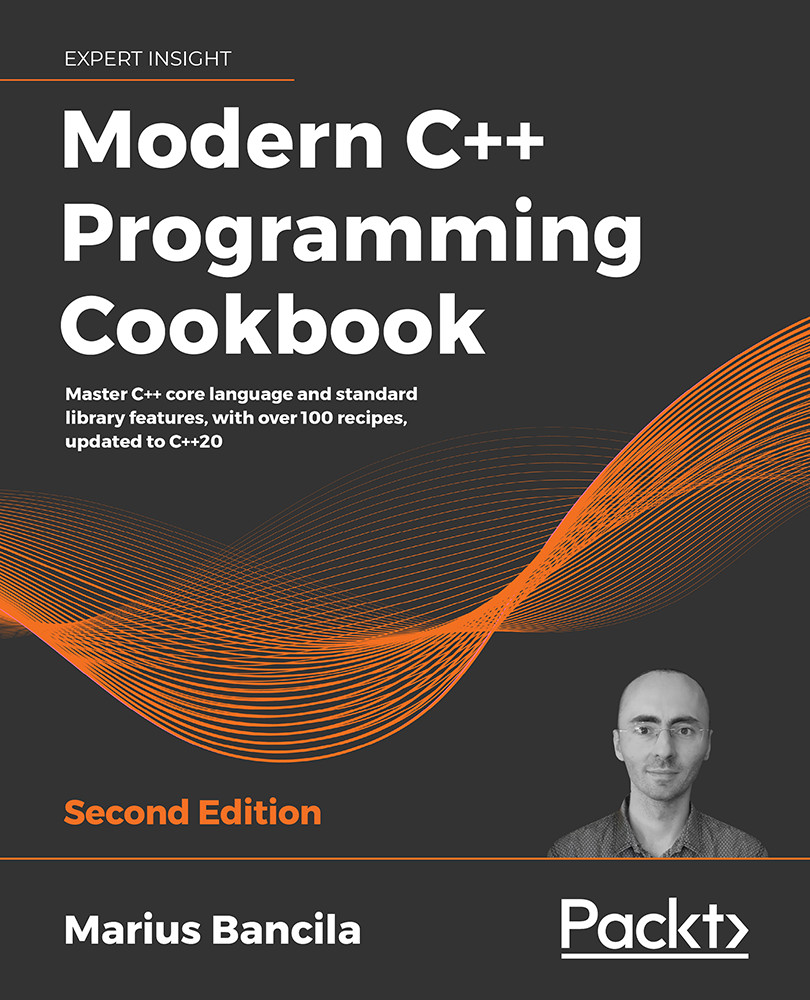
Modern C++ Programming Cookbook

Modern C++ Programming Cookbook - Second Edition

By : Marius Bancila
4.7 (12)
close
close
Modern C++ Programming Cookbook

Modern C++ Programming Cookbook

4.7 (12)
By: Marius Bancila

Overview of this book

C++ has come a long way to be one of the most widely used general-purpose languages that is fast, efficient, and high-performance at its core. The updated second edition of Modern C++ Programming Cookbook addresses the latest features of C++20, such as modules, concepts, coroutines, and the many additions to the standard library, including ranges and text formatting. The book is organized in the form of practical recipes covering a wide range of problems faced by modern developers. The book also delves into the details of all the core concepts in modern C++ programming, such as functions and classes, iterators and algorithms, streams and the file system, threading and concurrency, smart pointers and move semantics, and many others. It goes into the performance aspects of programming in depth, teaching developers how to write fast and lean code with the help of best practices. Furthermore, the book explores useful patterns and delves into the implementation of many idioms, including pimpl, named parameter, and attorney-client, teaching techniques such as avoiding repetition with the factory pattern. There is also a chapter dedicated to unit testing, where you are introduced to three of the most widely used libraries for C++: Boost.Test, Google Test, and Catch2. By the end of the book, you will be able to effectively leverage the features and techniques of C++11/14/17/20 programming to enhance the performance, scalability, and efficiency of your applications.
Table of Contents (16 chapters)
close
close
13
Bibliography
14
Other Books You May Enjoy
15
Index

Using string_view instead of constant string references

When working with strings, temporary objects are created all the time, even if you might not be really aware of it. Many times, these temporary objects are irrelevant and only serve the purpose of copying data from one place to another (for example, from a function to its caller). This represents a performance issue because they require memory allocation and data copying, which should be avoided. For this purpose, the C++17 standard provides a new string class template called std::basic_string_view that represents a non-owning constant reference to a string (that is, a sequence of characters). In this recipe, you will learn when and how you should use this class.

Getting ready

The string_view class is available in the namespace std in the string_view header.

How to do it...

You should use std::string_view to pass a parameter to a function (or return a value from a function), instead of std::string const &, unless your code needs to call other functions that take std::string parameters (in which case, conversions would be necessary):

std::string_view get_filename(std::string_view str)
{
  auto const pos1 {str.find_last_of('')};
  auto const pos2 {str.find_last_of('.')};
  return str.substr(pos1 + 1, pos2 - pos1 - 1);
}
char const file1[] {R"(c:\test\example1.doc)"};
auto name1 = get_filename(file1);
std::string file2 {R"(c:\test\example2)"};
auto name2 = get_filename(file2);
auto name3 = get_filename(std::string_view{file1, 16});

How it works...

Before we look at how the new string type works, let's consider the following example of a function that is supposed to extract the name of a file without its extension. This is basically how you would write the function from the previous section before C++17:

std::string get_filename(std::string const & str)
{
  auto const pos1 {str.find_last_of('\\')};
  auto const pos2 {str.find_last_of('.')};
  return str.substr(pos1 + 1, pos2 - pos1 - 1);
}
auto name1 = get_filename(R"(c:\test\example1.doc)"); // example1
auto name2 = get_filename(R"(c:\test\example2)");     // example2
if(get_filename(R"(c:\test\_sample_.tmp)").front() == '_') {}

Note that in this example, the file separator is \ (backslash), as in Windows. For Linux-based systems, it has to be changed to / (slash).

The get_filename() function is relatively simple. It takes a constant reference to an std::string and identifies a substring bounded by the last file separator and the last dot, which basically represents a filename without an extension (and without folder names).

The problem with this code, however, is that it creates one, two, or possibly even more temporaries, depending on the compiler optimizations. The function parameter is a constant std::string reference, but the function is called with a string literal, which means std::string needs to be constructed from the literal. These temporaries need to allocate and copy data, which is both time- and resource-consuming. In the last example, all we want to do is check whether the first character of the filename is an underscore, but we create at least two temporary string objects for that purpose.

The std::basic_string_view class template is intended to solve this problem. This class template is very similar to std::basic_string, with the two having almost the same interface. The reason for this is that std::basic_string_view is intended to be used instead of a constant reference to an std::basic_string without further code changes. Just like with std::basic_string, there are specializations for all types of standard characters:

typedef basic_string_view<char>     string_view;
typedef basic_string_view<wchar_t>  wstring_view;
typedef basic_string_view<char16_t> u16string_view;
typedef basic_string_view<char32_t> u32string_view;

The std::basic_string_view class template defines a reference to a constant contiguous sequence of characters. As the name implies, it represents a view and cannot be used to modify the reference sequence of characters. An std::basic_string_view object has a relatively small size because all that it needs is a pointer to the first character in the sequence and the length. It can be constructed not only from an std::basic_string object but also from a pointer and a length, or from a null-terminated sequence of characters (in which case, it will require an initial traversal of the string in order to find the length). Therefore, the std::basic_string_view class template can also be used as a common interface for multiple types of strings (as long as data only needs to be read). On the other hand, converting from an std::basic_string_view to an std::basic_string is not possible.

You must explicitly construct an std::basic_string object from a std::basic_string_view, as shown in the following example:

std::string_view sv{ "demo" };
std::string s{ sv };

Passing std::basic_string_view to functions and returning std::basic_string_view still creates temporaries of this type, but these are small-sized objects on the stack (a pointer and a size could be 16 bytes for 64-bit platforms); therefore, they should incur fewer performance costs than allocating heap space and copying data.

Note that all major compilers provide an implementation of std::basic_string, which includes a small string optimization. Although the implementation details are different, they typically rely on having a statically allocated buffer of a number of characters (16 for VC++ and GCC 5 or newer) that does not involve heap operations, which are only required when the size of the string exceeds that number of characters.

In addition to the methods that are identical to those available in std::basic_string, the std::basic_string_view has two more:

  • remove_prefix(): Shrinks the view by incrementing the start with N characters and decrementing the length with N characters.
  • remove_suffix(): Shrinks the view by decrementing the length with N characters.

The two member functions are used in the following example to trim an std::string_view from spaces, both at the beginning and the end. The implementation of the function first looks for the first element that is not a space and then for the last element that is not a space. Then, it removes from the end everything after the last non-space character, and from the beginning everything until the first non-space character. The function returns the new view, trimmed at both ends:

std::string_view trim_view(std::string_view str)
{
  auto const pos1{ str.find_first_not_of(" ") };
  auto const pos2{ str.find_last_not_of(" ") };
  str.remove_suffix(str.length() - pos2 - 1);
  str.remove_prefix(pos1);
  return str;
}
auto sv1{ trim_view("sample") };
auto sv2{ trim_view("  sample") };
auto sv3{ trim_view("sample  ") };
auto sv4{ trim_view("  sample  ") };
std::string s1{ sv1 };
std::string s2{ sv2 };
std::string s3{ sv3 };
std::string s4{ sv4 };

When using std::basic_string_view, you must be aware of two things: you cannot change the underlying data referred to by a view and you must manage the lifetime of the data, as the view is a non-owning reference.

See also

  • Creating a library of string helpers to see how to create useful text utilities that are not directly available in the standard library
CONTINUE READING
83
Tech Concepts
36
Programming languages
73
Tech Tools
Icon Unlimited access to the largest independent learning library in tech of over 8,000 expert-authored tech books and videos.
Icon Innovative learning tools, including AI book assistants, code context explainers, and text-to-speech.
Icon 50+ new titles added per month and exclusive early access to books as they are being written.
Modern C++ Programming Cookbook
notes
bookmark Notes and Bookmarks search Search in title playlist Add to playlist download Download options font-size Font size

Change the font size

margin-width Margin width

Change margin width

day-mode Day/Sepia/Night Modes

Change background colour

Close icon Search
Country selected

Close icon Your notes and bookmarks

Confirmation

Modal Close icon
claim successful

Buy this book with your credits?

Modal Close icon
Are you sure you want to buy this book with one of your credits?
Close
YES, BUY

Submit Your Feedback

Modal Close icon
Modal Close icon
Modal Close icon