


-
Book Overview & Buying
-
Table Of Contents

-
Feedback & Rating

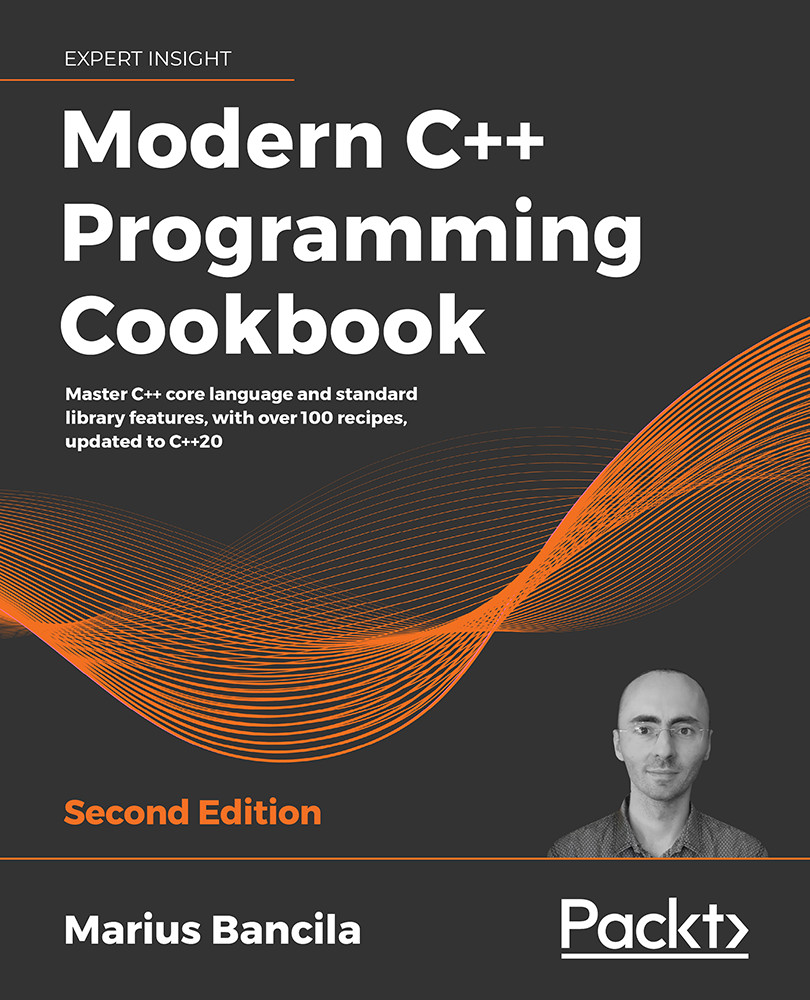
Modern C++ Programming Cookbook - Second Edition
By :


Modern C++ Programming Cookbook
By:
Overview of this book
C++ has come a long way to be one of the most widely used general-purpose languages that is fast, efficient, and high-performance at its core.
The updated second edition of Modern C++ Programming Cookbook addresses the latest features of C++20, such as modules, concepts, coroutines, and the many additions to the standard library, including ranges and text formatting. The book is organized in the form of practical recipes covering a wide range of problems faced by modern developers.
The book also delves into the details of all the core concepts in modern C++ programming, such as functions and classes, iterators and algorithms, streams and the file system, threading and concurrency, smart pointers and move semantics, and many others. It goes into the performance aspects of programming in depth, teaching developers how to write fast and lean code with the help of best practices.
Furthermore, the book explores useful patterns and delves into the implementation of many idioms, including pimpl, named parameter, and attorney-client, teaching techniques such as avoiding repetition with the factory pattern. There is also a chapter dedicated to unit testing, where you are introduced to three of the most widely used libraries for C++: Boost.Test, Google Test, and Catch2.
By the end of the book, you will be able to effectively leverage the features and techniques of C++11/14/17/20 programming to enhance the performance, scalability, and efficiency of your applications.
Table of Contents (16 chapters)
Preface


Learning Modern Core Language Features
 Free Chapter
Working with Numbers and Strings
Exploring Functions

Preprocessing and Compilation
Standard Library Containers, Algorithms, and Iterators
General-Purpose Utilities
Working with Files and Streams
Leveraging Threading and Concurrency
Robustness and Performance
Implementing Patterns and Idioms
Exploring Testing Frameworks
C Plus Plus 20 Core Features
Bibliography
Other Books You May Enjoy
Index
Customer Reviews



