


-
Book Overview & Buying
-
Table Of Contents

-
Feedback & Rating

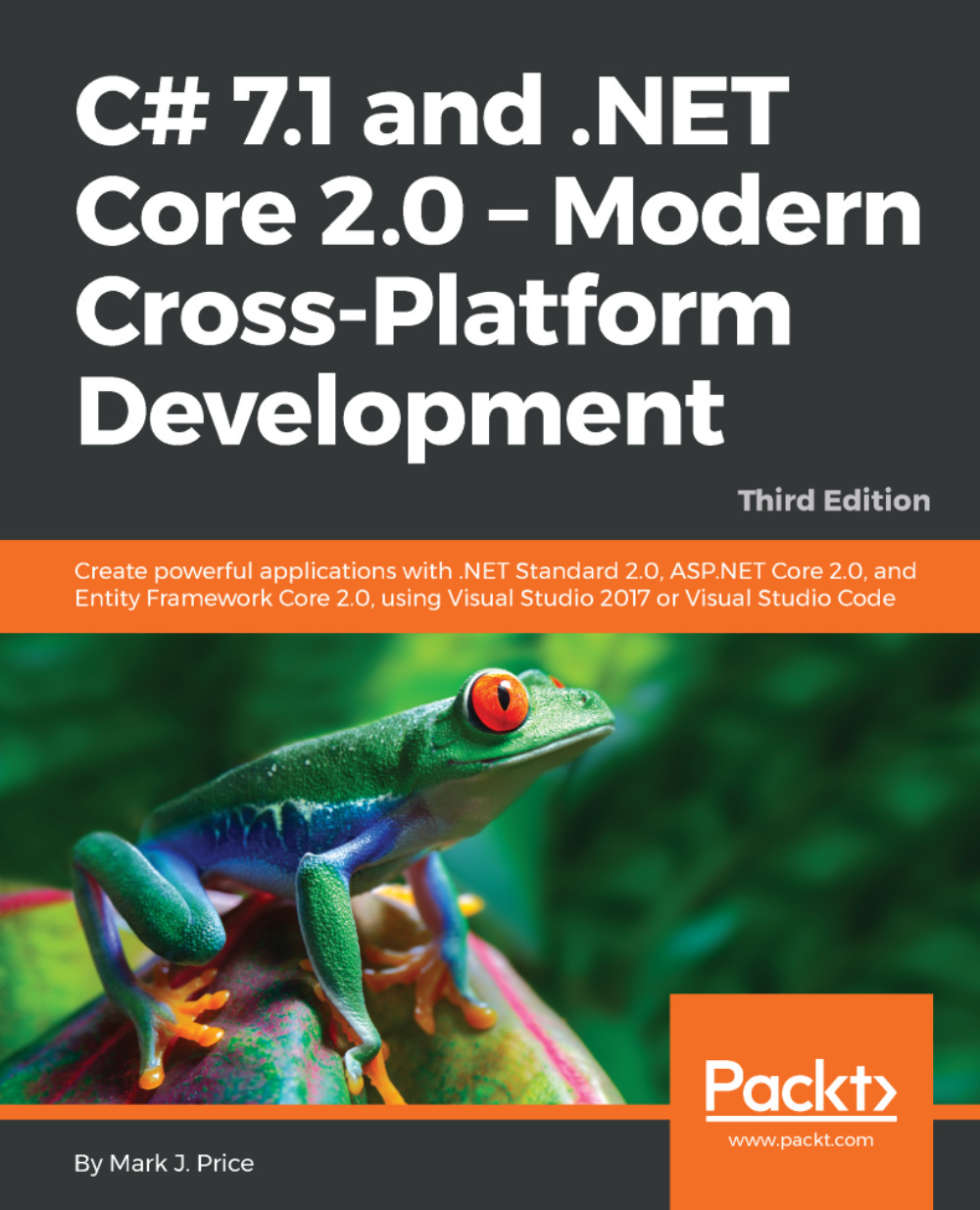
C# 7.1 and .NET Core 2.0 ??? Modern Cross-Platform Development - Third Edition
By :


C# 7.1 and .NET Core 2.0 ??? Modern Cross-Platform Development
By:
Overview of this book
C# 7.1 and .NET Core 2.0 – Modern Cross-Platform Development, Third Edition, is a practical guide to creating powerful cross-platform applications with C# 7.1 and .NET Core 2.0. It gives readers of any experience level a solid foundation in C# and .NET. The first part of the book runs you through the basics of C#, as well as debugging functions and object-oriented programming, before taking a quick tour through the latest features of C# 7.1 such as default literals, tuples, inferred tuple names, pattern matching, out variables, and more.
After quickly taking you through C# and how .NET works, this book dives into the .NET Standard 2.0 class libraries, covering topics such as packaging and deploying your own libraries, and using common libraries for working with collections, performance, monitoring, serialization, files, databases, and encryption. The final section of the book demonstrates the major types of application that you can build and deploy cross-device and cross-platform. In this section, you'll learn about websites, web applications, web services, Universal Windows Platform (UWP) apps, and mobile apps. By the end of the book, you'll be armed with all the knowledge you need to build modern, cross-platform applications using C# and .NET.
Table of Contents (23 chapters)

 Free Chapter
Hello, C#! Welcome, .NET!

Speaking C#
Controlling Flow and Converting Types
Writing, Debugging, and Testing Functions
Building Your Own Types with Object-Oriented Programming
Implementing Interfaces and Inheriting Classes
Understanding and Packaging .NET Types
Working with Common .NET Types
Working with Files, Streams, and Serialization
Protecting Your Data and Applications
Working with Databases Using Entity Framework Core
Querying and Manipulating Data Using LINQ
Improving Performance and Scalability Using Multitasking
Introducing Practical Applications of C# and .NET
Building Websites Using ASP.NET Core Razor Pages
Building Websites Using the Model-View-Controller Pattern

Building Websites Using a Content Management System
Building and Consuming Web Services
Building Intelligent Apps Using Machine Learning
Building Web User Interfaces Using Blazor
Building Cross-Platform Mobile Apps
Index
Customer Reviews



