Sign In Start Free Trial
Account

Add to playlist

Create a Playlist

Modal Close icon
You need to login to use this feature.
  • Book Overview & Buying Python Object-Oriented Programming
  • Table Of Contents Toc
Python Object-Oriented Programming

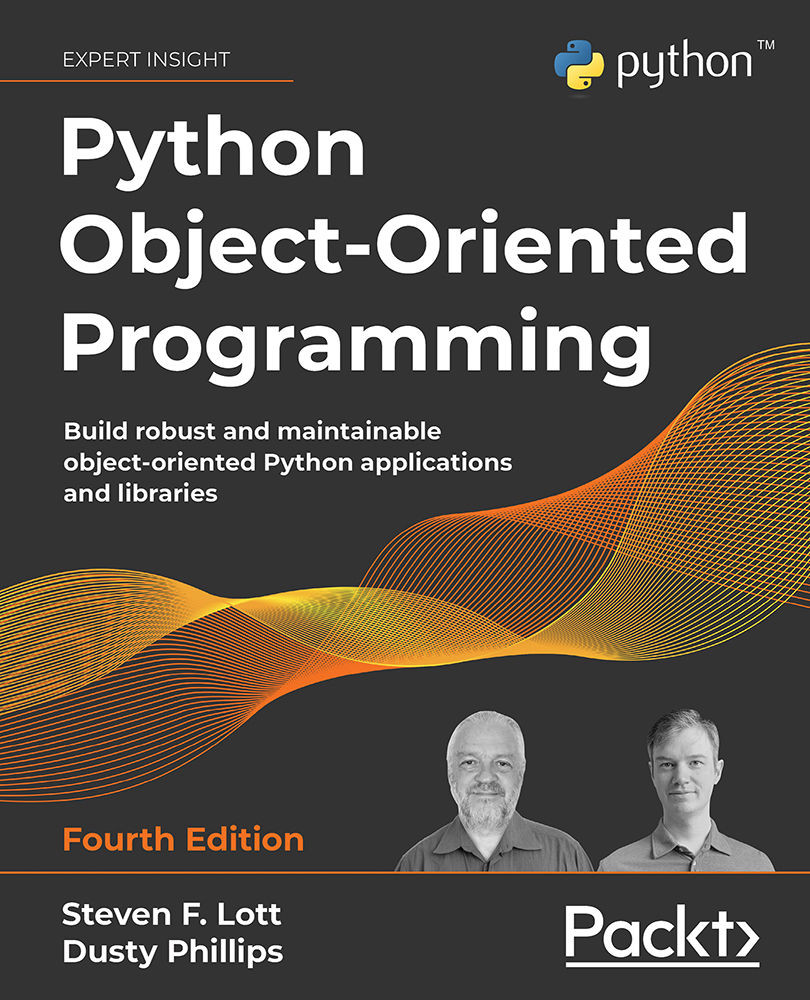
Python Object-Oriented Programming - Fourth Edition

By : Steven F. Lott, Dusty Phillips
3.9 (34)
close
close
Python Object-Oriented Programming

Python Object-Oriented Programming

3.9 (34)
By: Steven F. Lott, Dusty Phillips

Overview of this book

Python Object-Oriented Programming, Fourth Edition is a practical guide to advancing your OOP skills with modern Python. Going beyond the fundamentals, it helps you work with Python as an OOP language, explore both common and advanced design patterns, and apply these concepts to data manipulation and testing of complex OOP systems. Each chapter features newly written open-ended exercises as well as a real-world case study, aligned with the improvements in Python 3.11—bringing faster execution and memory efficiency to your applications. Authors Steven F. Lott and Dusty Phillips provide a comprehensive, illustrative tour of important OOP concepts, such as inheritance, composition, and polymorphism, showing how they integrate with Python’s classes and data structures to facilitate good design. The book also introduces two powerful automated testing systems, unittest and pytest, and explores Python's concurrent programming ecosystem in depth. By the end of the book, you’ll have a thorough understanding of how to think about and apply object-oriented principles using Python syntax to create robust and reliable programs.
Table of Contents (17 chapters)
close
close
15
Other Books You May Enjoy
16
Index

Introducing type hints

Before we can look closely at creating classes, we need to talk a little bit about what a class is and how we're sure we're using it correctly. The central idea here is that everything in Python is an object.

When we write literal values like "Hello, world!" or 42, we're actually creating instances of built-in classes. We can fire up interactive Python and use the built-in type() function on the class that defines the properties of these objects:

>>> type("Hello, world!")
<class 'str'>
>>> type(42)
<class 'int'>

The point of object-oriented programming is to solve a problem via the interactions of objects. When we write 6*7, the multiplication of the two objects is handled by a method of the built-in int class. For more complex behaviors, we'll often need to write unique, new classes.

Here are the first two core rules of how Python objects work:

  • Everything in Python is an object
  • Every object is defined by being an instance of at least one class

These rules have many interesting consequences. A class definition we write, using the class statement, creates a new object of class type. When we create an instance of a class, the class object will be used to create and initialize the instance object.

What's the distinction between class and type? The class statement lets us define new types. Because the class statement is what we use, we'll call them classes throughout the text. See Python objects, types, classes, and instances - a glossary by Eli Bendersky: https://eli.thegreenplace.net/2012/03/30/python-objects-types-classes-and-instances-a-glossary for this useful quote:

"The terms "class" and "type" are an example of two names referring to the same concept."

We'll follow common usage and call the annotations type hints.

There's another important rule:

  • A variable is a reference to an object. Think of a yellow sticky note with a name scrawled on it, slapped on a thing.

This doesn't seem too earth-shattering but it's actually pretty cool. It means the type information – what an object is – is defined by the class(es) associated with the object. This type information is not attached to the variable in any way. This leads to code like the following being valid but very confusing Python:

>>> a_string_variable = "Hello, world!"
>>> type(a_string_variable)
<class 'str'>
>>> a_string_variable = 42
>>> type(a_string_variable)
<class 'int'>

We created an object using a built-in class, str. We assigned a long name, a_string_variable, to the object. Then, we created an object using a different built-in class, int. We assigned this object the same name. (The previous string object has no more references and ceases to exist.)

Here are the two steps, shown side by side, showing how the variable is moved from object to object:

Diagram

Description automatically generated

Figure 2.1: Variable names and objects

The various properties are part of the object, not the variable. When we check the type of a variable with type(), we see the type of the object the variable currently references. The variable doesn't have a type of its own; it's nothing more than a name. Similarly, asking for the id() of a variable shows the ID of the object the variable refers to. So obviously, the name a_string_variable is a bit misleading if we assign the name to an integer object.

Type checking

Let's push the relationship between object and type a step further, and look at some more consequences of these rules. Here's a function definition:

>>> def odd(n):
...     return n % 2 != 0
>>> odd(3)
True
>>> odd(4)
False

This function does a little computation on a parameter variable, n. It computes the remainder after division, the modulo. If we divide an odd number by two, we'll have one left over. If we divide an even number by two, we'll have zero left over. This function returns a true value for all odd numbers.

What happens when we fail to provide a number? Well, let's just try it and see (a common way to learn Python!). Entering code at the interactive prompt, we'll get something like this:

>>> odd("Hello, world!")
Traceback (most recent call last):
  File "<doctestexamples.md[9]>", line 1, in <module>
odd("Hello, world!")
  File "<doctestexamples.md[6]>", line 2, in odd
    return n % 2 != 0
TypeError: not all arguments converted during string formatting

This is an important consequence of Python's super-flexible rules: nothing prevents us from doing something silly that may raise an exception. This is an important tip:

Python doesn't prevent us from attempting to use non-existent methods of objects.

In our example, the % operator provided by the str class doesn't work the same way as the % operator provided by the int class, raising an exception. For strings, the % operator isn't used very often, but it does interpolation: "a=%d" % 113 computes a string 'a=113'; if there's no format specification like %d on the left side, the exception is a TypeError. For integers, it's the remainder in division: 355 % 113 returns an integer, 16.

This flexibility reflects an explicit trade-off favoring ease of use over sophisticated prevention of potential problems. This allows a person to use a variable name with little mental overhead.

Python's internal operators check that operands meet the requirements of the operator. The function definition we wrote, however, does not include any runtime type checking. Nor do we want to add code for runtime type checking. Instead, we use tools to examine code as part of testing. We can provide annotations, called type hints, and use tools to examine our code for consistency among the type hints.

First, we'll look at the annotations. In a few contexts, we can follow a variable name with a colon, :, and a type name. We can do this in the parameters to functions (and methods). We can also do this in assignment statements. Further, we can also add -> syntax to a function (or a class method) definition to explain the expected return type.

Here's how type hints look:

>>> def odd(n: int) -> bool:
...     return n % 2 != 0

We've added two type hints to our odd() little function definition. We've specified that argument values for the n parameter should be integers. We've also specified that the result will be one of the two values of the Boolean type.

While the hints consume some storage, they have no runtime impact. Python politely ignores these hints; this means they're optional. People reading your code, however, will be more than delighted to see them. They are a great way to inform the reader of your intent. You can omit them while you're learning, but you'll love them when you go back to expand something you wrote earlier.

The mypy tool is commonly used to check the hints for consistency. It's not built into Python, and requires a separate download and install. We'll talk about virtual environments and installation of tools later in this chapter, in the Third-party libraries section. For now, you can use python -m pip install mypy or conda install mypy if you're using the conda tool.

Let's say we had a file, bad_hints.py, in a src directory, with these two functions and a few lines to call the main() function:

def odd(n: int) -> bool:
    return n % 2 != 0
def main():
    print(odd("Hello, world!"))
if __name__ == "__main__":
    main()

When we run the mypy command at the OS's terminal prompt:

% mypy –strict src/bad_hints.py

The mypy tool is going to spot a bunch of potential problems, including at least these:

src/bad_hints.py:12: error: Function is missing a return type annotation
src/bad_hints.py:12: note: Use "-> None" if function does not return a value
src/bad_hints.py:13: error: Argument 1 to "odd" has incompatible type "str"; expected "int"

The def main(): statement is on line 12 of our example because our file has a pile of comments not shown above. For your version, the error might be on line 1. Here are the two problems:

  • The main() function doesn't have a return type; mypy suggests including -> None to make the absence of a return value perfectly explicit.
  • More important is line 13: the code will try to evaluate the odd() function using a str value. This doesn't match the type hint for odd() and indicates another possible error.

Most of the examples in this book will have type hints. We think they're always helpful, especially in a pedagogical context, even though they're optional. Because most of Python is generic with respect to type, there are a few cases where Python behavior is difficult to describe via a succinct, expressive hint. We'll steer clear of these edge cases in this book.

Python Enhancement Proposal (PEP) 585 covers some new language features to make type hints a bit simpler. We've used mypy version 0.812 to test all of the examples in this book. Any older version will encounter problems with some of the newer syntax and annotation techniques.

Now that we've talked about how parameters and attributes are described with type hints, let's actually build some classes.

CONTINUE READING
83
Tech Concepts
36
Programming languages
73
Tech Tools
Icon Unlimited access to the largest independent learning library in tech of over 8,000 expert-authored tech books and videos.
Icon Innovative learning tools, including AI book assistants, code context explainers, and text-to-speech.
Icon 50+ new titles added per month and exclusive early access to books as they are being written.
Python Object-Oriented Programming
notes
bookmark Notes and Bookmarks search Search in title playlist Add to playlist download Download options font-size Font size

Change the font size

margin-width Margin width

Change margin width

day-mode Day/Sepia/Night Modes

Change background colour

Close icon Search
Country selected

Close icon Your notes and bookmarks

Confirmation

Modal Close icon
claim successful

Buy this book with your credits?

Modal Close icon
Are you sure you want to buy this book with one of your credits?
Close
YES, BUY

Submit Your Feedback

Modal Close icon
Modal Close icon
Modal Close icon