Sign In Start Free Trial
Account

Add to playlist

Create a Playlist

Modal Close icon
You need to login to use this feature.
  • Book Overview & Buying C++20 STL Cookbook
  • Table Of Contents Toc
  • Feedback & Rating feedback
C++20 STL Cookbook

C++20 STL Cookbook

By : Bill Weinman
4.5 (10)
close
close
C++20 STL Cookbook

C++20 STL Cookbook

4.5 (10)
By: Bill Weinman

Overview of this book

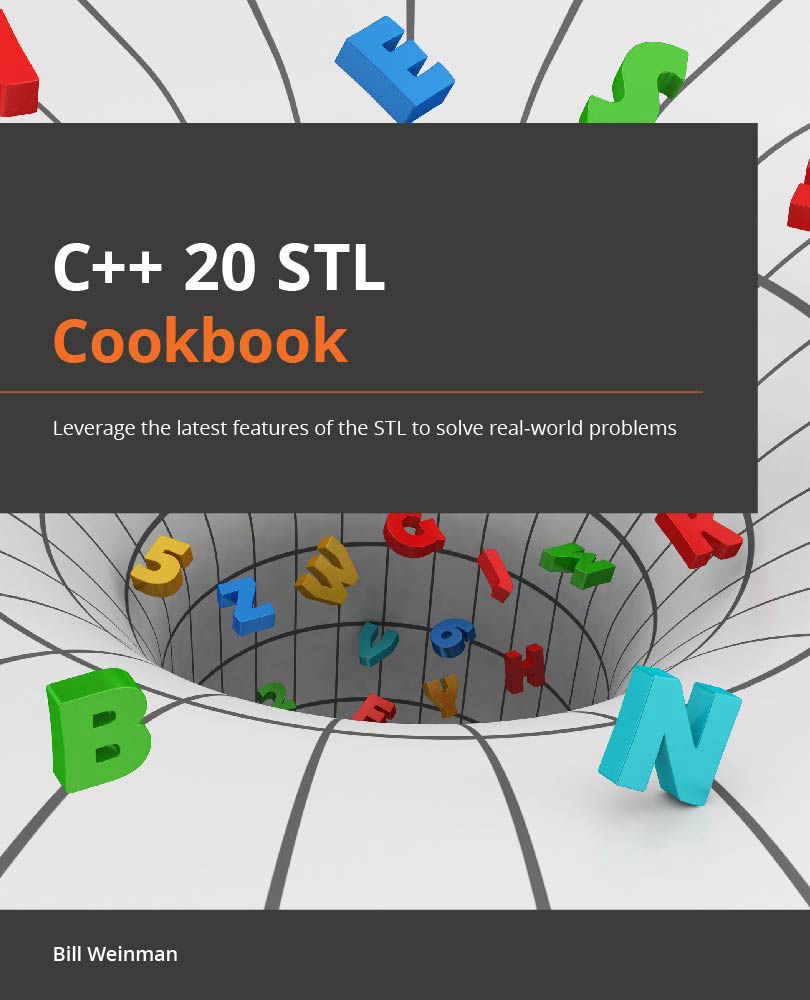
Fast, efficient, and flexible, the C++ programming language has come a long way and is used in every area of the industry to solve many problems. The latest version C++20 will see programmers change the way they code as it brings a whole array of features enabling the quick deployment of applications. This book will get you up and running with using the STL in the best way possible. Beginning with new language features in C++20, this book will help you understand the language's mechanics and library features and offer insights into how they work. Unlike other books, the C++20 STL Cookbook takes an implementation-specific, problem-solution approach that will help you overcome hurdles quickly. You'll learn core STL concepts, such as containers, algorithms, utility classes, lambda expressions, iterators, and more, while working on real-world recipes. This book is a reference guide for using the C++ STL with its latest capabilities and exploring the cutting-edge features in functional programming and lambda expressions. By the end of the book C++20 book, you'll be able to leverage the latest C++ features and save time and effort while solving tasks elegantly using the STL.
Table of Contents (13 chapters)
close
close

Use structured binding to return multiple values

Structured binding makes it easy to unpack the values of a structure into separate variables, improving the readability of your code.

With structured binding you can directly assign the member values to variables like this:

things_pair<int,int> { 47, 9 };
auto [this, that] = things_pair;
cout << format("{} {}\n", this, that);

Output:

47 9

How to do it…

  • Structured binding works with pair, tuple, array, and struct. Beginning with C++20, this includes bit-fields. This example uses a C-array:
    int nums[] { 1, 2, 3, 4, 5 };
    auto [ a, b, c, d, e ] = nums;
    cout << format("{} {} {} {} {}\n", a, b, c, d, e);

Output:

1 2 3 4 5

Because the structured binding uses automatic type deduction, its type must be auto. The names of the individual variables are within the square brackets, [ a, b, c, d, e ].

In this example the int C-array nums holds five values. These five values are assigned to the variables (a, b, c, d, and e) using structured binding.

  • This also works with an STL array object:
    array<int,5> nums { 1, 2, 3, 4, 5 };
    auto [ a, b, c, d, e ] = nums;
    cout << format("{} {} {} {} {}\n", a, b, c, d, e);

Output:

1 2 3 4 5
  • Or you can use it with a tuple:
    tuple<int, double, string> nums{ 1, 2.7, "three" };
    auto [ a, b, c ] = nums;
    cout << format("{} {} {}\n", a, b, c);

Output:

1 2.7 three
  • When you use it with a struct it will take the variables in the order they're defined:
    struct Things { int i{}; double d{}; string s{}; };
    Things nums{ 1, 2.7, "three" };
    auto [ a, b, c ] = nums;
    cout << format("{} {} {}\n", a, b, c);

Output:

1 2.7 three
  • You can use a reference with a structured binding, which allows you to modify the values in the bound container, while avoiding duplication of the data:
    array<int,5> nums { 1, 2, 3, 4, 5 };
    auto& [ a, b, c, d, e ] = nums;
    cout << format("{} {}\n", nums[2], c);
    c = 47;
    cout << format("{} {}\n", nums[2], c);

Output:

3 3
47 47

Because the variables are bound as a reference, you can assign a value to c and it will change the value in the array as well (nums[2]).

  • You can declare the array const to prevent values from being changed:
    const array<int,5> nums { 1, 2, 3, 4, 5 };
    auto& [ a, b, c, d, e ] = nums;
    c = 47;    // this is now an error 

Or you can declare the binding const for the same effect, while allowing the array to be changed elsewhere and still avoid copying data:

array<int,5> nums { 1, 2, 3, 4, 5 };
const auto& [ a, b, c, d, e ] = nums;
c = 47;    // this is also an error 

How it works…

Structured binding uses automatic type deduction to unpack the structure into your variables. It determines the type of each value independently, and assigns a corresponding type to each variable.

  • Because structured binding uses automatic type deduction, you cannot specify a type for the binding. You must use auto. You should get a reasonable error message if you try to use a type for the binding:
    array<int,5> nums { 1, 2, 3, 4, 5 };
    int [ a, b, c, d, e ] = nums;

Output:

error: structured binding declaration cannot have type 'int'
note: type must be cv-qualified 'auto' or reference to cv-qualified 'auto'

Above is the error from GCC when I try to use int with the structured binding declaration.

  • It's common to use structured binding for a return type from a function:
    struct div_result {
        long quo;
        long rem;
    };
    div_result int_div(const long & num, const long & denom) {
        struct div_result r{};
        r.quo = num / denom;
        r.rem = num % denom;
        return r;
    }
    int main() {
        auto [quo, rem] = int_div(47, 5);
        cout << format("quotient: {}, remainder {}\n",
          quo, rem);
    }

Output:

quotient: 9, remainder 2
  • Because the map container classes return a pair for each element, it can be convenient to use structured binding to retrieve key/value pairs:
    map<string, uint64_t> inhabitants {
        { "humans",   7000000000 },
        { "pokemon", 17863376 },
        { "klingons",   24246291 },
        { "cats",    1086881528 }
    };
    // I like commas
    string make_commas(const uint64_t num) {
        string s{ std::to_string(num) };
        for(int l = s.length() - 3; l > 0; l -= 3) {
            s.insert(l, ",");
        }
        return s;
    }
    int main() {
        for(const auto & [creature, pop] : inhabitants) {
            cout << format("there are {} {}\n", 
                make_commas(pop), creature);
        }
    }

Output:

there are 1,086,881,528 cats
there are 7,000,000,000 humans
there are 24,246,291 klingons
there are 17,863,376 pokemon

Using structured binding to unpack structures should make your code clearer and easier to maintain.

Visually different images
CONTINUE READING
83
Tech Concepts
36
Programming languages
73
Tech Tools
Icon Unlimited access to the largest independent learning library in tech of over 8,000 expert-authored tech books and videos.
Icon Innovative learning tools, including AI book assistants, code context explainers, and text-to-speech.
Icon 50+ new titles added per month and exclusive early access to books as they are being written.
C++20 STL Cookbook
notes
bookmark Notes and Bookmarks search Search in title playlist Add to playlist download Download options font-size Font size

Change the font size

margin-width Margin width

Change margin width

day-mode Day/Sepia/Night Modes

Change background colour

Close icon Search
Country selected

Close icon Your notes and bookmarks

Confirmation

Modal Close icon
claim successful

Buy this book with your credits?

Modal Close icon
Are you sure you want to buy this book with one of your credits?
Close
YES, BUY

Submit Your Feedback

Modal Close icon
Modal Close icon
Modal Close icon