-
Book Overview & Buying
-
Table Of Contents

-
Feedback & Rating

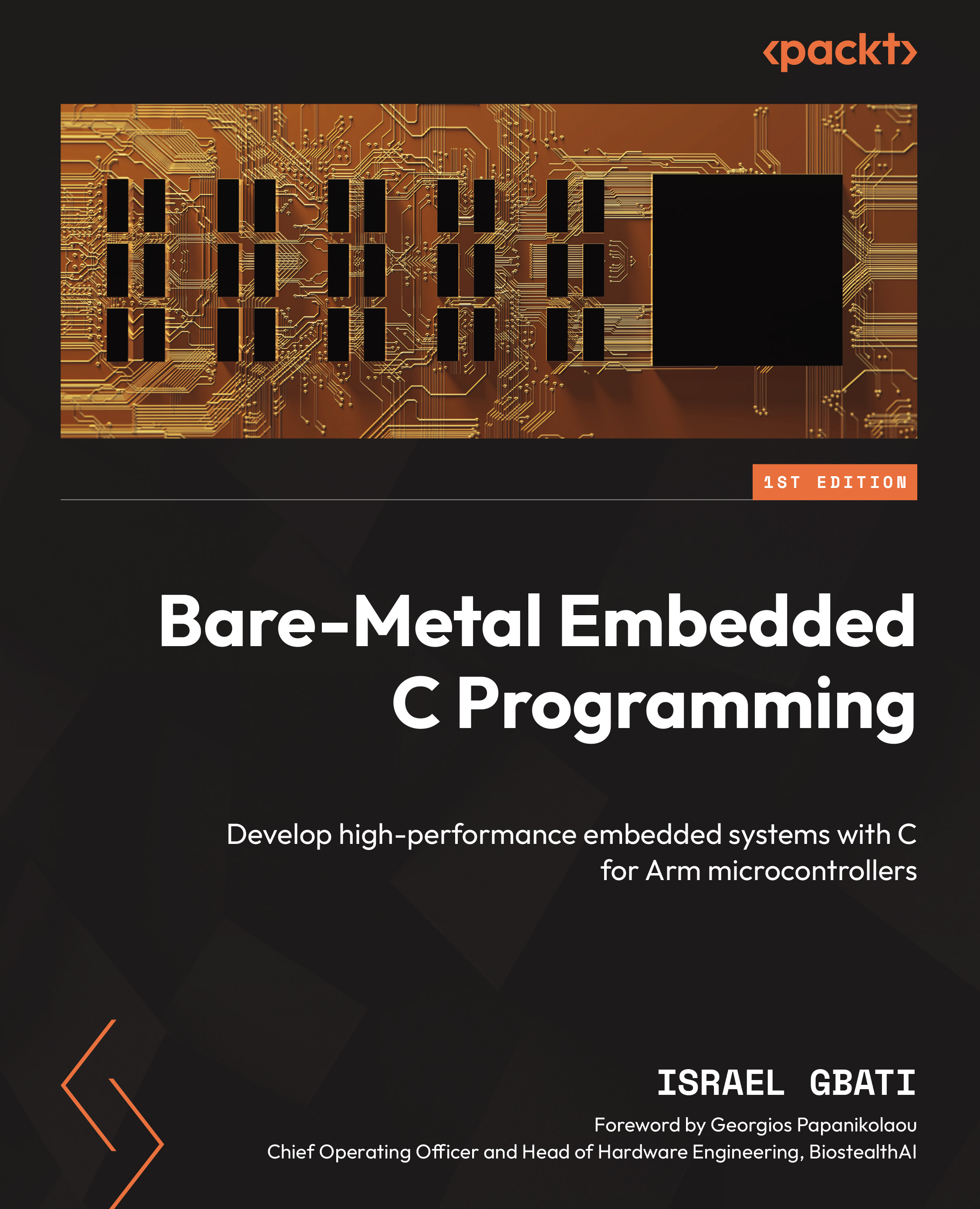
Bare-Metal Embedded C Programming
By :


Bare-Metal Embedded C Programming
By:
Overview of this book
Bare-Metal Embedded C Programming takes you on an unparalleled journey to equip you with the skills and knowledge to excel in the world of embedded systems. The author, with over a decade of hands-on experience in engineering, takes a unique, practical approach to teach you how to decode microcontroller datasheets so that you’re able to extract vital information for precise firmware development. Register manipulation will become second nature to you as you learn to craft optimized code from scratch.
The book provides in-depth insights into the hardware intricacies of microcontrollers. You'll navigate user manuals and documentation with ease, ensuring a profound understanding of the underlying technology. The true uniqueness of this book lies in its commitment to fostering independent expertise. Instead of simply copy pasting, you'll develop the capability to create firmware with confidence, paving the way for professional-grade mastery.
By the end of this book, you'll have honed your skills in reading datasheets, performing register manipulations, and crafting optimized code, as well as gained the confidence needed to navigate hardware intricacies and write optimized firmware independently, making you a proficient and self-reliant embedded systems developer.
Table of Contents (22 chapters)
Preface


 Free Chapter
Chapter 1: Setting Up the Tools of the Trade

Chapter 2: Constructing Peripheral Registers from Memory Addresses
Chapter 3: Understanding the Build Process and Exploring the GNU Toolchain
Chapter 4: Developing the Linker Script and Startup File
Chapter 5: The “Make” Build System
Chapter 6: The Common Microcontroller Software Interface Standard (CMSIS)
Chapter 7: The General-Purpose Input/Output (GPIO) Peripheral
Chapter 8: System Tick (SysTick) Timer
Chapter 9: General-Purpose Timers (TIM)
Chapter 10: The Universal Asynchronous Receiver/Transmitter Protocol
Chapter 11: Analog-to-Digital Converter (ADC)
Chapter 12: Serial Peripheral Interface (SPI)
Chapter 13: Inter-Integrated Circuit (I2C)
Chapter 14: External Interrupts and Events (EXTI)
Chapter 15: The Real-Time Clock (RTC)
Chapter 16: Independent Watchdog (IWDG)
Chapter 17: Direct Memory Access (DMA)
Chapter 18: Power Management and Energy Efficiency in Embedded Systems
Chapter 19: Unlock Your Book’s Exclusive Benefits
Index
Other Books You May Enjoy
Customer Reviews