


-
Book Overview & Buying
-
Table Of Contents

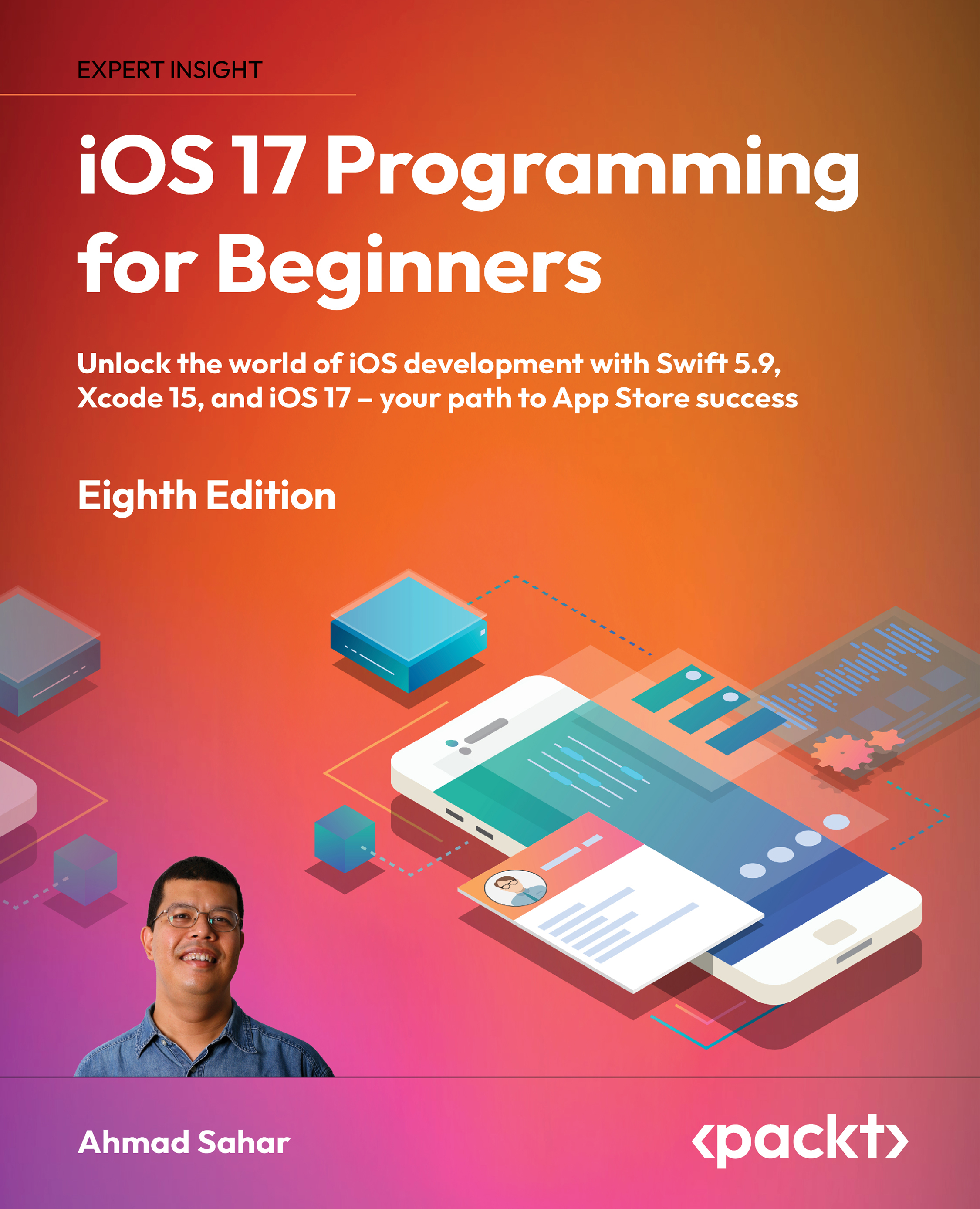
iOS 17 Programming for Beginners - Eighth Edition
By :


iOS 17 Programming for Beginners
By:
Overview of this book
In a world with nearly 2 million apps on the App Store, the demand for skilled iOS developers has never been higher. "iOS 17 Programming for Beginners, Eighth Edition" is your gateway to this lucrative and dynamic field. This hands-on guide is tailored for those who are new to iOS and takes you on a journey from learning the Swift language to crafting your own app and seeing it thrive on the App Store.
Our approach is hands-on and practical. Each chapter is designed to be a stepping stone in your development journey, providing step-by-step tutorials, real-life examples, and clear explanations of complex concepts. As you progress, you'll not only be skilled in Swift but also incorporate cutting-edge technologies into your apps. You'll learn how to publish your creations and harness the power of iOS 17 through a straightforward and easy to program example app divided into manageable parts.
By the time you've completed this book, you'll possess the skills and knowledge to not only develop and publish captivating apps but also leverage online resources to continually enhance your app development prowess.
Table of Contents (34 chapters)
Preface


Part 1: Swift
 Free Chapter
Exploring Xcode
Simple Values and Types
Conditionals and Optionals
Range Operators and Loops
Collection Types
Functions and Closures
Classes, Structures, and Enumerations
Protocols, Extensions, and Error Handling
Swift Concurrency
Part 2: Design
Setting Up the User Interface
Building Your User Interface

Finishing Up Your User Interface
Modifying App Screens
Part 3: Code
Getting Started with MVC and Table Views
Getting Data into Table Views
Passing Data between View Controllers
Getting Started with Core Location and MapKit
Getting Started with JSON Files
Getting Started with Custom Views
Getting Started with the Camera and Photo Library
Getting Started with Search
Getting Started with Collection Views
Part 4: Features
Getting Started with SwiftData
Getting Started with SwiftUI
Getting Started with Widgets
Getting Started with visionOS
Testing and Submitting Your App to the App Store
Other Books You May Enjoy
Index


