Sign In Start Free Trial
Account

Add to playlist

Create a Playlist

Modal Close icon
You need to login to use this feature.
  • Book Overview & Buying Jakarta EE Cookbook
  • Table Of Contents Toc
  • Feedback & Rating feedback
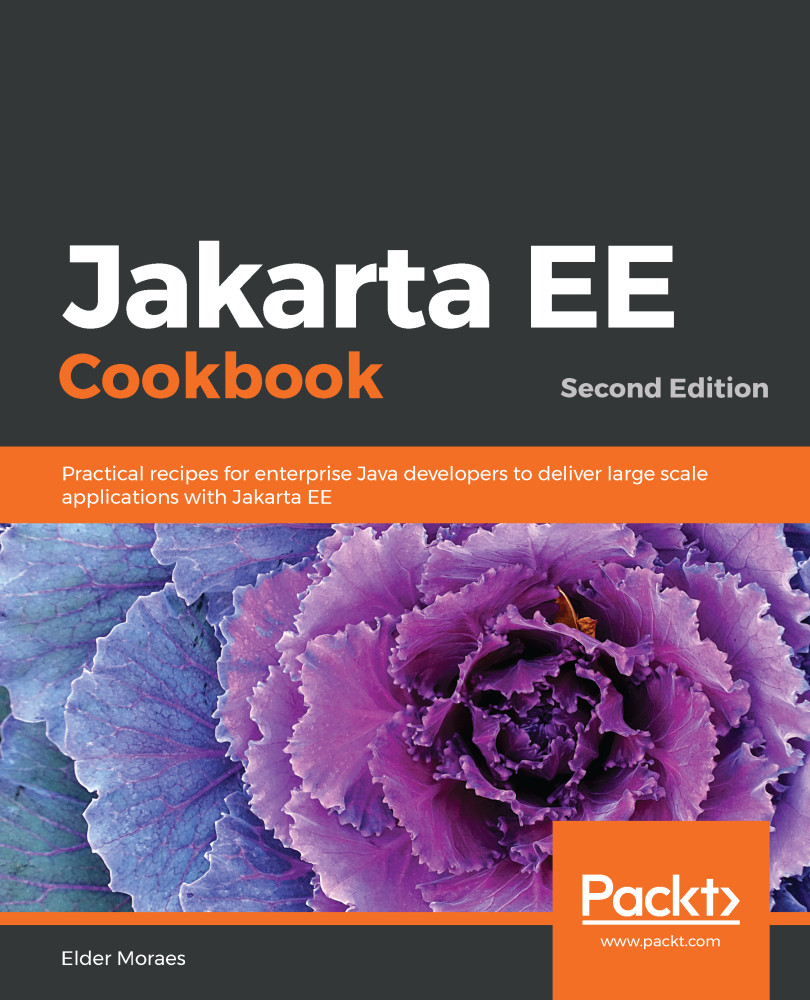
Jakarta EE Cookbook

Jakarta EE Cookbook - Second Edition

By : Moraes
5 (2)
close
close
Jakarta EE Cookbook

Jakarta EE Cookbook

5 (2)
By: Moraes

Overview of this book

Jakarta EE is widely used around the world for developing enterprise applications for a variety of domains. With this book, Java professionals will be able to enhance their skills to deliver powerful enterprise solutions using practical recipes. This second edition of the Jakarta EE Cookbook takes you through the improvements introduced in its latest version and helps you get hands-on with its significant APIs and features used for server-side development. You'll use Jakarta EE for creating RESTful web services and web applications with the JAX-RS, JSON-P, and JSON-B APIs and learn how you can improve the security of your enterprise solutions. Not only will you learn how to use the most important servers on the market, but you'll also learn to make the best of what they have to offer for your project. From an architectural point of view, this Jakarta book covers microservices, cloud computing, and containers. It allows you to explore all the tools for building reactive applications using Jakarta EE and core Java features such as lambdas. Finally, you'll discover how professionals can improve their projects by engaging with and contributing to the community. By the end of this book, you'll have become proficient in developing and deploying enterprise applications using Jakarta EE.

Table of Contents (14 chapters)
close
close

Running your first Jakarta Servlet 4.0 code

Jakarta Servlet 4.0 is one the of biggest APIs of Jakarta EE 8. Since the very beginning of the Java EE platform (the old J2EE), the Servlet specification has always played a key role.

The coolest additions of this version are surely HTTP/2.0 and Server Push. Both of them bring performance improvements to your application.

This recipe will use Server Push to do one of the most basic tasks on a web page—load an image.

Getting ready

Let's add the dependencies that we need:

        <dependency>
<groupId>jakarta.platform</groupId>
<artifactId>jakarta.jakartaee-api</artifactId>
<version>8.0.0</version>
</dependency>

How to do it...

You need to perform the following steps to try this recipe:

  1. We will create a servlet:
@WebServlet(name = "ServerPush", urlPatterns = {"/ServerPush"})
public class ServerPush extends HttpServlet {

@Override
protected void doGet(HttpServletRequest request,
HttpServletResponse
response) throws ServletException, IOException {

PushBuilder pb = request.newPushBuilder();
if (pb != null) {
pb.path("images/javaee-logo.png")
.addHeader("content-type", "image/png")
.push();
}

try (PrintWriter writer = response.getWriter();) {
StringBuilder html = new StringBuilder();
html.append("<html>");
html.append("<center>");
html.append("<img src='images/javaee-logo.png'><br>");
html.append("<h2>Image pushed by ServerPush</h2>");
html.append("</center>");
html.append("</html>");
writer.write(html.toString());
}
}
}

  1. To try it, run the project in a Jakarta EE 8 server and open this URL:
https://localhost:8181/ch01-servlet/ServerPush

Let's now see how this works.

How it works...

We use the PushBuilder object to send an image to the client before it is requested by the img src tag. In other words, the browser doesn't need to do another request (what it usually does with img src) to have an image available for rendering.

It might seem as if it doesn't make too much difference for a single image, but it would with dozens, hundreds, or thousands of images. There's less traffic for your client and from your server. That's better performance for all!

There's more...

If you are using JSF, you can get the benefits from Server Push for free! You don't even need to rewrite a single line of your code, as JSF relies on the Server Push specification.

Just make sure that you run it under the HTTPS protocol, as HTTP/2.0 only works under it.

See also

Visually different images
CONTINUE READING
83
Tech Concepts
36
Programming languages
73
Tech Tools
Icon Unlimited access to the largest independent learning library in tech of over 8,000 expert-authored tech books and videos.
Icon Innovative learning tools, including AI book assistants, code context explainers, and text-to-speech.
Icon 50+ new titles added per month and exclusive early access to books as they are being written.
Jakarta EE Cookbook
notes
bookmark Notes and Bookmarks search Search in title playlist Add to playlist download Download options font-size Font size

Change the font size

margin-width Margin width

Change margin width

day-mode Day/Sepia/Night Modes

Change background colour

Close icon Search
Country selected

Close icon Your notes and bookmarks

Confirmation

Modal Close icon
claim successful

Buy this book with your credits?

Modal Close icon
Are you sure you want to buy this book with one of your credits?
Close
YES, BUY

Submit Your Feedback

Modal Close icon
Modal Close icon
Modal Close icon