Sign In Start Free Trial
Account

Add to playlist

Create a Playlist

Modal Close icon
You need to login to use this feature.
  • Book Overview & Buying Pandas 1.x Cookbook
  • Table Of Contents Toc
  • Feedback & Rating feedback
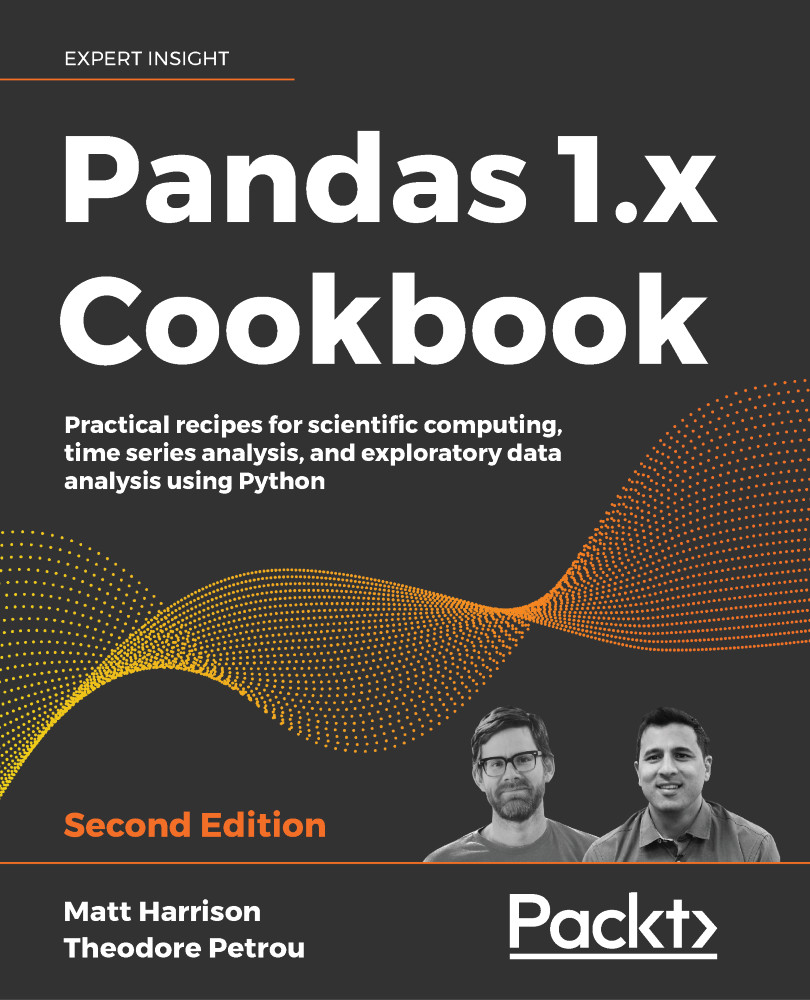
Pandas 1.x Cookbook

Pandas 1.x Cookbook - Second Edition

By : Matthew Harrison, Theodore Petrou
4.5 (28)
close
close
Pandas 1.x Cookbook

Pandas 1.x Cookbook

4.5 (28)
By: Matthew Harrison, Theodore Petrou

Overview of this book

The pandas library is massive, and it's common for frequent users to be unaware of many of its more impressive features. The official pandas documentation, while thorough, does not contain many useful examples of how to piece together multiple commands as one would do during an actual analysis. This book guides you, as if you were looking over the shoulder of an expert, through situations that you are highly likely to encounter. This new updated and revised edition provides you with unique, idiomatic, and fun recipes for both fundamental and advanced data manipulation tasks with pandas. Some recipes focus on achieving a deeper understanding of basic principles, or comparing and contrasting two similar operations. Other recipes will dive deep into a particular dataset, uncovering new and unexpected insights along the way. Many advanced recipes combine several different features across the pandas library to generate results.
Table of Contents (17 chapters)
close
close
15
Other Books You May Enjoy
16
Index

Writing CSV

For better or worse, there are a lot of CSV files in the world. Like most technologies, there are good and bad parts to CSV files. On the plus side, they are human-readable, can be opened in any text editor, and most spreadsheet software can load them. On the downside, there is no standard for CSV files, so encoding may be weird, there is no way to enforce types, and they can be large because they are text-based (though they can be compressed).

In this recipe, we will show how to create a CSV file from a pandas DataFrame.

There are a few methods on the DataFrame that start with to_. These are methods that export DataFrames. We are going to use the .to_csv method. We will write out to a string buffer in the examples, but you will usually use a filename instead.

How to do it...

  1. Write the DataFrame to a CSV file:
    >>> beatles
         first       last  birth
    0     Paul  McCartney   1942
    1     John     Lennon   1940
    2  Richard    Starkey...
Visually different images
CONTINUE READING
83
Tech Concepts
36
Programming languages
73
Tech Tools
Icon Unlimited access to the largest independent learning library in tech of over 8,000 expert-authored tech books and videos.
Icon Innovative learning tools, including AI book assistants, code context explainers, and text-to-speech.
Icon 50+ new titles added per month and exclusive early access to books as they are being written.
Pandas 1.x Cookbook
notes
bookmark Notes and Bookmarks search Search in title playlist Add to playlist download Download options font-size Font size

Change the font size

margin-width Margin width

Change margin width

day-mode Day/Sepia/Night Modes

Change background colour

Close icon Search
Country selected

Close icon Your notes and bookmarks

Confirmation

Modal Close icon
claim successful

Buy this book with your credits?

Modal Close icon
Are you sure you want to buy this book with one of your credits?
Close
YES, BUY

Submit Your Feedback

Modal Close icon
Modal Close icon
Modal Close icon