


-
Book Overview & Buying
-
Table Of Contents

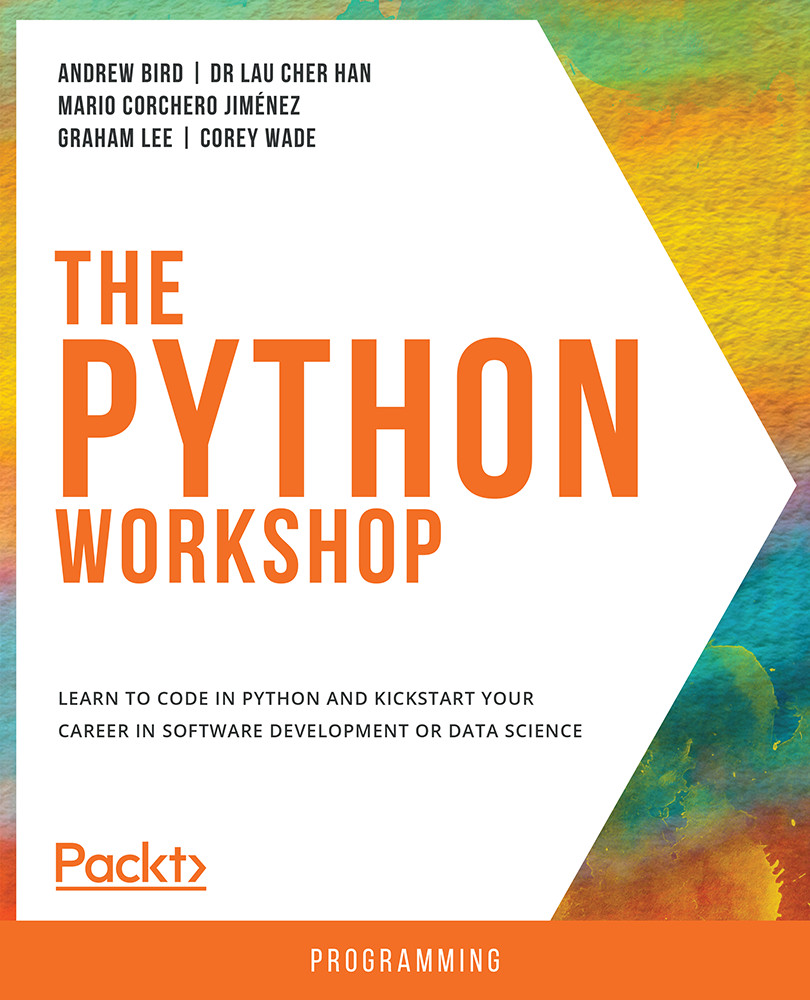
The Python Workshop
By :


The Python Workshop
By:
Overview of this book
Have you always wanted to learn Python, but never quite known how to start?
More applications than we realize are being developed using Python because it is easy to learn, read, and write. You can now start learning the language quickly and effectively with the help of this interactive tutorial.
The Python Workshop starts by showing you how to correctly apply Python syntax to write simple programs, and how to use appropriate Python structures to store and retrieve data. You'll see how to handle files, deal with errors, and use classes and methods to write concise, reusable, and efficient code.
As you advance, you'll understand how to use the standard library, debug code to troubleshoot problems, and write unit tests to validate application behavior.
You'll gain insights into using the pandas and NumPy libraries for analyzing data, and the graphical libraries of Matplotlib and Seaborn to create impactful data visualizations. By focusing on entry-level data science, you'll build your practical Python skills in a way that mirrors real-world development. Finally, you'll discover the key steps in building and using simple machine learning algorithms.
By the end of this Python book, you'll have the knowledge, skills and confidence to creatively tackle your own ambitious projects with Python.
Table of Contents (13 chapters)
Preface


 Free Chapter
1. Vital Python – Math, Strings, Conditionals, and Loops
2. Python Structures
3. Executing Python – Programs, Algorithms, and Functions
4. Extending Python, Files, Errors, and Graphs
5. Constructing Python – Classes and Methods
6. The Standard Library

7. Becoming Pythonic
8. Software Development
9. Practical Python – Advanced Topics
10. Data Analytics with pandas and NumPy
11. Machine Learning
Appendix


