Sign In Start Free Trial
Account

Add to playlist

Create a Playlist

Modal Close icon
You need to login to use this feature.
  • Book Overview & Buying Instant Adobe Story Starter
  • Table Of Contents Toc
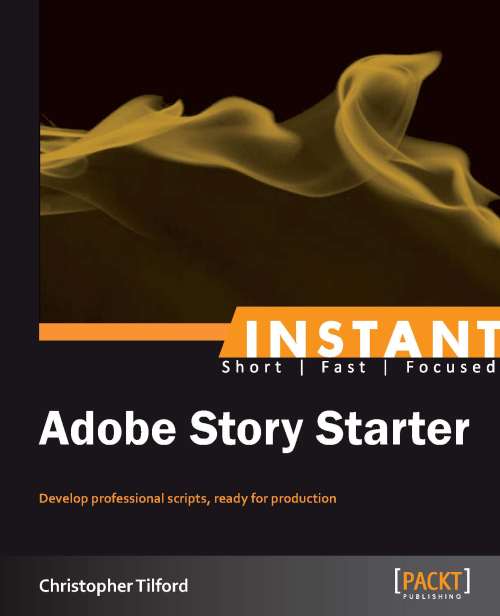
Instant Adobe Story Starter

Instant Adobe Story Starter

By : Christopher Tilford
4 (3)
close
close
Instant Adobe Story Starter

Instant Adobe Story Starter

4 (3)
By: Christopher Tilford

Overview of this book

Adobe Story makes it easy for anybody to create a well-rounded script, and gives you the power to develop an entire project from start to finish. Setting up predetermined styles in different word processors can be time- consuming and even a little confusing! With Adobe Story, all documents contain the default and proper formatting for any desired professional script format. Have you ever wanted to put together your own screenplay? In this essential guide, script formatting is fully explained alongside some shortcuts and new ways to enhance your work with Adobe Story. You'll discover that the script-writing process is more accessible to even the newest, inexperienced writer. "Instant Adobe Story Starter" will take you through a concise yet straight-forward journey, introducing you to elements used in all industry-standard scripts, as well as other features geared towards streamlining the pre-production process. You will also be able to harness the different types of script templates available to you, alongside the wide array of other features that Adobe Story provides to bolster your creativity.
Table of Contents (7 chapters)
close
close

Chapter 1. Instant Adobe Story Starter

Welcome to the Instant Adobe Story Starter. This book has been developed specifically with new users in mind. You will learn the basics of Adobe Story and discover many of its useful and most beneficial features.

This document contains the following sections:

So, what is Adobe Story? – discover Adobe Story, see what differentiates it from word processing software and learn just what you can do with it.

Installation – learn how to set up Adobe Story with no problems, so that you can start script-writing in no time.

Quick start – in this section, you will learn how to become familiar with Adobe Story, its layout, and how to create projects and documents.

Top features you want to know about – here, you will learn some of the most beneficial features that Adobe Story has to offer. Learn about collaborating with other users, track changes in documents, and be introduced to the integration abilities with other Adobe software.

People and places you should get to know – the Adobe Story community is growing, but there's already a good amount of information to be found. This section connects you to other useful places like forums, Twitter feeds, blogs and more that will help you become more comfortable with Adobe Story.

Visually different images
CONTINUE READING
83
Tech Concepts
36
Programming languages
73
Tech Tools
Icon Unlimited access to the largest independent learning library in tech of over 8,000 expert-authored tech books and videos.
Icon Innovative learning tools, including AI book assistants, code context explainers, and text-to-speech.
Icon 50+ new titles added per month and exclusive early access to books as they are being written.
Instant Adobe Story Starter
notes
bookmark Notes and Bookmarks search Search in title playlist Add to playlist font-size Font size

Change the font size

margin-width Margin width

Change margin width

day-mode Day/Sepia/Night Modes

Change background colour

Close icon Search
Country selected

Close icon Your notes and bookmarks

Confirmation

Modal Close icon
claim successful

Buy this book with your credits?

Modal Close icon
Are you sure you want to buy this book with one of your credits?
Close
YES, BUY

Submit Your Feedback

Modal Close icon
Modal Close icon
Modal Close icon