


-
Book Overview & Buying
-
Table Of Contents

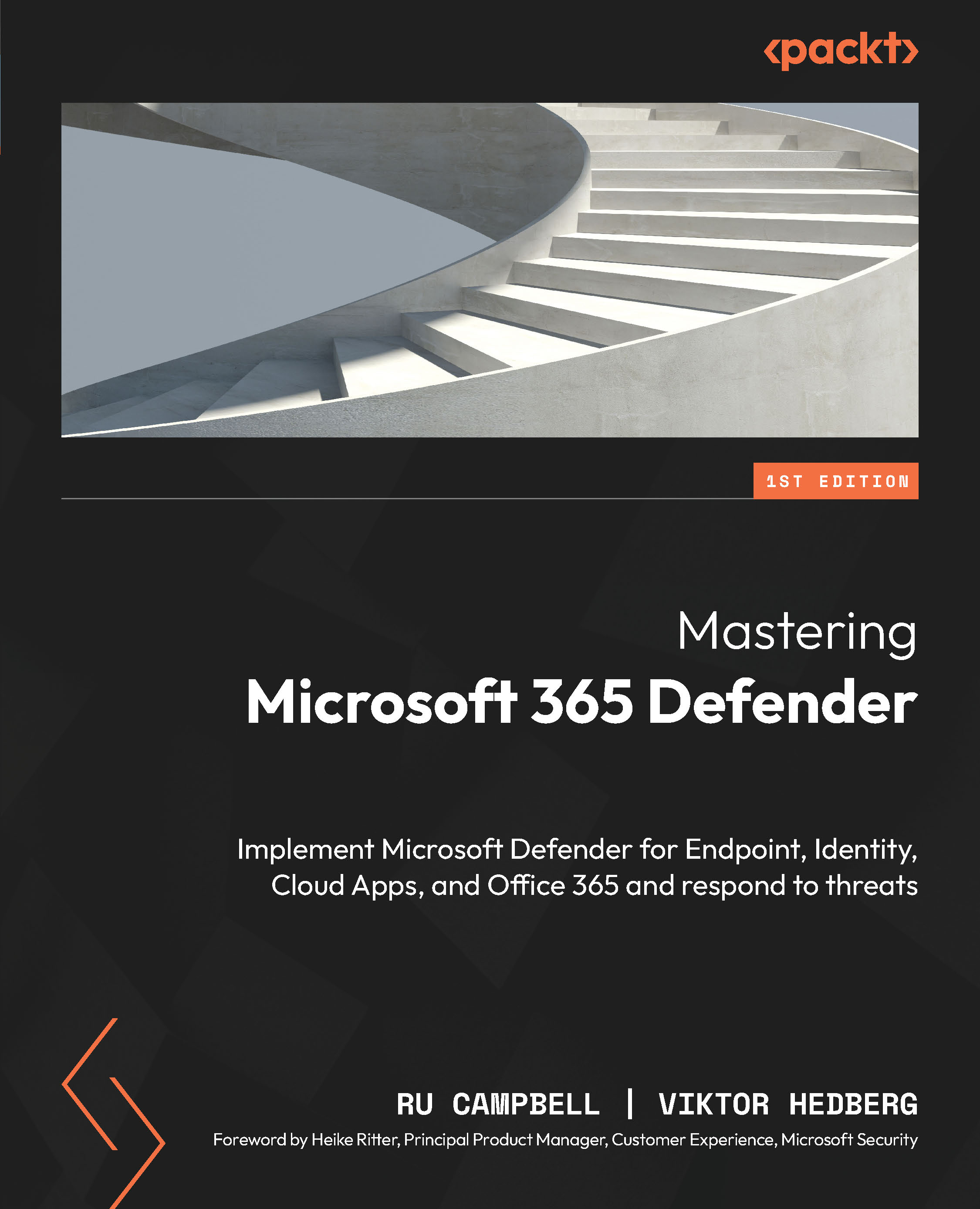
Mastering Microsoft 365 Defender
By :


Mastering Microsoft 365 Defender
By:
Overview of this book
This book will help you get up and running with Microsoft 365 Defender and help you use the whole suite effectively.
You’ll start with a quick overview of cybersecurity risks that modern organizations face, such as ransomware and APT attacks, how Microsoft is making massive investments in security today, and gain an understanding of how to deploy Microsoft Defender for Endpoint by diving deep into configurations and their architecture.
As you progress, you’ll learn how to configure Microsoft Defender Antivirus, and onboard and manage macOS, Android, and Linux MDE devices for effective solutions. You’ll also learn how to deploy Microsoft Defender for Identity and explore its different deployment methods that can protect your hybrid identity platform, as well as how to configure Microsoft Defender for Office 365 and Cloud Apps, and manage KQL queries for advanced hunting with ease. Toward the end, you’ll find out how M365D can be integrated with Sentinel and how to use APIs for incident response.
By the end of this book, you will have a deep understanding of Microsoft 365 Defender, and how to protect and respond to security threats.
Table of Contents (33 chapters)
Preface


Part 1: Cyber Threats and Microsoft 365 Defender
 Free Chapter
Chapter 1: Microsoft and Modern Cybersecurity Threats
Chapter 2: Microsoft 365 Defender: The Big Picture
Part 2: Microsoft Defender for Endpoint
Chapter 3: The Fundamentals of Microsoft Defender for Endpoint
Chapter 4: Onboarding Windows Clients and Servers

Chapter 5: Getting Started with Microsoft Defender Antivirus for Windows
Chapter 6: Advanced Microsoft Defender Antivirus for Windows
Chapter 7: Managing Attack Surface Reduction for Windows
Chapter 8: Managing Additional Capabilities for Windows
Chapter 9: Onboarding and Managing macOS
Chapter 10: Onboarding and Managing Linux Servers
Chapter 11: Onboarding and Managing iOS and Android
Part 3: Microsoft Defender for Identity
Chapter 12: Deploying Microsoft Defender for Identity
Chapter 13: Managing Defender for Identity
Part 4: Microsoft Defender for Office 365
Chapter 14: Deploying Exchange Online Protection
Chapter 15: Deploying Defender for Office 365
Part 5: Microsoft Defender for Cloud Apps
Chapter 16: Implementing and Managing Microsoft Defender for Cloud Apps
Part 6: Proactive Security and Incident Response
Chapter 17: Maintaining Security Hygiene and Threat Awareness
Chapter 18: Extended Detection and Response with Microsoft 365 Defender
Chapter 19: Advanced Hunting with KQL
Chapter 20: Microsoft Sentinel Integration
Chapter 21: Understanding Microsoft 365 Defender APIs
Part 7: Glossary and Answers
Chapter 22: Glossary
Chapter 23: Answers
Index



