


-
Book Overview & Buying
-
Table Of Contents

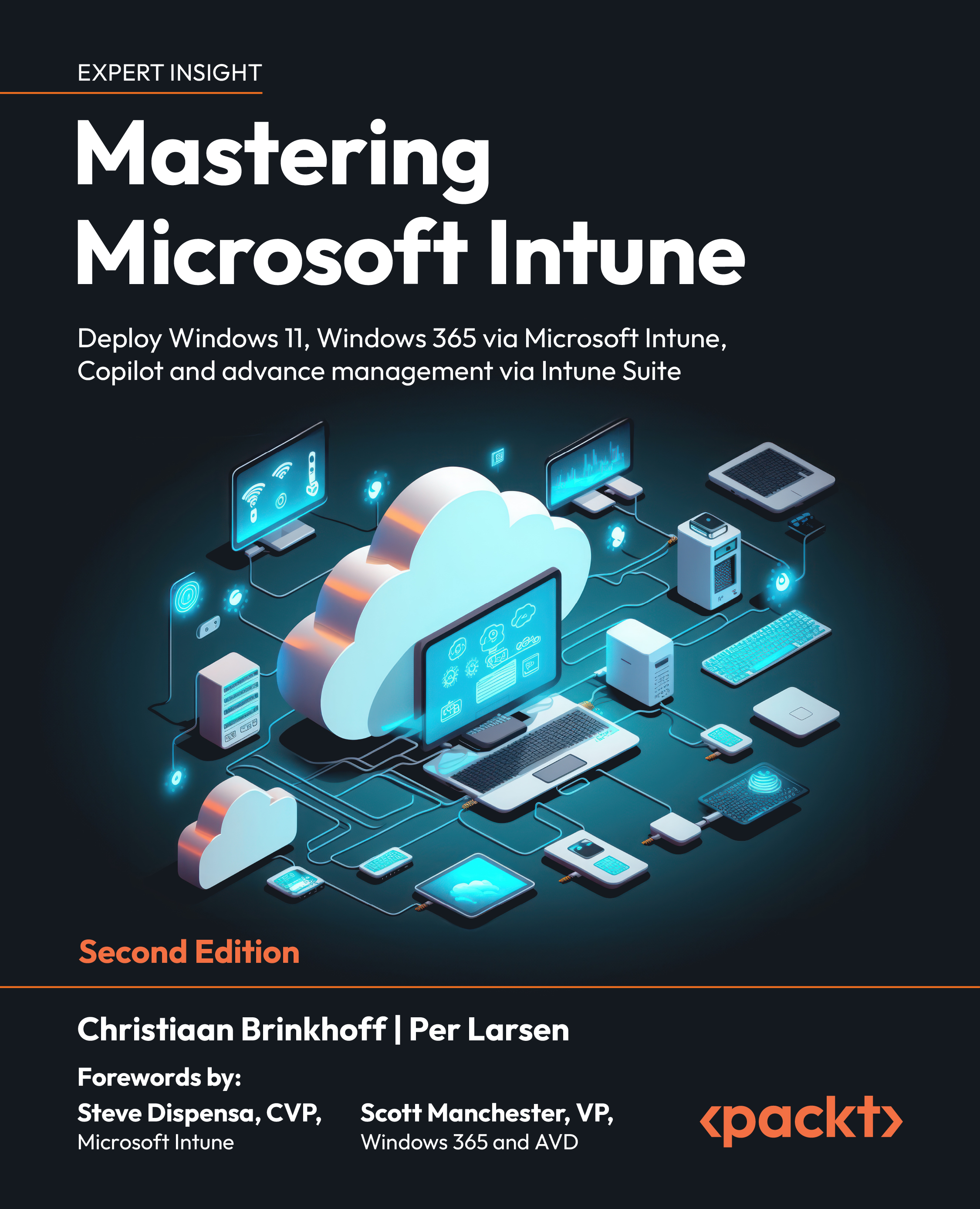
Mastering Microsoft Intune - Second Edition
By :


Mastering Microsoft Intune
By:
Overview of this book
The slow adoption of modern work solutions, which are designed to streamline the management of your environment, can often be attributed to a lack of understanding and familiarity with those solutions. This book will provide you with all the information you need to successfully transition to Microsoft Intune.
Mastering Microsoft Intune, Second Edition, explains various concepts in detail to give you the clarity on how to use Microsoft Intune and eliminate any migration challenges. You'll master Cloud Computing services such as Windows 365 Cloud PCs, Intune Suite, Windows Autopatch, Windows Autopilot, profile management, monitoring and analytics, Universal Print, and much more. The book will take you through the latest features and Microsoft Cloud services to help you to get grips with the fundamentals of Intune and understand which services you can manage. Whether you're interested in physical or cloud endpoints, it's all covered.
By the end of the book, you'll be able to set up Intune and use it to run Windows and Windows 365 efficiently, using all the latest features
of Intune
Table of Contents (26 chapters)
Preface


Understanding the Basics
Introduction to Microsoft 365
Cloud-Native Endpoints
Requirements for Microsoft Intune
Windows 365
What is Windows 365?
Deploying Windows 365
Mastering Microsoft Intune
Windows Deployment and Management
Windows Autopilot

Application Management and Delivery
 Free Chapter
Understanding Policy Management
Advanced Policy Management
Intune Suite
Copilot/AI
Identity and Security Management
Monitoring and Endpoint Analytics
Universal Print
Troubleshooting and Community
Troubleshooting Microsoft Intune
Troubleshooting Windows 365
Community Help
Unlock Your Exclusive Benefits
Other Books You May Enjoy
Index


