


-
Book Overview & Buying
-
Table Of Contents

MS-700 Managing Microsoft Teams Exam Guide - Third Edition
By :


MS-700 Managing Microsoft Teams Exam Guide
By:
Overview of this book
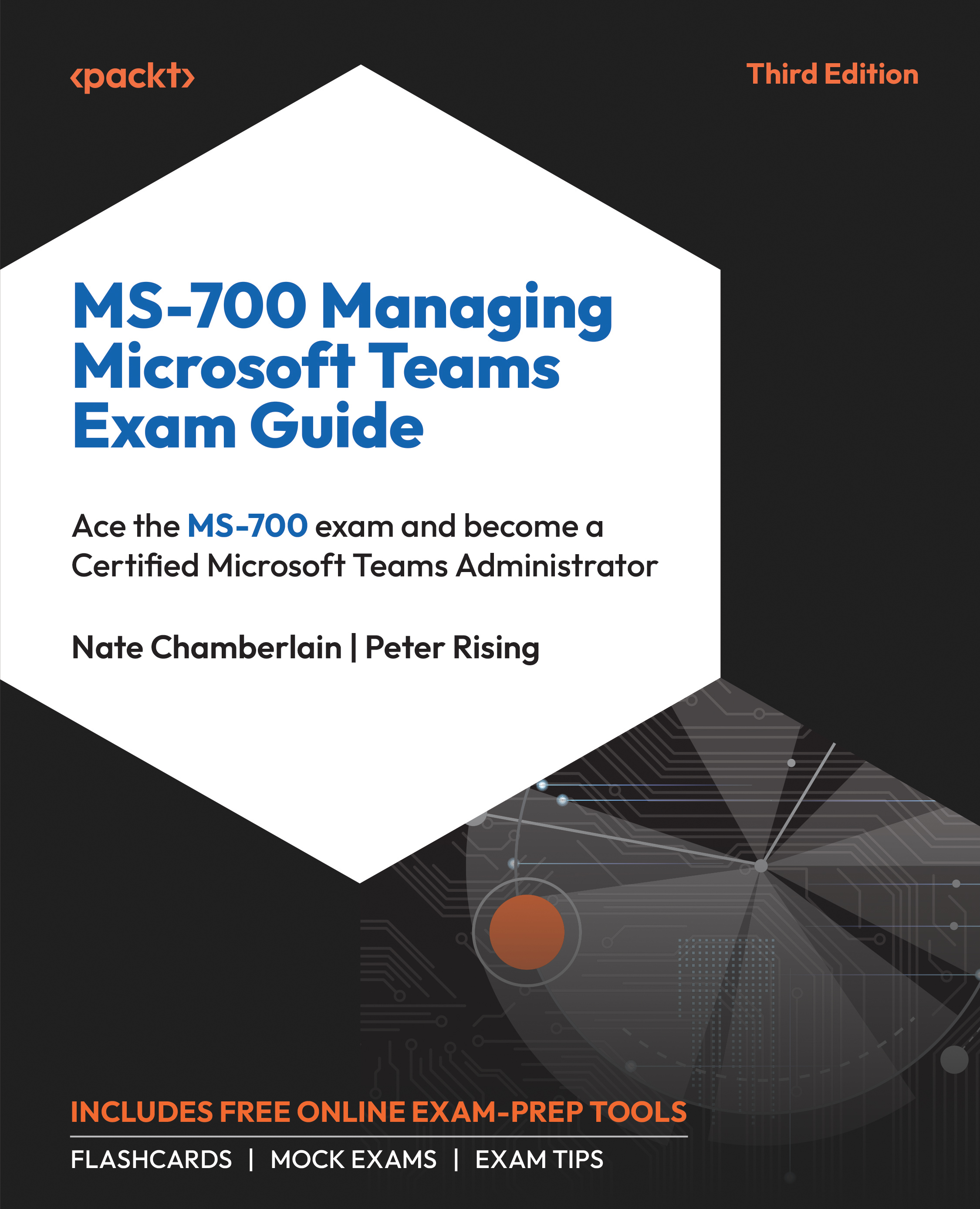
MS-700 Managing Microsoft Teams Exam Guide, Third Edition provides a thorough exploration of Microsoft Teams administration, charting a clear pathway to mastering deployment, management, and optimization within the Microsoft 365 ecosystem. Devoted to empowering users to harness the full potential of Microsoft 365 tools, Nate Chamberlain draws from his extensive experience as a Microsoft Certified Trainer and Project Management Professional, to infuse this guide with educational insights into Microsoft Teams administration.
This edition equips you with the latest features and essential knowledge to navigate the Teams admin center and use PowerShell for comprehensive management. This guide instills confidence for the MS-700 certification exam while serving as a handy reference for daily administration. Through concise chapters, you'll uncover Teams policies, essential settings, and configuration nuances crucial for any Teams administrator. Complex concepts are distilled into actionable strategies and best practices, preparing you for real-world challenges in deploying and managing Teams. It also includes web-based exam prep resources like mock exams, interactive flashcards, and valuable exam tips.
By the end of this book, you’ll be primed to excel in the exam and advance in your role as a skilled Microsoft Teams administrator.
Table of Contents (19 chapters)
Preface


 Free Chapter
Part 1: Configuring and Managing a Microsoft Teams Environment
Chapter 1: Planning and Configuring Network Settings for Microsoft Teams
Chapter 2: Managing Security and Compliance Settings for Microsoft Teams
Chapter 3: Planning and Implementing Governance and Lifecycle Management
Chapter 4: Configuring and Managing External Collaboration
Chapter 5: Managing Microsoft Teams Clients and Devices
Part 2: Managing Teams, Channels, Chats, and Apps
Chapter 6: Creating and Managing Teams

Chapter 7: Managing Channels and Chats
Chapter 8: Managing Apps for Microsoft Teams
Part 3: Managing Meetings and Calling
Chapter 9: Managing Meetings and Events
Chapter 10: Managing Phone Numbers and Services for Teams Phone
Part 4: Monitoring, Reporting On, and Troubleshooting Microsoft Teams
Chapter 11: Monitoring and Reporting on Microsoft Teams
Chapter 12: Troubleshooting Audio, Video, and Client Issues
Chapter 13: Accessing the Online Practice Resources
Other Books You May Enjoy


