Sign In Start Free Trial
Account

Add to playlist

Create a Playlist

Modal Close icon
You need to login to use this feature.
  • Book Overview & Buying Mastering Linux Security and Hardening
  • Table Of Contents Toc
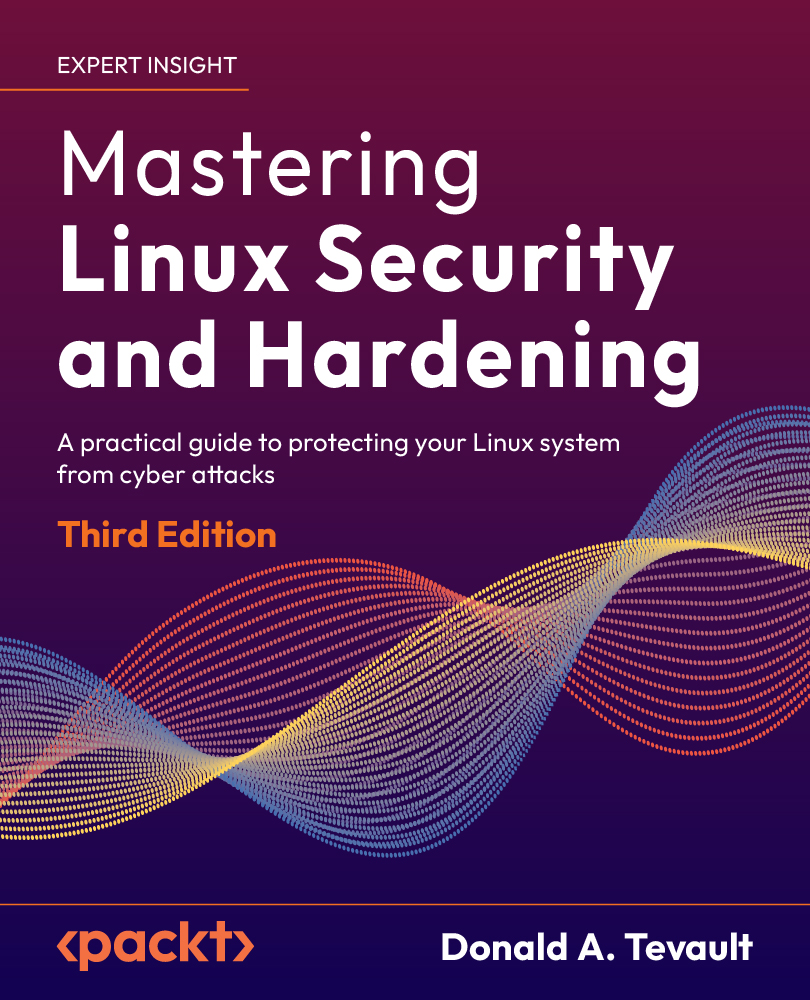
Mastering Linux Security and Hardening

Mastering Linux Security and Hardening - Third Edition

By : Donald A. Tevault
4.6 (33)
close
close
Mastering Linux Security and Hardening

Mastering Linux Security and Hardening

4.6 (33)
By: Donald A. Tevault

Overview of this book

The third edition of Mastering Linux Security and Hardening is an updated, comprehensive introduction to implementing the latest Linux security measures, using the latest versions of Ubuntu and AlmaLinux. In this new edition, you will learn how to set up a practice lab, create user accounts with appropriate privilege levels, protect sensitive data with permissions settings and encryption, and configure a firewall with the newest firewall technologies. You’ll also explore how to use sudo to set up administrative accounts with only the privileges required to do a specific job, and you’ll get a peek at the new sudo features that have been added over the past couple of years. You’ll also see updated information on how to set up a local certificate authority for both Ubuntu and AlmaLinux, as well as how to automate system auditing. Other important skills that you’ll learn include how to automatically harden systems with OpenSCAP, audit systems with auditd, harden the Linux kernel configuration, protect your systems from malware, and perform vulnerability scans of your systems. As a bonus, you’ll see how to use Security Onion to set up an Intrusion Detection System. By the end of this new edition, you will confidently be able to set up a Linux server that will be secure and harder for malicious actors to compromise.
Table of Contents (22 chapters)
close
close
1
Section I: Setting up a Secure Linux System
9
Section II: Mastering File and Directory Access Control (DAC)
12
Section III: Advanced System Hardening Techniques
20
Other Books You May Enjoy
21
Index

Running Linux in a Virtual Environment

So, you may be asking yourself: Why do I need to study Linux security? Isn’t Linux already secure? After all, it’s not Windows. But the fact is, there are many reasons.

It’s true that Linux has certain advantages over Windows when it comes to security. These include the following:

  • Unlike Windows, Linux was designed from the ground up as a multiuser operating system. So, user security tends to be a bit better on a Linux system.
  • Linux offers a better separation between administrative users and unprivileged users. This makes it a bit harder for intruders, and it also makes it a bit harder for a user to accidentally infect a Linux machine with something nasty.
  • Linux is much more resistant to viruses and malware infections than Windows is. Certain Linux distributions come with built-in mechanisms, such as SELinux in Red Hat and its free-of-charge clones, and AppArmor in Ubuntu and SUSE, that help prevent intruders from taking control of a system.
  • Linux is free and open source software. This allows anyone who has the skill to audit Linux code to hunt for bugs or backdoors.

But even with those advantages, Linux is just like everything else that’s been created by mankind. That is, it isn’t perfect.

Here are the topics that we’ll cover in this chapter:

  • Looking at the threat landscape
  • Why every Linux administrator needs to learn about Linux security
  • A bit about the threat landscape, with some examples of how attackers have, at times, been able to breach Linux systems
  • Resources for keeping up with IT security news
  • Differences between physical, virtual, and cloud setups
  • Setting up Ubuntu Server and Red Hat-type virtual machines with VirtualBox, and installing the Extra Packages for Enterprise Linux (EPEL) repository in the Red Hat-type virtual machines
  • Creating virtual machine snapshots
  • Installing Cygwin on a Windows host so that Windows users can connect to a virtual machine from their Windows hosts
  • Using the Windows 10/11 Bash shell to access Linux systems
  • How to keep your Linux systems updated

Let’s begin by talking about threats.

Visually different images
CONTINUE READING
83
Tech Concepts
36
Programming languages
73
Tech Tools
Icon Unlimited access to the largest independent learning library in tech of over 8,000 expert-authored tech books and videos.
Icon Innovative learning tools, including AI book assistants, code context explainers, and text-to-speech.
Icon 50+ new titles added per month and exclusive early access to books as they are being written.
Mastering Linux Security and Hardening
notes
bookmark Notes and Bookmarks search Search in title playlist Add to playlist download Download options font-size Font size

Change the font size

margin-width Margin width

Change margin width

day-mode Day/Sepia/Night Modes

Change background colour

Close icon Search
Country selected

Close icon Your notes and bookmarks

Confirmation

Modal Close icon
claim successful

Buy this book with your credits?

Modal Close icon
Are you sure you want to buy this book with one of your credits?
Close
YES, BUY

Submit Your Feedback

Modal Close icon
Modal Close icon
Modal Close icon