Sign In Start Free Trial
Account

Add to playlist

Create a Playlist

Modal Close icon
You need to login to use this feature.
  • Book Overview & Buying Microsoft Application Virtualization Cookbook
  • Table Of Contents Toc
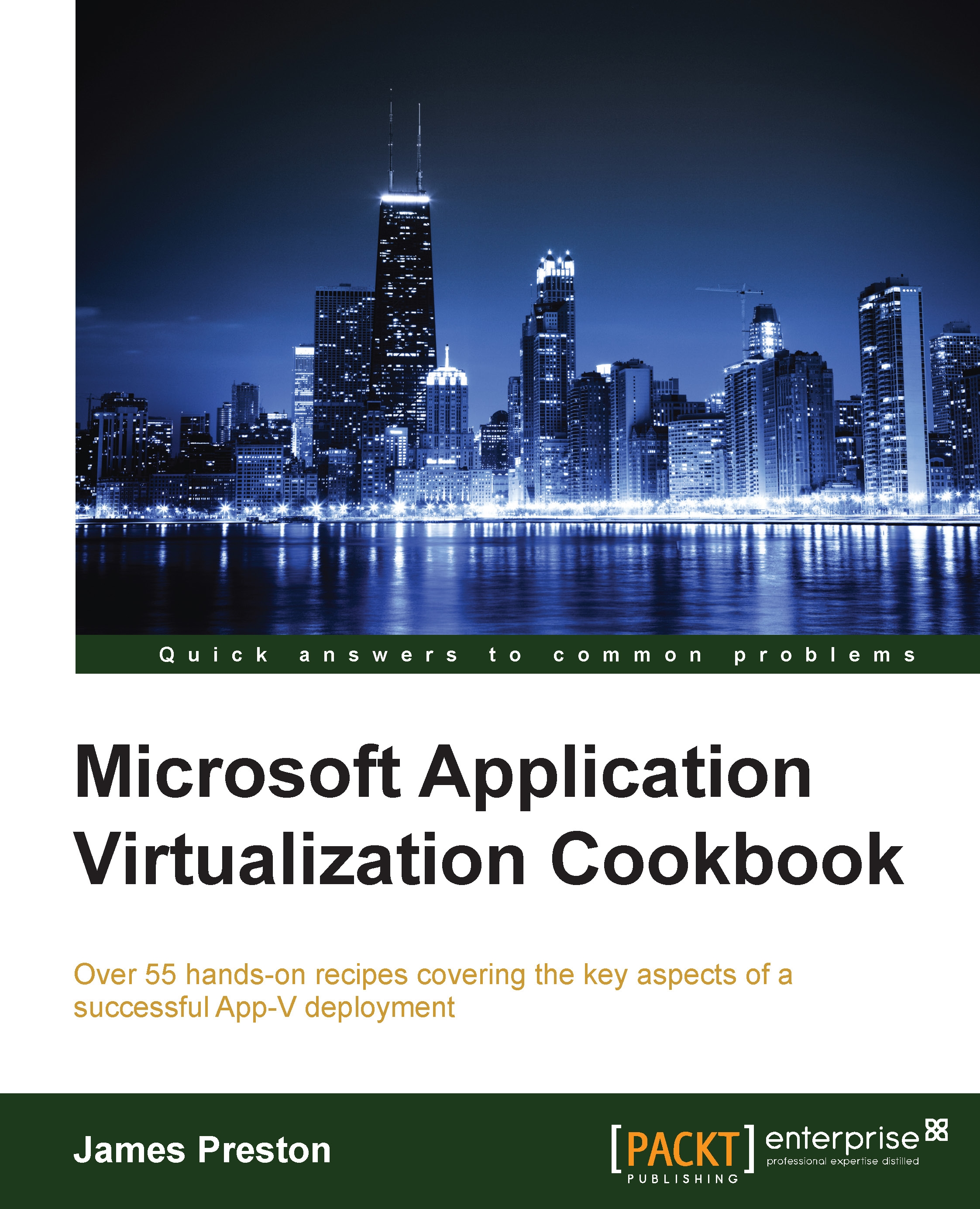
Microsoft Application Virtualization Cookbook

Microsoft Application Virtualization Cookbook

By : Preston
4.5 (4)
close
close
Microsoft Application Virtualization Cookbook

Microsoft Application Virtualization Cookbook

4.5 (4)
By: Preston

Overview of this book

With an ever-increasing number of applications being deployed in the workplace, Microsoft App-V 5 enables administrators to abstract these applications from clients, in turn reducing the time taken to complete the software deployment lifecycle. Part of the Microsoft Desktop Optimization Pack, App-V 5 centralizes the management of applications with a variety of deployment methods to suit each environment. With this hands-on Cookbook, you will learn how best to utilize features of App-V that you may already be familiar with, as well as gain insights into features only recently introduced such as the enhanced Connection Groups and Shared Content Store Mode. The book starts with the deployment of a scalable App-V infrastructure and progresses to cover the sequencing of common applications, as well as how you can take advantage of the new Office 2013 and Office 365 deployment methods. In later chapters, you will discover integrations with Microsoft Remote Desktop Services, Citrix XenDesktop, and Microsoft System Centre Configuration Manager. Finally, you will learn to leverage the App-V reporting server, Microsoft Excel, and pivot tables to gain insights into which applications are being used, along with how to troubleshoot issues with your deployment.
Table of Contents (12 chapters)
close
close
11
Index

Analyzing server-side logs


As of App-V 5 SP3, server- and client-side logging is consolidated into the event log feature of Windows, and not all of the logging is exposed by default. In this recipe, you will learn how to enable and analyze these additional logs.

Getting ready

To complete these steps, you will need to complete the recipes in Chapter 1, Deploying App-V 5 Services.

How to do it...

The following list shows you the high-level steps involved in this recipe and the tasks required to complete this recipe (all of the actions in this recipe will take place on the server APPV1):

  • Launch Event Viewer and view the App-V logs

  • Enable Analytic and Debug logging

The implementation of the preceding tasks is as follows:

  1. On the server APPV1, launch Event Viewer from the Start menu.

  2. Navigate to Applications and Services Logs | Microsoft | AppV. Note the Server Management, Server-Publishing, and Server-Reporting folders that contain the default logs.

  3. To show the additional logs, click on View | Show Analytic...

CONTINUE READING
83
Tech Concepts
36
Programming languages
73
Tech Tools
Icon Unlimited access to the largest independent learning library in tech of over 8,000 expert-authored tech books and videos.
Icon Innovative learning tools, including AI book assistants, code context explainers, and text-to-speech.
Icon 50+ new titles added per month and exclusive early access to books as they are being written.
Microsoft Application Virtualization Cookbook
notes
bookmark Notes and Bookmarks search Search in title playlist Add to playlist font-size Font size

Change the font size

margin-width Margin width

Change margin width

day-mode Day/Sepia/Night Modes

Change background colour

Close icon Search
Country selected

Close icon Your notes and bookmarks

Confirmation

Modal Close icon
claim successful

Buy this book with your credits?

Modal Close icon
Are you sure you want to buy this book with one of your credits?
Close
YES, BUY

Submit Your Feedback

Modal Close icon
Modal Close icon
Modal Close icon