Sign In Start Free Trial
Account

Add to playlist

Create a Playlist

Modal Close icon
You need to login to use this feature.
  • Book Overview & Buying jQuery UI Cookbook
  • Table Of Contents Toc
  • Feedback & Rating feedback
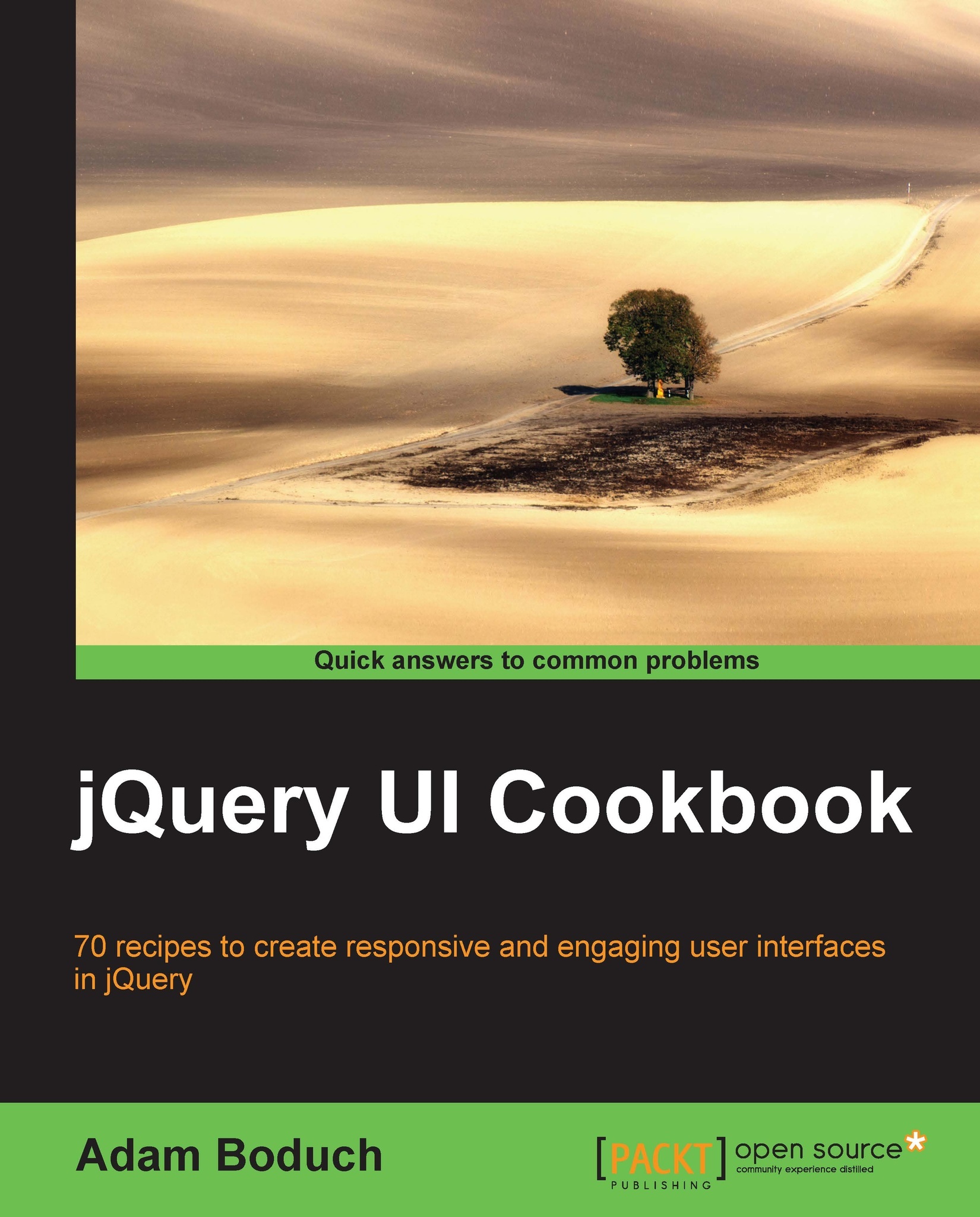
jQuery UI Cookbook

jQuery UI Cookbook

By : Adam Boduch
4.8 (6)
close
close
jQuery UI Cookbook

jQuery UI Cookbook

4.8 (6)
By: Adam Boduch

Overview of this book

jQuery UI is the quintessential framework for creating professional user interfaces. While jQuery core lays the foundation for interaction with the DOM and handling events, jQuery UI fills in the user interaction gap. This book will give you a huge productivity boost out of the box with jQuery UI, and help you understand the framework, inside and out."jQuery UI Cookbook" provides you with practical recipes featuring in-depth coverage of every widget in the framework, including how to address limitations that impact your everyday development activities with these widgets. You'll get a better idea of the big picture – how the framework is composed, how the widgets relate to one another, and how to build on those patterns.Be it a minor tweak on the visual design of a progress bar or a fundamental change in a widget to meet your needs, "jQuery UI Cookbook" covers scenarios both big and small. You can show reminders as tooltips, apply a variety of effects to the menu widget, and start interactions between the dialog widget and API data using deferred objects. These and many more interesting tasks are covered in this book, which can be done with smooth learning and great understanding. You will see how button widgets can fill the width of their containing element, making the layout more consistent. Tabs can be sorted and moved between widgets. You will learn how to do all these things within the context of the big picture, by finding out why the components work the way they do, making you well-versed in jQuery UI.
Table of Contents (19 chapters)
close
close
jQuery UI Cookbook
Credits
About the Author
About the Reviewers
www.PacktPub.com
Preface
1
Index

Using custom markup in tooltips


We're not limited to using the title attribute to supply basic text strings to the tooltip content. Sometimes, the content of the tooltip widget warrants formatting. For example, a title section would have different font styles than that of the main text section. The tooltip widget allows developers to pass in custom content through the content option. This can either be a raw string, or a function that returns the content we would like displayed. Let's look at how to go about using this option in your application.

How to do it...

We'll create two button elements; each have a title attribute, the text of which we'll use in the tooltip. We're also going to add the name of the button as the tooltip title.

<div class="button-container">
    <button title="Logs the user in by establishing a new session.">Login</button>
</div>
<div class="button-container">
    <button title="Deactivates the session, and logs the user out.">Logout...
Visually different images
CONTINUE READING
83
Tech Concepts
36
Programming languages
73
Tech Tools
Icon Unlimited access to the largest independent learning library in tech of over 8,000 expert-authored tech books and videos.
Icon Innovative learning tools, including AI book assistants, code context explainers, and text-to-speech.
Icon 50+ new titles added per month and exclusive early access to books as they are being written.
jQuery UI Cookbook
notes
bookmark Notes and Bookmarks search Search in title playlist Add to playlist font-size Font size

Change the font size

margin-width Margin width

Change margin width

day-mode Day/Sepia/Night Modes

Change background colour

Close icon Search
Country selected

Close icon Your notes and bookmarks

Confirmation

Modal Close icon
claim successful

Buy this book with your credits?

Modal Close icon
Are you sure you want to buy this book with one of your credits?
Close
YES, BUY

Submit Your Feedback

Modal Close icon
Modal Close icon
Modal Close icon