
Sign In Start Free Trial
Account

Add to playlist

Create a Playlist

Modal Close icon
You need to login to use this feature.
  • Book Overview & Buying Progressive Web Application Development by Example
  • Table Of Contents Toc
  • Feedback & Rating feedback
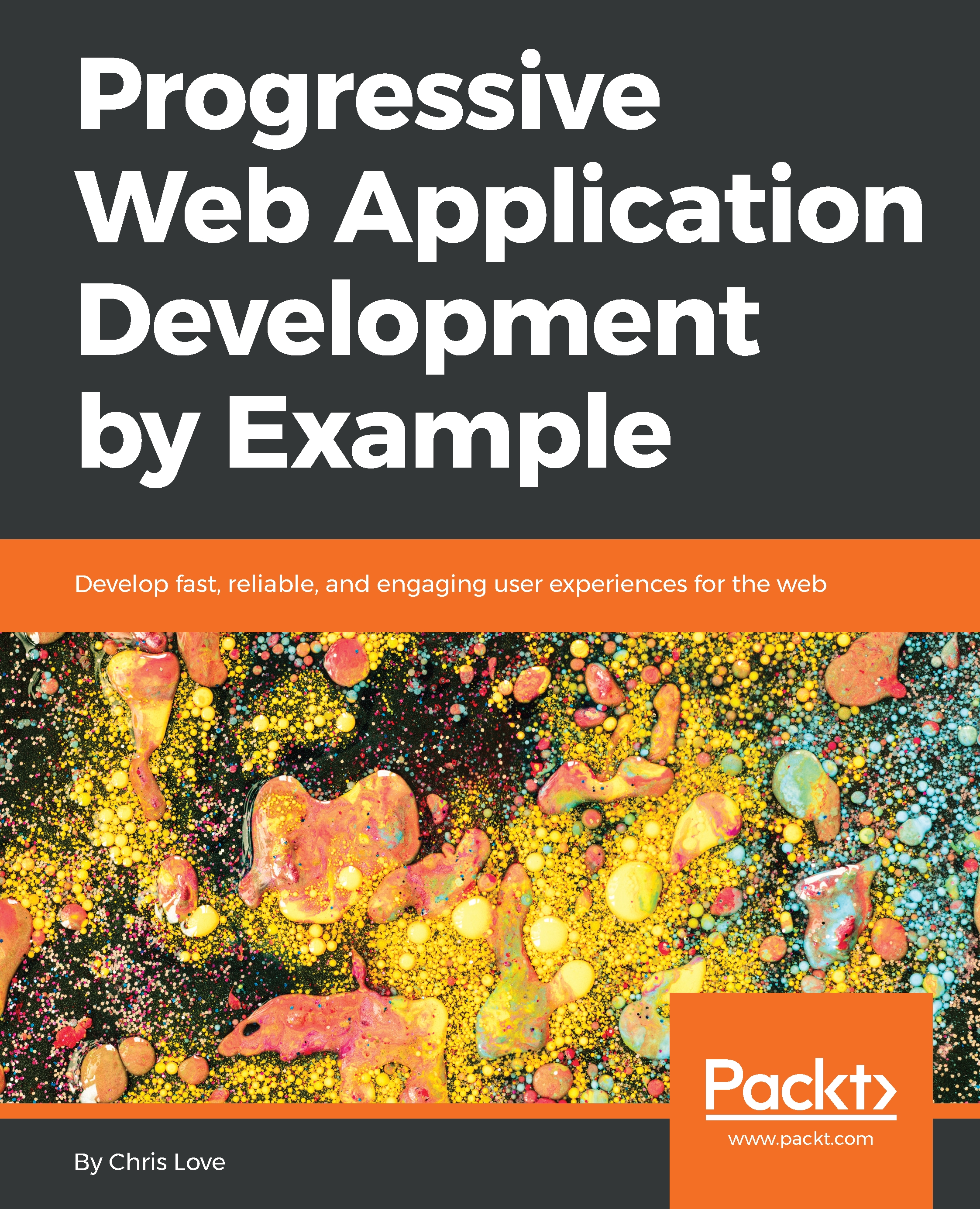
Progressive Web Application Development by Example

Progressive Web Application Development by Example

By : Love
close
close
Progressive Web Application Development by Example

Progressive Web Application Development by Example

By: Love

Overview of this book

Are you a developer that wants to create truly cross-platform user experiences with a minimal footprint, free of store restrictions and features customers want? Then you need to get to grips with Progressive Web Applications (PWAs), a perfect amalgamation of web and mobile applications with a blazing-fast response time. Progressive Web Application Development by Example helps you explore concepts of the PWA development by enabling you to develop three projects, starting with a 2048 game. In this game, you will review parts of a web manifest file and understand how a browser uses properties to define the home screen experience. You will then move on to learning how to develop and use a podcast client and be introduced to service workers. The application will demonstrate how service workers are registered and updated. In addition to this, you will review a caching API so that you have a firm understanding of how to use the cache within a service worker, and you'll discover core caching strategies and how to code them within a service worker. Finally, you will study how to build a tickets application, wherein you’ll apply advanced service worker techniques, such as cache invalidation. Also, you'll learn about tools you can use to validate your applications and scaffold them for quality and consistency. By the end of the book, you will have walked through browser developer tools, node modules, and online tools for creating high-quality PWAs.
Table of Contents (12 chapters)
close
close

The Fetch API

Way back in 1996, Internet Explorer introduced the iframe element as a way to load web content asynchronously in a web page. Over the next two years, the concept evolved into the first implementation of what we now know as the XMLHttpReqest object.

Back then, it was known as XMLHTTP and was first shipped in Internet Explorer 5.0. Soon after, Mozilla, Safari, and Opera all shipped implementations of what we now call XMLHttpRequest.

Up to this point, web pages were static and required an entire reload when a user navigated from one page to another inside the same site.

In 2004, Google started making wide use of what we now call AJAX in Gmail and Google Maps. They showed us how to leverage in-browser requests to the server and how to manipulate the DOM in response to the server's payload. This is typically done by calling an API that returns JSON data.

As with...

Visually different images
CONTINUE READING
83
Tech Concepts
36
Programming languages
73
Tech Tools
Icon Unlimited access to the largest independent learning library in tech of over 8,000 expert-authored tech books and videos.
Icon Innovative learning tools, including AI book assistants, code context explainers, and text-to-speech.
Icon 50+ new titles added per month and exclusive early access to books as they are being written.
Progressive Web Application Development by Example
notes
bookmark Notes and Bookmarks search Search in title playlist Add to playlist download Download options font-size Font size

Change the font size

margin-width Margin width

Change margin width

day-mode Day/Sepia/Night Modes

Change background colour

Close icon Search
Country selected

Close icon Your notes and bookmarks

Confirmation

Modal Close icon
claim successful

Buy this book with your credits?

Modal Close icon
Are you sure you want to buy this book with one of your credits?
Close
YES, BUY

Submit Your Feedback

Modal Close icon
Modal Close icon
Modal Close icon