Sign In Start Free Trial
Account

Add to playlist

Create a Playlist

Modal Close icon
You need to login to use this feature.
  • Book Overview & Buying Modern Full-Stack Web Development with ASP.NET Core
  • Table Of Contents Toc
  • Feedback & Rating feedback
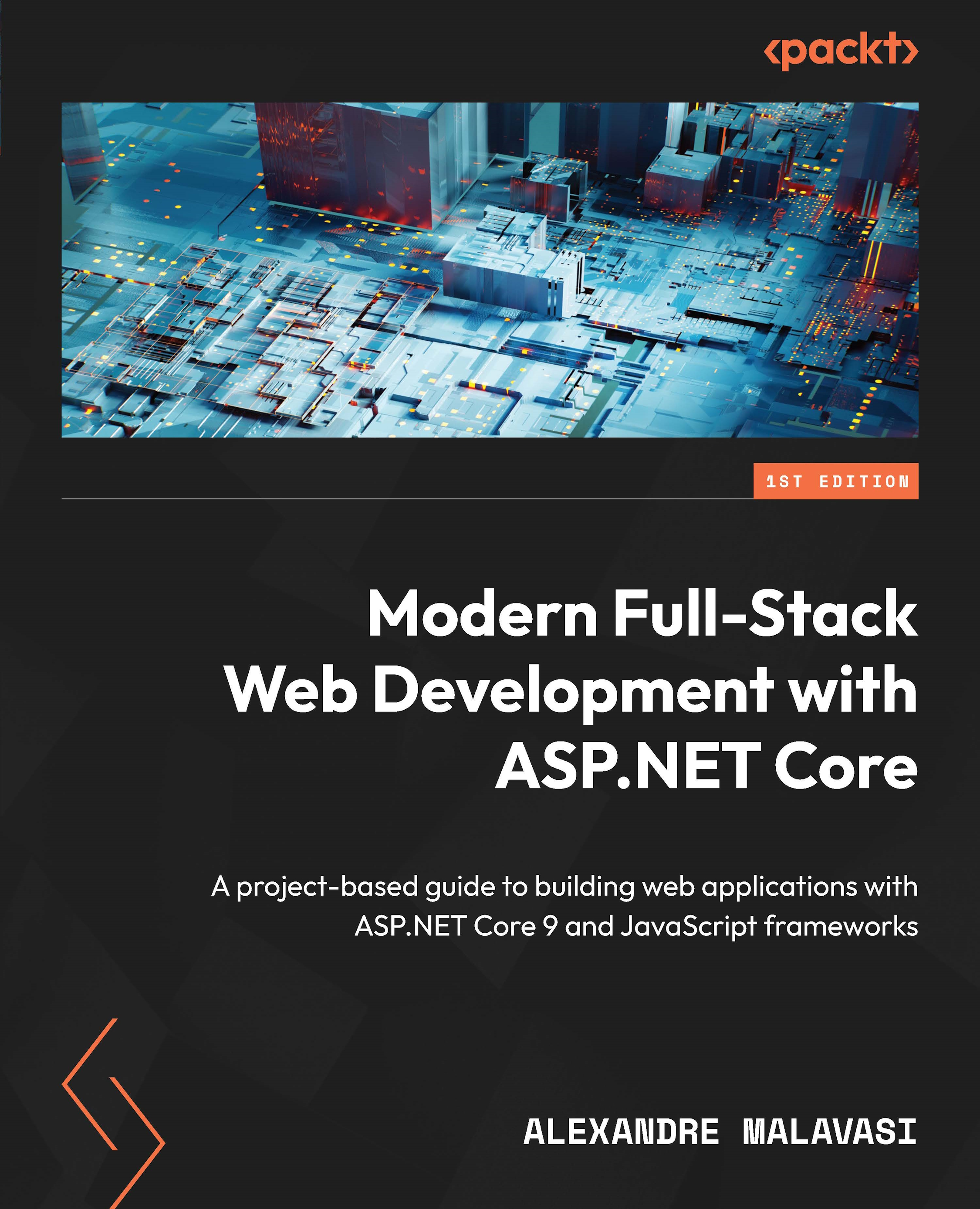
Modern Full-Stack Web Development with ASP.NET Core

Modern Full-Stack Web Development with ASP.NET Core

By : Alexandre Malavasi
close
close
Modern Full-Stack Web Development with ASP.NET Core

Modern Full-Stack Web Development with ASP.NET Core

By: Alexandre Malavasi

Overview of this book

In the ASP.NET Core ecosystem, choosing the right JavaScript framework is key to addressing diverse project requirements. Witten by a four-time Microsoft MVP with 16 years of software development experience, this book is your comprehensive guide to mastering full-stack development, combining ASP.NET Core’s robust backend capabilities with the dynamic frontend power of Vue.js, Angular, and React. This book uses ASP.NET Core to teach you best practices for integrating modern JavaScript frameworks, and creating responsive, high-performance applications that deliver seamless client–server interactions and scalable RESTful APIs. In addition to building expertise in ASP.NET Core’s core strengths, such as API security, architecture principles, and performance optimization, the chapters will help you develop the essential frontend skills needed for full-stack development. Sections on Blazor take a C#-based approach to creating interactive UIs, showcasing ASP.NET Core’s flexibility in handling both server and client-side needs. By the end of this book, you will have a complete toolkit for designing, deploying, and maintaining complex full-stack applications, along with practical knowledge of both backend and frontend development.
Table of Contents (23 chapters)
close
close
1
Part 1: Core Web Development with ASP.NET Core and Blazor
7
Part 2: Advanced Integration and Application Development
17
Part 3: Good Practices for Full-Stack Projects

Exploring the ASP.NET Core architecture and its features

ASP.NET Core is a comprehensive framework designed for building modern, cloud-optimized, and internet-connected applications. Its architecture is modular, flexible, and designed to provide an optimized development framework for both web applications and APIs. Let’s delve into the ASP.NET Core architecture and its key features to understand what makes it a powerful choice for developers.

ASP.NET Core’s architecture is fundamentally modular, allowing applications to include only the necessary components and libraries, thereby reducing the application’s footprint and improving performance. This modularity is facilitated by the framework’s reliance on NuGet packages, which can be added or removed based on the specific needs of the application.

Startup and middleware in ASP.NET Core

The Startup class and middleware are foundational elements in the architecture of ASP.NET Core applications as they orchestrate the application’s behavior and its response to incoming HTTP requests. Understanding how these components interact provides insights into the backbone of ASP.NET Core’s processing pipeline.

The Startup class

The Startup class contains two main methods:

  • ConfigureServices: This method is where you add and configure services needed by your application. Services such as Entity Framework Core, MVC, Razor Pages, Identity, and others are registered here. DI is a first-class citizen in ASP.NET Core, and ConfigureServices is where the DI container is populated. This method allows your application to adhere to the principle of “explicit dependencies,” ensuring that components and services declare their dependencies transparently.
  • Configure: After ConfigureServices runs, ASP.NET Core calls the Configure method. This is where you build the application’s request pipeline using middleware. Each middleware component can perform operations before and after the next component in the pipeline. The order in which middleware components are added is critical and defines the order of their execution for incoming HTTP requests and outgoing responses.

Middleware

Middleware in ASP.NET Core is software that’s assembled into an application pipeline to handle requests and responses. Each piece of middleware can perform operations before passing the request on to the next component in the pipeline or performing operations before the response is sent back to the client.

The following points illustrate the main aspects of the concept of middleware in ASP.NET Core projects:

  • Request pipeline: Middleware components form a chain of request delegates, where each component can perform operations asynchronously and decide whether to pass the request to the next component. If a middleware component doesn’t call the next delegate, it can short-circuit the pipeline, and no subsequent middleware is executed.
  • Built-in middleware: ASP.NET Core comes with a set of built-in middleware components that you can use to enable functionality such as static file serving, routing, authentication, and session state. For example, the static files middleware serves static files and is often one of the first components in the pipeline, ensuring that requests for static files are handled without going through unnecessary processing.
  • Custom middleware: You can also create custom middleware for more specific or specialized handling. Custom middleware is written by defining a class with an Invoke or InvokeAsync method that processes the HTTP request and calls the next middleware in the pipeline. This flexibility allows developers to extend the framework to suit their specific needs.
  • Ordering: The order in which middleware components are added in the Configure method defines the order of their execution. This ordering is crucial because it can affect everything from security (ensuring authentication happens early in the pipeline) to functionality (ensuring MVC handling happens after the necessary preprocessing steps).
  • Branching: The pipeline can be branched to configure different middleware components for different request paths. This can be achieved using the Map or MapWhen method, which provides fine-grained control over how requests are handled based on paths or conditions.

In summary, the Startup class and middleware in ASP.NET Core provide a robust and flexible way to configure how your application behaves and responds to HTTP requests. By understanding and utilizing these components effectively, developers can architect their applications to be modular, efficient, and maintainable, with clear control over the request handling pipeline.

DI in ASP.NET Core

DI is a design pattern that promotes loose coupling between components, making them more modular and testable. ASP.NET Core has built-in support for DI, allowing services to be registered and resolved throughout the application. Understanding how DI works in ASP.NET Core is crucial for developing applications that are easy to maintain and extend.

Core concepts of DI

The first concept we’ll cover is service registration. In ASP.NET Core, services are registered in the ConfigureServices method of the Startup class. This registration process maps interfaces or service types to concrete implementations. The framework provides different service lifetimes for registration, including Singleton, Scoped, and Transient, each defining how and when instances of the service are created and shared.

Now, let’s learn about service resolution. Once services have been registered, they can be injected into components, such as controllers, middleware, or other services, through their constructors. This is known as constructor injection, the most common method of DI in ASP.NET Core. The framework’s built-in DI container automatically resolves these services and their dependencies when the component is created.

In ASP.NET Core applications, services can be configured with distinct lifetimes, each defining the scope and duration of their availability within the application’s life cycle. These service lifetimes play a crucial role in determining how instances of services are created, shared, and disposed of, thereby impacting the application’s behavior, resource management, and overall architecture. The following lifetimes are available for configuration:

  • Singleton: Singleton services are created once per application lifetime and shared across all requests. This lifetime is suitable for stateless services that don’t maintain any state or data specific to a request.
  • Scoped: Scoped services are created once per client request (an HTTP request in the case of web applications). This is useful for services that need to maintain state or data within the context of a single request.
  • Transient: Transient services are created each time they’re requested from the service container. This lifetime works well for lightweight, stateless services.

In terms of more advanced scenarios, the following configurations can be set:

  • Factory-based registrations: Sometimes, more control over the creation of services is needed. ASP.NET Core allows for factory-based registrations, where you can provide a factory function to create the service. This approach is useful when the creation of the service requires more logic than simply instantiating a class.
  • Property injection: While constructor injection is the recommended approach in ASP.NET Core, property injection can be achieved but requires manual intervention. It’s less preferred because it can lead to situations where dependencies aren’t initialized properly, leading to less reliable and harder-to-maintain code.
  • Third-party containers: ASP.NET Core’s built-in DI container is designed to satisfy the needs of most applications. However, if you require more advanced features, the framework allows you to replace its built-in container with a third-party container, such as Autofac or StructureMap.

The following are good practices that you must follow to avoid issues when using DI and middleware in ASP.NET Core applications:

  • Prefer constructor injection: Favor constructor injection over property injection for its better enforcement of dependencies, ensuring that your components are always in a valid state.
  • Avoid service locator pattern: While it’s possible to use the service locator pattern by injecting IServiceProvider directly and retrieving services, this practice is discouraged as it hides a class’s dependencies, making the code harder to understand and maintain.
  • Design for testability: Leverage DI to design your components to be easily testable. Mocking frameworks can be used in conjunction with DI to provide mock implementations of services when testing.
  • Be mindful of captive dependencies: Ensure that you don’t inadvertently register a service with a lifetime that’s longer than the lifetimes of its dependencies. For example, a Singleton service shouldn’t depend on a Scoped service.

DI is a powerful feature of ASP.NET Core that, when used effectively, can greatly enhance the maintainability, testability, and modularity of your applications. Understanding how to properly register and resolve services, along with adhering to best practices, will allow you to fully leverage the benefits of DI in your ASP.NET Core applications.

ASP.NET Core’s architecture and features represent a significant evolution in web development frameworks, providing developers with a powerful, efficient, and flexible platform for building modern web applications and services. Whether you’re building web applications, RESTful APIs, real-time connections, or microservices, ASP.NET Core offers the tools and performance needed to create high-quality, scalable, and maintainable solutions.

Having explored details on DI and middleware for ASP.NET Core projects, let’s progress to the next section, where we’ll learn about the history of the .NET platform and ASP.NET Core.

Visually different images
CONTINUE READING
83
Tech Concepts
36
Programming languages
73
Tech Tools
Icon Unlimited access to the largest independent learning library in tech of over 8,000 expert-authored tech books and videos.
Icon Innovative learning tools, including AI book assistants, code context explainers, and text-to-speech.
Icon 50+ new titles added per month and exclusive early access to books as they are being written.
Modern Full-Stack Web Development with ASP.NET Core
notes
bookmark Notes and Bookmarks search Search in title playlist Add to playlist download Download options font-size Font size

Change the font size

margin-width Margin width

Change margin width

day-mode Day/Sepia/Night Modes

Change background colour

Close icon Search
Country selected

Close icon Your notes and bookmarks

Confirmation

Modal Close icon
claim successful

Buy this book with your credits?

Modal Close icon
Are you sure you want to buy this book with one of your credits?
Close
YES, BUY

Submit Your Feedback

Modal Close icon
Modal Close icon
Modal Close icon