Sign In Start Free Trial
Account

Add to playlist

Create a Playlist

Modal Close icon
You need to login to use this feature.
  • Book Overview & Buying Modern Full-Stack Web Development with ASP.NET Core
  • Table Of Contents Toc
  • Feedback & Rating feedback
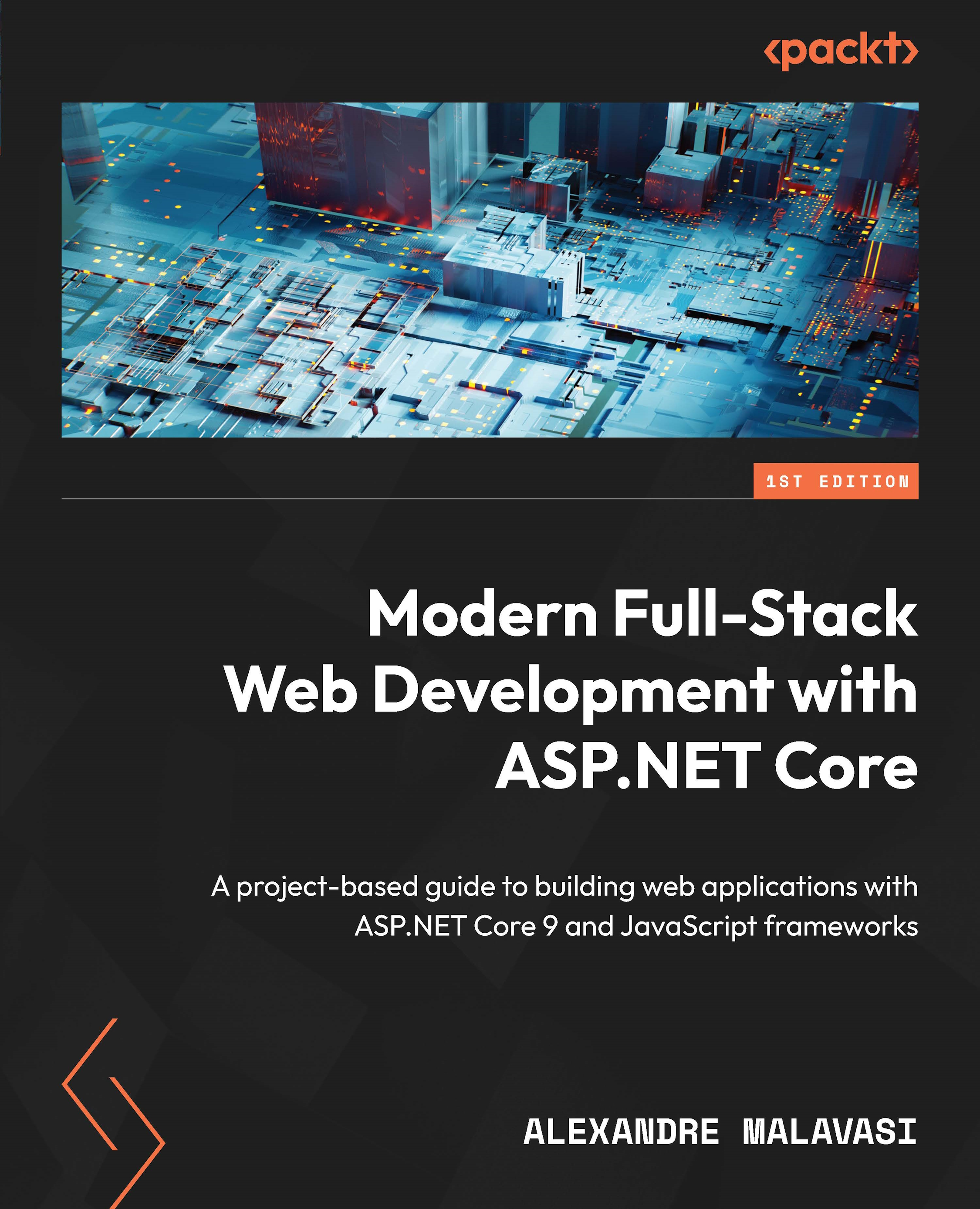
Modern Full-Stack Web Development with ASP.NET Core

Modern Full-Stack Web Development with ASP.NET Core

By : Alexandre Malavasi
close
close
Modern Full-Stack Web Development with ASP.NET Core

Modern Full-Stack Web Development with ASP.NET Core

By: Alexandre Malavasi

Overview of this book

In the ASP.NET Core ecosystem, choosing the right JavaScript framework is key to addressing diverse project requirements. Witten by a four-time Microsoft MVP with 16 years of software development experience, this book is your comprehensive guide to mastering full-stack development, combining ASP.NET Core’s robust backend capabilities with the dynamic frontend power of Vue.js, Angular, and React. This book uses ASP.NET Core to teach you best practices for integrating modern JavaScript frameworks, and creating responsive, high-performance applications that deliver seamless client–server interactions and scalable RESTful APIs. In addition to building expertise in ASP.NET Core’s core strengths, such as API security, architecture principles, and performance optimization, the chapters will help you develop the essential frontend skills needed for full-stack development. Sections on Blazor take a C#-based approach to creating interactive UIs, showcasing ASP.NET Core’s flexibility in handling both server and client-side needs. By the end of this book, you will have a complete toolkit for designing, deploying, and maintaining complex full-stack applications, along with practical knowledge of both backend and frontend development.
Table of Contents (23 chapters)
close
close
1
Part 1: Core Web Development with ASP.NET Core and Blazor
7
Part 2: Advanced Integration and Application Development
17
Part 3: Good Practices for Full-Stack Projects

The history of ASP.NET Core

The .NET platform, developed by Microsoft, has been a cornerstone in the evolution of software development, particularly in the web domain. Initially introduced as a beta product in 2000, .NET marked a significant milestone with its official 1.0 release in 2002 by bringing the innovative Common Language Runtime (CLR), which allowed developers to use multiple programming languages within a single solution. This feature enhanced reusability and flexibility, setting a foundation for the rich ecosystem that .NET would become.

As the platform matured, the introduction of ASP.NET provided a powerful framework for building dynamic web applications, significantly reducing the code developers needed to write. However, it was the advent of ASP.NET MVC in 2009 that marked a pivotal shift toward more structured and testable web applications. By implementing the MVC pattern, ASP.NET MVC enabled a clean separation of concerns, facilitating better maintainability and scalability of applications. This was a response to the growing complexity of web applications and the need for architectures that could support more agile development and testing practices.

Along with these advancements, the Razor syntax, introduced with ASP.NET MVC 3 in 2011, provided a more intuitive way for developers to embed server-side code within HTML. This streamlined the development process, allowing for a seamless blend of markup and C# code, and paved the way for further innovations in .NET’s approach to web development.

This evolution continued with the introduction of Razor Pages in 2017 alongside ASP.NET Core 2.0. Razor Pages simplified the web development process by offering a page-focused framework that was easier to manage and more suited for scenarios where a full MVC framework was unnecessary. This innovation brought a more approachable and efficient way to build web UIs, especially for developers who preferred a less complex structure than MVC.

A significant breakthrough in the .NET ecosystem was the launch of Blazor in 2018 with .NET Core 3.0. Blazor revolutionized web development within the .NET framework by enabling developers to use C# instead of JavaScript to create interactive client-side web UIs. This innovation allowed existing .NET skills to be leveraged for both server-side and client-side development, offering a unified and streamlined development experience. Blazor demonstrated .NET’s adaptability and its commitment to staying at the forefront of web development technologies.

Throughout its history, .NET has continuously evolved, embracing new paradigms and technologies to stay relevant in the ever-changing landscape of software development. From its initial release to the introduction of .NET and the various frameworks and syntaxes that have been added over the years, .NET has proven to be a dynamic and versatile platform. It’s catered to the needs of developers building enterprise-level applications, modern web applications, and everything in between, ensuring that .NET remains a powerful and popular choice in the software development world.

Visually different images
CONTINUE READING
83
Tech Concepts
36
Programming languages
73
Tech Tools
Icon Unlimited access to the largest independent learning library in tech of over 8,000 expert-authored tech books and videos.
Icon Innovative learning tools, including AI book assistants, code context explainers, and text-to-speech.
Icon 50+ new titles added per month and exclusive early access to books as they are being written.
Modern Full-Stack Web Development with ASP.NET Core
notes
bookmark Notes and Bookmarks search Search in title playlist Add to playlist download Download options font-size Font size

Change the font size

margin-width Margin width

Change margin width

day-mode Day/Sepia/Night Modes

Change background colour

Close icon Search
Country selected

Close icon Your notes and bookmarks

Confirmation

Modal Close icon
claim successful

Buy this book with your credits?

Modal Close icon
Are you sure you want to buy this book with one of your credits?
Close
YES, BUY

Submit Your Feedback

Modal Close icon
Modal Close icon
Modal Close icon