Sign In Start Free Trial
Account

Add to playlist

Create a Playlist

Modal Close icon
You need to login to use this feature.
  • Book Overview & Buying Hands-On Full-Stack Web Development with GraphQL and React
  • Table Of Contents Toc
  • Feedback & Rating feedback
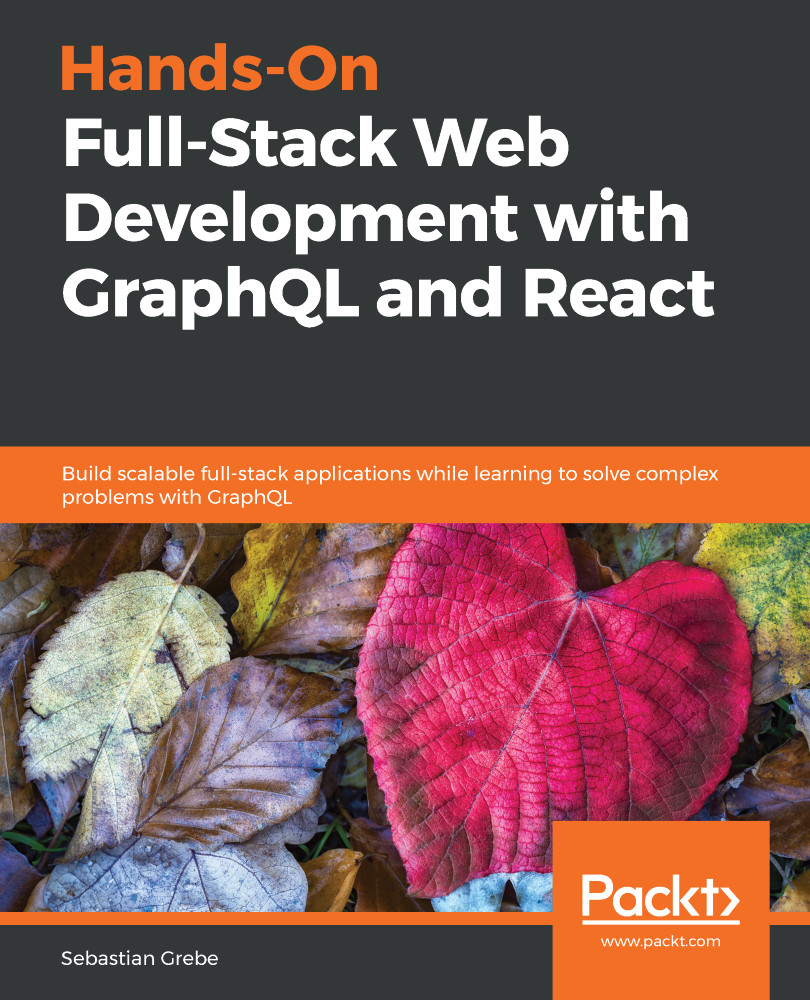
Hands-On Full-Stack Web Development with GraphQL and React

Hands-On Full-Stack Web Development with GraphQL and React

By : Sebastian Grebe
3 (2)
close
close
Hands-On Full-Stack Web Development with GraphQL and React

Hands-On Full-Stack Web Development with GraphQL and React

3 (2)
By: Sebastian Grebe

Overview of this book

React, one of the most widely used JavaScript frameworks, allows developers to build fast and scalable front end applications for any use case. GraphQL is the modern way of querying an API. It represents an alternative to REST and is the next evolution in web development. Combining these two revolutionary technologies will give you a future-proof and scalable stack you can start building your business around. This book will guide you in implementing applications by using React, Apollo, Node.js and SQL. We'll focus on solving complex problems with GraphQL, such as abstracting multi-table database architectures and handling image uploads. Our client, and server will be powered by Apollo. Finally we will go ahead and build a complete Graphbook. While building the app, we'll cover the tricky parts of connecting React to the back end, and maintaining and synchronizing state. We'll learn all about querying data and authenticating users. We'll write test cases to verify the front end and back end functionality for our application and cover deployment. By the end of the book, you will be proficient in using GraphQL and React for your full-stack development requirements.
Table of Contents (15 chapters)
close
close

One-to-one relationships in Sequelize

We need to associate each post with a user, to fill in the gap that we created in our GraphQL response. A post must have an author. It would not make sense to have a post without an associated user.

First, we will generate a User model and migration. We will use the Sequelize CLI again, as follows:

sequelize model:generate --models-path src/server/models --migrations-path src/server/migrations --name User --attributes avatar:string,username:string

The migration file creates the Users table and adds the avatar and username columns. A data row looks like a post in our fake data, but it also includes an autogenerated ID and two timestamps, as you saw previously.

The relationship of the users to their specific posts is still missing as we have only created the model and migration file. We still have to add the relationship between posts and users. This will be covered in the next section.

What every post needs is an extra field called...

Visually different images
CONTINUE READING
83
Tech Concepts
36
Programming languages
73
Tech Tools
Icon Unlimited access to the largest independent learning library in tech of over 8,000 expert-authored tech books and videos.
Icon Innovative learning tools, including AI book assistants, code context explainers, and text-to-speech.
Icon 50+ new titles added per month and exclusive early access to books as they are being written.
Hands-On Full-Stack Web Development with GraphQL and React
notes
bookmark Notes and Bookmarks search Search in title playlist Add to playlist download Download options font-size Font size

Change the font size

margin-width Margin width

Change margin width

day-mode Day/Sepia/Night Modes

Change background colour

Close icon Search
Country selected

Close icon Your notes and bookmarks

Confirmation

Modal Close icon
claim successful

Buy this book with your credits?

Modal Close icon
Are you sure you want to buy this book with one of your credits?
Close
YES, BUY

Submit Your Feedback

Modal Close icon
Modal Close icon
Modal Close icon