


-
Book Overview & Buying
-
Table Of Contents

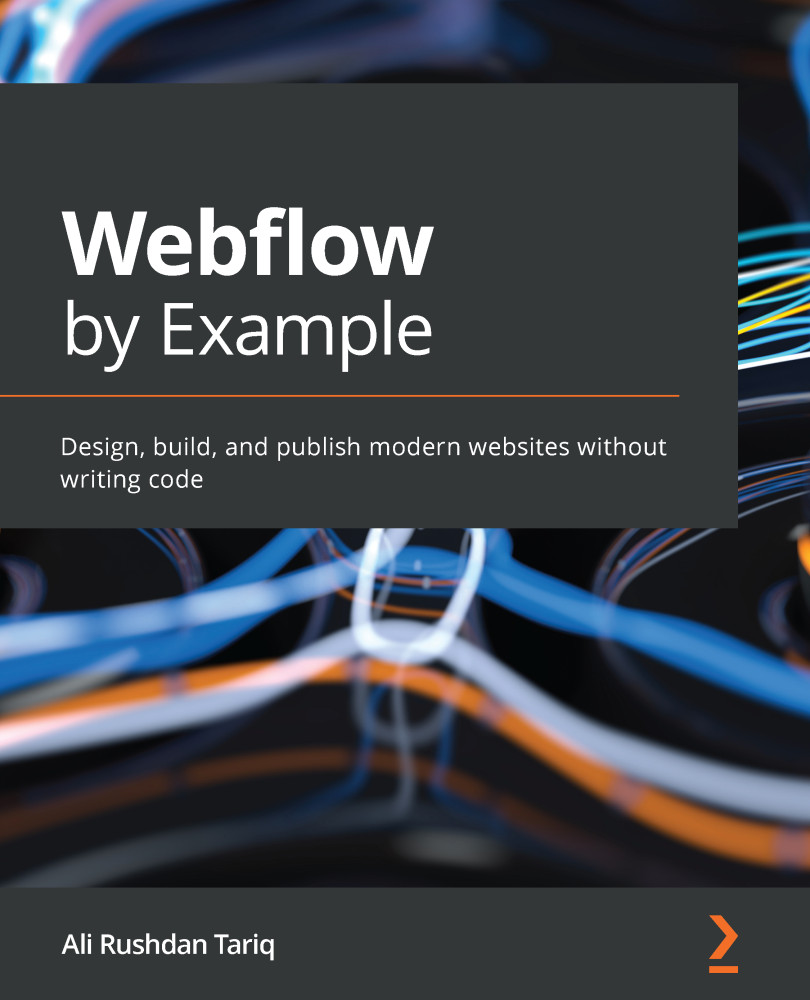
Webflow by Example
By :


Webflow by Example
By:
Overview of this book
Webflow is a modern no-code website-builder that enables you to rapidly design and build production-scale responsive websites. Webflow by Example is a practical, project-based, and beginner-friendly guide to understanding and using Webflow to efficiently build and launch responsive websites from scratch.
Complete with hands-on tutorials, projects, and self-assessment questions, this easy-to-follow guide will take you through modern web development principles and help you to apply them efficiently using Webflow. You’ll also get to grips with modern responsive web development and understand how to take advantage of the power and flexibility of Webflow. The book will guide you through a real-life project where you will build a fully responsive and dynamic website from scratch. You will learn how to add animations and interactions, customize experiences for users, and more. Finally, the book covers important steps and best practices for making your website ready for production, including SEO optimization and how to publish and package the website.
By the end of this Webflow book, you will have gained the skills you need to build modern responsive websites from scratch without any code.
Table of Contents (20 chapters)
Preface


Section 1: Getting Started with Webflow
 Free Chapter
Chapter 1: Why Webflow
Chapter 2: The Web in a Nutshell
Chapter 3: Setting Up Your First Project
Section 2: Building a Mobile Responsive Landing Page with Webflow
Chapter 4: Building Above the Fold
Chapter 5: Building the Rest of the Body
Chapter 6: Making It Responsive

Chapter 7: Introduction to Interactions and Animations
Chapter 8: Advanced Interactions
Section 3: Building a Dynamic Website with Webflow CMS
Chapter 9: Getting Started with Webflow CMS
Chapter 10: Creating Your First CMS Project
Chapter 11: Creating Collection Pages
Chapter 12: Managing CMS Projects
Section 4: Additional Topics
Chapter 13: Publishing Projects on the Web
Chapter 14: Using Webflow Editor to Update Websites
Other Books You May Enjoy


