


-
Book Overview & Buying
-
Table Of Contents

From PHP to Ruby on Rails
By :


From PHP to Ruby on Rails
By:
Overview of this book
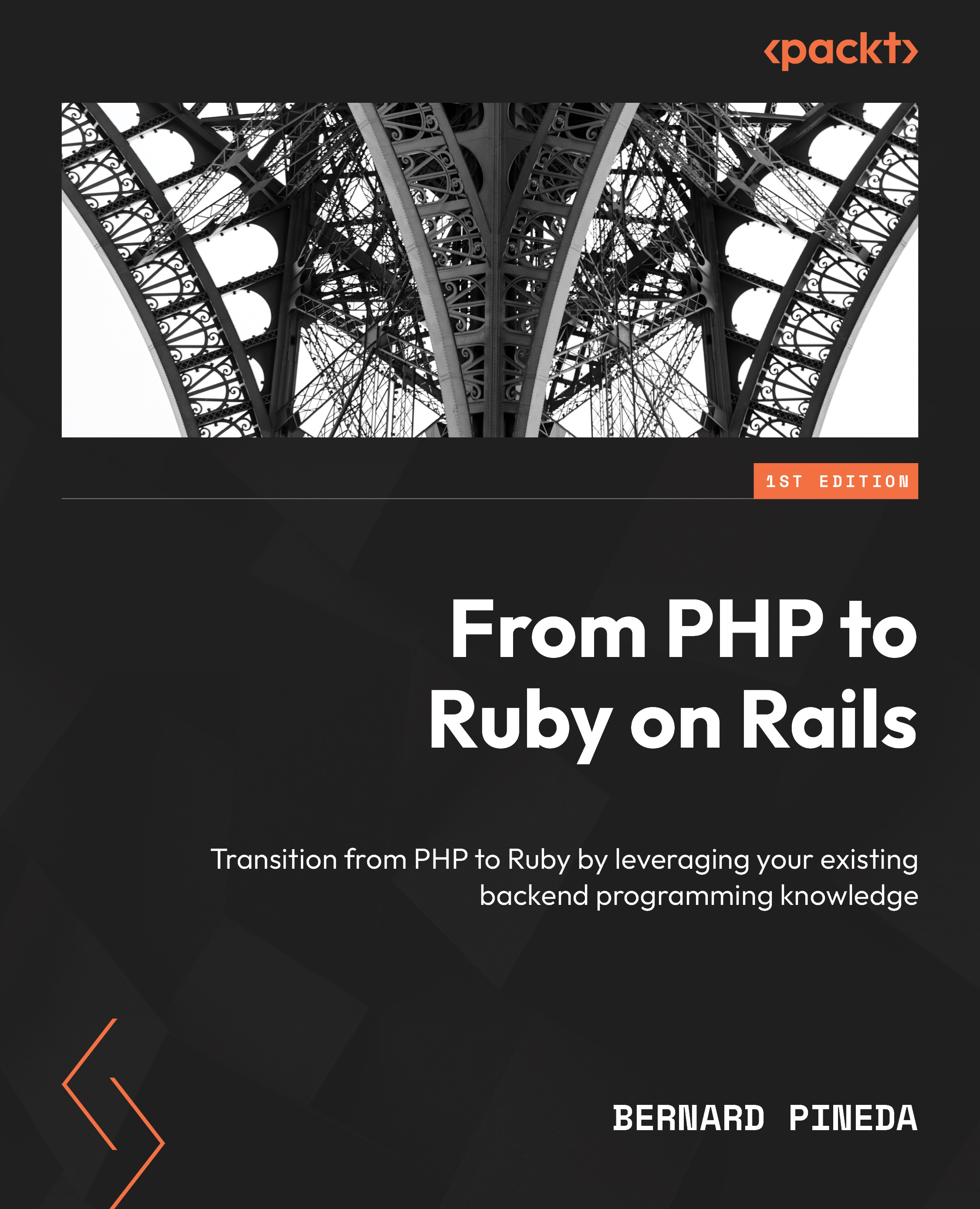
Are you a PHP developer looking to take your first steps into the world of Ruby development? From PHP to Ruby on Rails will help you leverage your existing knowledge to gain expertise in Ruby on Rails. With a focus on bridging the gap between PHP and Ruby, this guide will help you develop the Ruby mindset, set up your local environment, grasp the syntax, master scripting, explore popular Ruby frameworks, and find out about libraries and gems.
This book offers a unique take on Ruby from the perspective of a seasoned PHP developer who initially refused to learn other technologies, but never looked back after taking the leap. As such, it teaches with a language-agnostic approach that will help you feel at home in any programming language without learning everything from scratch. This approach will help you avoid common mistakes such as writing Ruby as if it were PHP and increase your understanding of the programming ecosystem as a whole.
By the end of this book, you'll have gained a solid understanding of Ruby, its ecosystem, and how it compares to PHP, enabling you to build robust and scalable applications using Ruby on Rails.
Table of Contents (15 chapters)
Preface


Part 1:From PHP to Ruby Basics
 Free Chapter
Chapter 1: Understanding the Ruby Mindset and Culture
Chapter 2: Setting Up Our Local Environment
Chapter 3: Comparing Basic Ruby Syntax to PHP

Chapter 4: Ruby Scripting versus PHP Scripting
Chapter 5: Libraries and Class Syntax
Chapter 6: Debugging Ruby
Part 2:Ruby and the Web
Chapter 7: Understanding Convention over Configuration
Chapter 8: Models, DBs, and Active Record
Chapter 9: Bringing It All Together
Chapter 10: Considerations for Hosting Rails Applications versus PHP Applications
Index


