Sign In Start Free Trial
Account

Add to playlist

Create a Playlist

Modal Close icon
You need to login to use this feature.
  • Book Overview & Buying Clean Code in PHP
  • Table Of Contents Toc
  • Feedback & Rating feedback
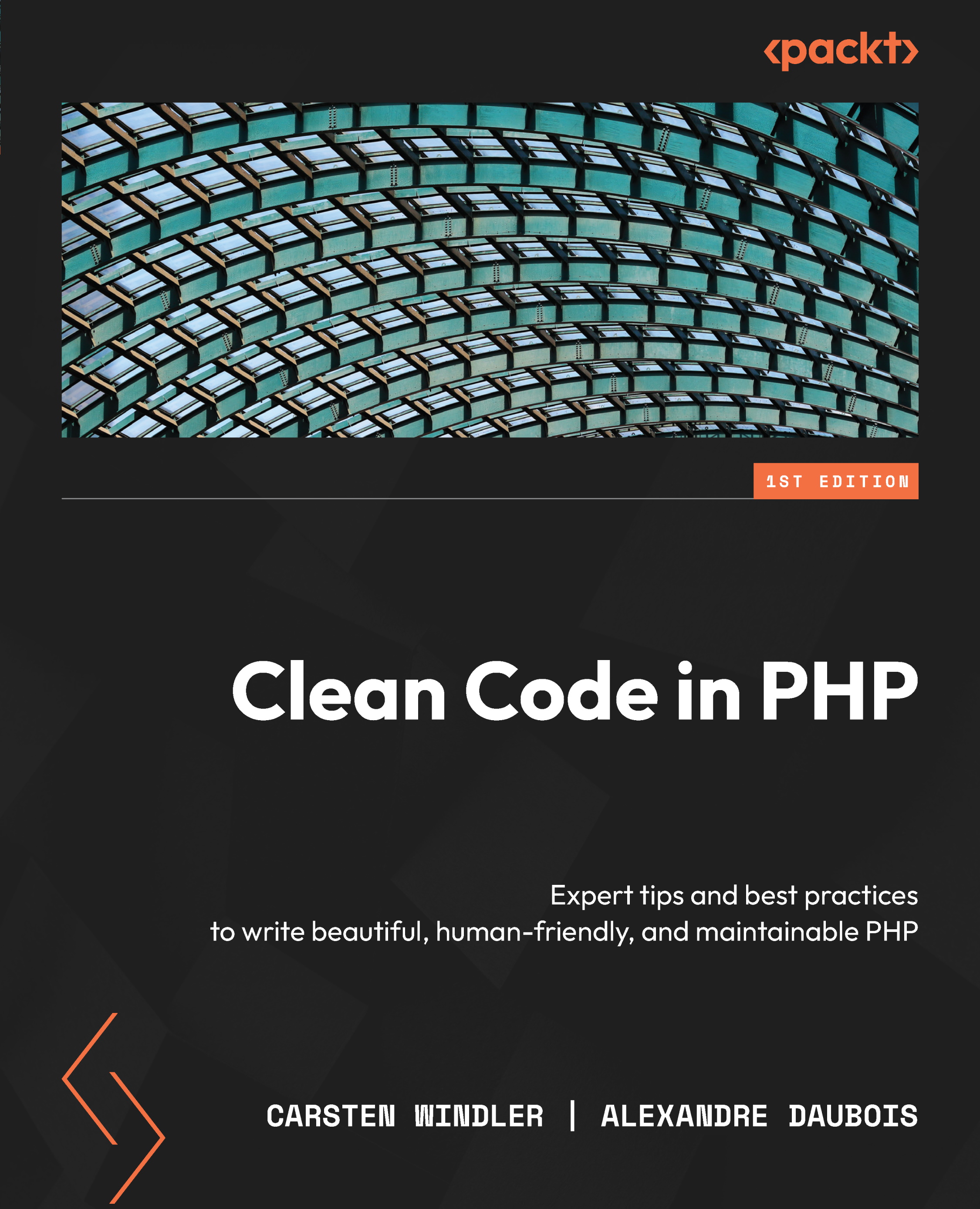
Clean Code in PHP

Clean Code in PHP

By : Carsten Windler, Alexandre Daubois
5 (3)
close
close
Clean Code in PHP

Clean Code in PHP

5 (3)
By: Carsten Windler, Alexandre Daubois

Overview of this book

PHP is a beginner-friendly language, but also one that is rife with complaints of bad code,;yet no clean code books are specific to PHP. Enter Clean Code in PHP. This book is a one-stop guide to learning the theory and best practices of clean code specific to real-world PHP app development environments. This PHP book is cleanly split to help you navigate through coding practices and theories to understand and adopt the nuances of the clean code paradigm. In addition to covering best practices, tooling for code quality, and PHP design patterns, this book also presents tips and techniques for working on large-scale PHP apps with a team and writing effective documentation for your PHP projects. By the end of this book, you’ll be able to write human-friendly PHP code, which will fuel your PHP career growth and set you apart from the competition.
Table of Contents (18 chapters)
close
close
1
Part 1 – Introducing Clean Code
8
Part 2 – Maintaining Code Quality

IDE extensions

The tools we looked at so far share something in common: they need to be applied to our code after we have written it. Of course, this is much better than nothing, but wouldn’t it be great if the tools gave us their feedback immediately at the time that we wrote the code?

That is what many other developers thought as well, so they created extensions for the most popular IDEs, which are currently Visual Studio Code (VS Code) and PhpStorm:

  • PhpStorm is an established, commercial IDE from JetBrains with several PHP-specific tools, checks, and built-in integrations for many of the code quality tools we discussed in this chapter. There are many useful extensions available for it as well. You can try it out for 30 days for free.
  • VS Code is a highly flexible code editor from Microsoft with tons of third-party (partly commercial) extensions that can turn these tools into an IDE for virtually every relevant programming language today. Because the code editor...
Visually different images
CONTINUE READING
83
Tech Concepts
36
Programming languages
73
Tech Tools
Icon Unlimited access to the largest independent learning library in tech of over 8,000 expert-authored tech books and videos.
Icon Innovative learning tools, including AI book assistants, code context explainers, and text-to-speech.
Icon 50+ new titles added per month and exclusive early access to books as they are being written.
Clean Code in PHP
notes
bookmark Notes and Bookmarks search Search in title playlist Add to playlist download Download options font-size Font size

Change the font size

margin-width Margin width

Change margin width

day-mode Day/Sepia/Night Modes

Change background colour

Close icon Search
Country selected

Close icon Your notes and bookmarks

Confirmation

Modal Close icon
claim successful

Buy this book with your credits?

Modal Close icon
Are you sure you want to buy this book with one of your credits?
Close
YES, BUY

Submit Your Feedback

Modal Close icon
Modal Close icon
Modal Close icon