
Sign In Start Free Trial
Account

Add to playlist

Create a Playlist

Modal Close icon
You need to login to use this feature.
  • Book Overview & Buying Building Forms with Vue.js
  • Table Of Contents Toc
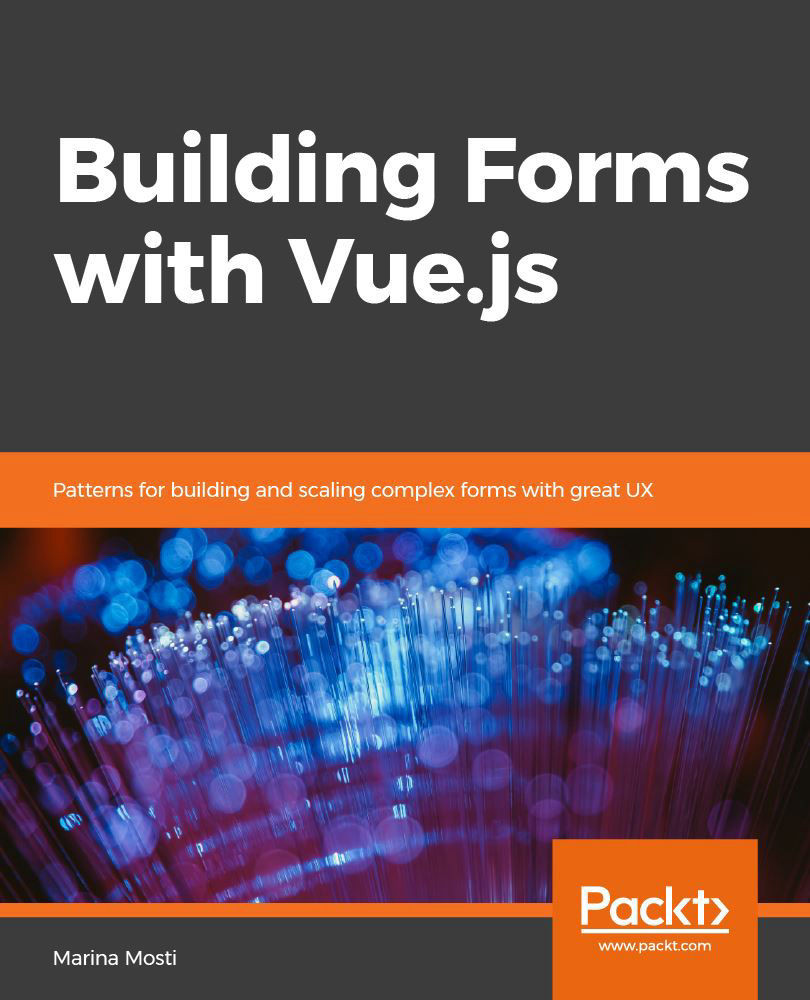
Building Forms with Vue.js

Building Forms with Vue.js

By : Marina Mosti Hernandez Mosti
1 (1)
close
close
Building Forms with Vue.js

Building Forms with Vue.js

1 (1)
By: Marina Mosti Hernandez Mosti

Overview of this book

Almost every web application and site out there handles user input in one way or another, from registration forms and log-in handling to registration and landing pages. Building Forms with Vue.js follows a step-by-step approach to help you create an efficient user interface (UI) and seamless user experience (UX) by building quick and easy-to-use forms. You’ll get off to a steady start by setting up the demo project. Next, you’ll get to grips with component composition from creating reusable form components through to implementing the custom input components. To further help you develop a convenient user input experience, the book will show you how to enhance custom inputs with v-mask. As you progress, you’ll get up to speed with using Vuelidate and Vuex to effectively integrate your forms. You’ll learn how to create forms that use global state, reactive instant user input validation and input masking, along with ensuring that they are completely schema-driven and connected to your application’s API. Every chapter builds on the concepts learned in the previous chapter, while also allowing you to skip ahead to the topics you’re most interested in. By the end of this book, you will have gained the skills you need to transform even the simplest form into a crafted user and developer experience with Vue.
Table of Contents (9 chapters)
close
close

Lights, Vue, actions!

The third key part of Vuex is called actions. Actions are methods, just as mutations are, but they can perform asynchronous code within them. 

Actions receive two parameters as follows:

  • The first one is a context, which is an object that holds a reference to the state, the getters, and the ability to commit mutations and dispatch other actions.
  • The second (optional) parameter is user-defined; means that we can send extra information to our actions if we need it, but this can also be safely ignored.

A common pattern in Vuex-powered applications is to keep HTTP calls inside Vuex actions—that way, they can be dispatched by any component inside the application if they are needed. These HTTP calls usually modify or make use of the state, which is very convenient since we have this all available through the context

Let's go back to the...

Visually different images
CONTINUE READING
83
Tech Concepts
36
Programming languages
73
Tech Tools
Icon Unlimited access to the largest independent learning library in tech of over 8,000 expert-authored tech books and videos.
Icon Innovative learning tools, including AI book assistants, code context explainers, and text-to-speech.
Icon 50+ new titles added per month and exclusive early access to books as they are being written.
Building Forms with Vue.js
notes
bookmark Notes and Bookmarks search Search in title playlist Add to playlist download Download options font-size Font size

Change the font size

margin-width Margin width

Change margin width

day-mode Day/Sepia/Night Modes

Change background colour

Close icon Search
Country selected

Close icon Your notes and bookmarks

Confirmation

Modal Close icon
claim successful

Buy this book with your credits?

Modal Close icon
Are you sure you want to buy this book with one of your credits?
Close
YES, BUY

Submit Your Feedback

Modal Close icon
Modal Close icon
Modal Close icon