Sign In Start Free Trial
Account

Add to playlist

Create a Playlist

Modal Close icon
You need to login to use this feature.
  • Book Overview & Buying Instant Responsive Web Design
  • Table Of Contents Toc
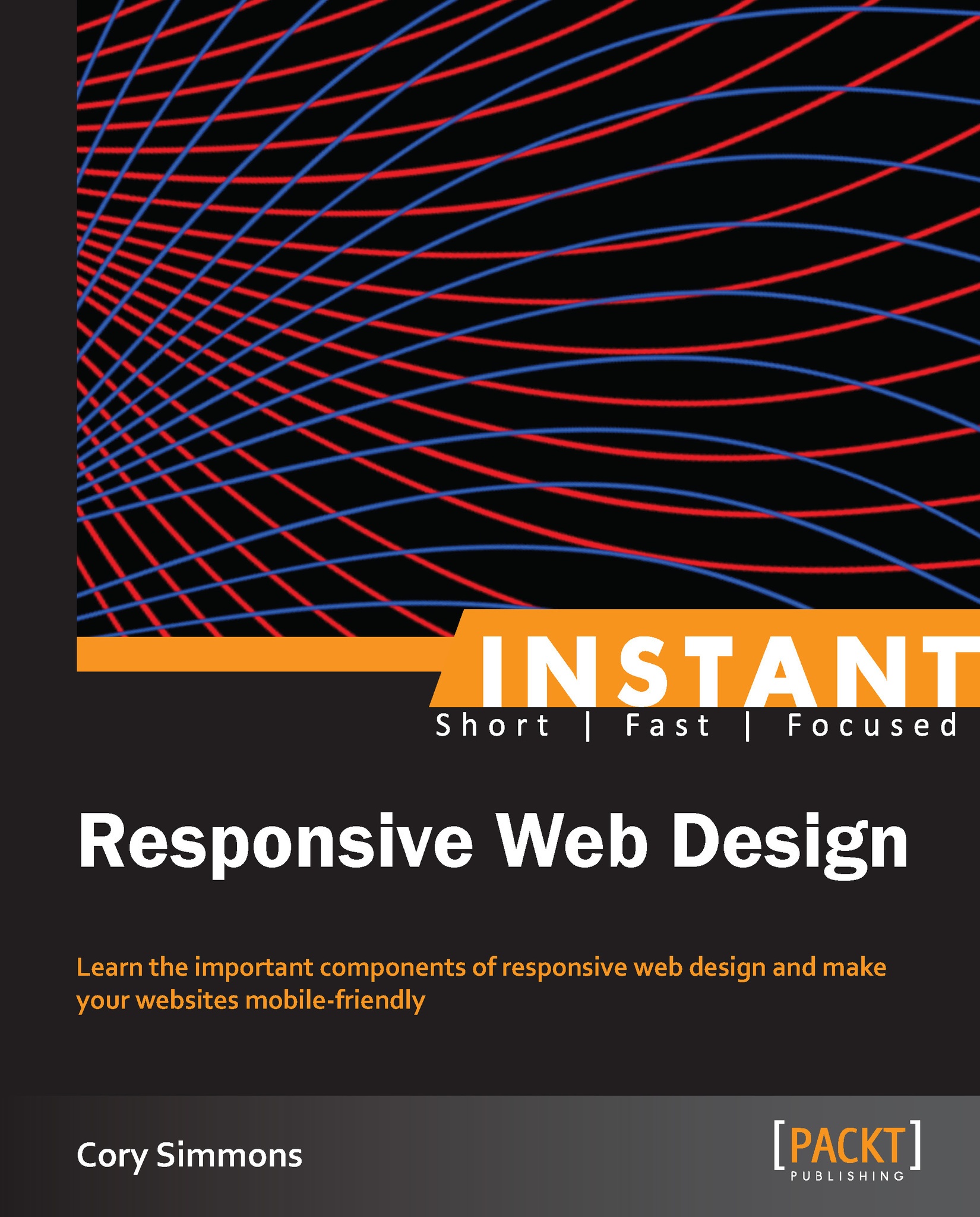
Instant Responsive Web Design

Instant Responsive Web Design

By : Cory Simmons
4 (1)
close
close
Instant Responsive Web Design

Instant Responsive Web Design

4 (1)
By: Cory Simmons

Overview of this book

Making your sites responsive is an easy enough skill to learn, and really pays dividends when you're selling your product to potential clients or just trying to impress your boss for that promotion you want, but understanding all your options will help you develop a workflow that really works for you. Instant Responsive Web Design makes learning mobile-friendly web design a piece of cake with site-builds imploring various approaches using a very easy-to-follow format where you'll actually be creating sites using each approach. Expand your web repertoire in a few, easy hours. Instant Responsive Web Design takes the guesswork out of responsive web design, by teaching readers the most relevant approaches and leaves it up to them to develop a workflow that works best for their style of coding. We'll help you to develop several websites from scratch using different philosophies such as the Goldilocks Approach, make your websites Fluid, understand desktop and mobile-first approaches, and master some of the tricky stuff such as making your images and video responsive. In this step-by-step guide, you'll learn everything you could ever need to become an above-average responsive web designer in a matter of hours.
Table of Contents (7 chapters)
close
close

Chapter 1. Instant Responsive Web Design

Welcome to Instant Responsive Web Design. This book was written to provide you with all the information you need to start building responsive, mobile-friendly websites today.

You will learn various strategies for making your websites behave appropriately on every device with a minimal amount of additional work.

This book contains the following sections:

So, what is Responsive Web Design (RWD)? helps you discover why RWD is such an important tool in your web design arsenal.

Getting started will help you acquire the tools necessary to start designing your first responsive website.

Quick start – making your first responsive web page will help you to make a responsive web page using CSS media queries.

Top 5 Features you need to know about will help you to build responsive websites on your own. The features we'll cover are the power of CSS Media Queries, different strategies to make responsive websites, desktop-first versus mobile-first, gotchas and best practices, and putting it all together.

People and places you should get to know explains that RWD is more of a technique than a community-driven project, but even so there are some important contributors you should follow for fresh, creative solutions to problems with RWD. In this section I'll introduce you to them and let you know about some great places you can go to learn more about RWD and get help in case you get lost.

Visually different images
CONTINUE READING
83
Tech Concepts
36
Programming languages
73
Tech Tools
Icon Unlimited access to the largest independent learning library in tech of over 8,000 expert-authored tech books and videos.
Icon Innovative learning tools, including AI book assistants, code context explainers, and text-to-speech.
Icon 50+ new titles added per month and exclusive early access to books as they are being written.
Instant Responsive Web Design
notes
bookmark Notes and Bookmarks search Search in title playlist Add to playlist font-size Font size

Change the font size

margin-width Margin width

Change margin width

day-mode Day/Sepia/Night Modes

Change background colour

Close icon Search
Country selected

Close icon Your notes and bookmarks

Confirmation

Modal Close icon
claim successful

Buy this book with your credits?

Modal Close icon
Are you sure you want to buy this book with one of your credits?
Close
YES, BUY

Submit Your Feedback

Modal Close icon
Modal Close icon
Modal Close icon