


-
Book Overview & Buying
-
Table Of Contents

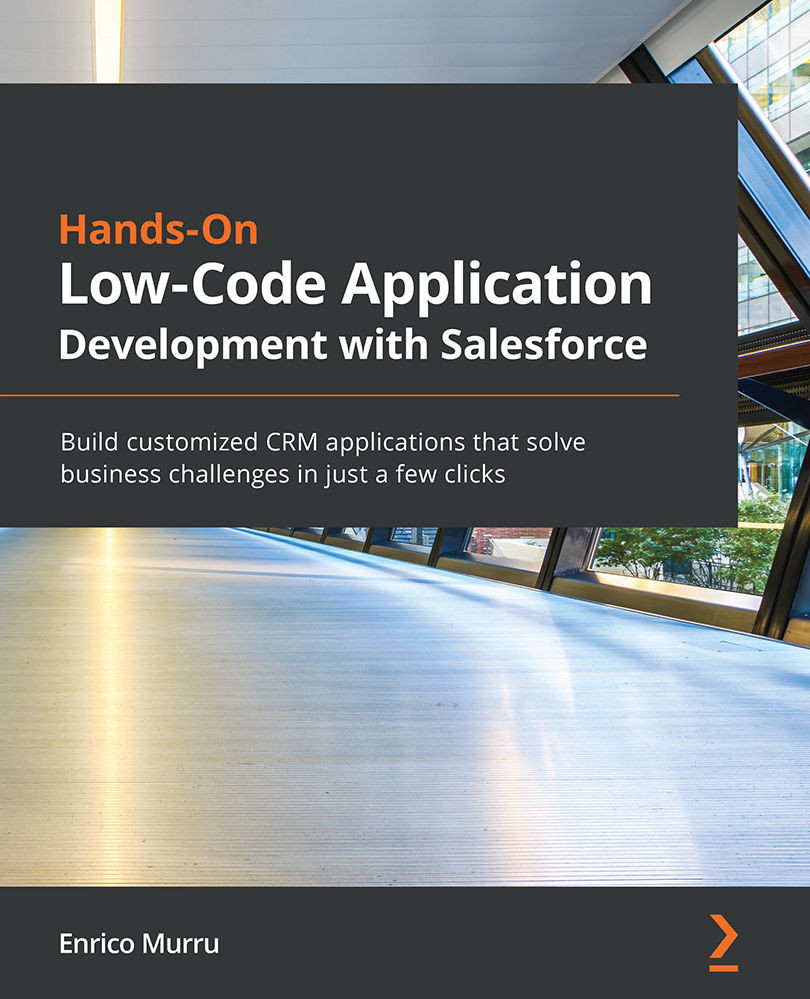
Hands-On Low-Code Application Development with Salesforce
By :


Hands-On Low-Code Application Development with Salesforce
By:
Overview of this book
Low-code platforms allow users to focus on business logic to create solutions without getting trapped in programming complexities. Thanks to its powerful features for designing, developing, and deploying apps without having to hand-code, Salesforce is at the forefront of the low-code development revolution. This book will guide you in building creative applications for solving your business problems using the declarative framework provided by Salesforce.
You’ll start by learning how to design your business data model with custom objects, fields, formulas, and validation rules, all secured by the Salesforce security model. You’ll then explore tools such as Workflow, Process Builder, Lightning Flow, and Actions that will help you to automate your business processes with ease. This book also shows you how to use Lightning App Builder to build personalized UIs for your Salesforce applications, explains the value of creating community pages for your organization, and teaches you how to customize them with Experience Builder. Finally, you'll work with the sandbox model, deploy your solutions, and deliver an effective release management strategy.
By the end of this Salesforce book, you’ll be ready to customize Salesforce CRM to meet your business requirements by creating unique solutions without writing a single line of code.
Table of Contents (28 chapters)
Preface


Section 1: What Is Salesforce?
 Free Chapter
Chapter 1: A Brief Introduction to Salesforce
Section 2: Data Modeling
Chapter 2: Building the Data Model
Chapter 3: Mastering Formulas
Chapter 4: Cleaning Data with Validation Rules
Chapter 5: Handling Dynamic Configuration
Chapter 6: Security First – The "Who Sees What" Paradigm
Section 3: Automation Tools
Chapter 7: Be a Workflow Champion
Chapter 8: Setting Up Approval Processes
Chapter 9: Process Builder – Workflow Evolution
Chapter 10: Designing Lightning Flows
Chapter 11: Interacting with Actions
Section 4: Composing the User Interface
Chapter 12: All about Layouts
Chapter 13: The Lightning App Builder

Chapter 14: Leveraging Customers and Partners Power with Communities
Section 5: Data Management
Chapter 15: Importing and Exporting Data Declaratively
Chapter 16: Learning about Data Reporting
Section 6: Ready to Release?
Chapter 17: The Sandbox Model
Chapter 18: Deploying Your Solution
Section 7: Before We Say Goodbye
Chapter 19: Salesforce Ohana – The Most Amazing Community Around
Other Books You May Enjoy


