Sign In Start Free Trial
Account

Add to playlist

Create a Playlist

Modal Close icon
You need to login to use this feature.
  • Book Overview & Buying Professional JavaScript
  • Table Of Contents Toc
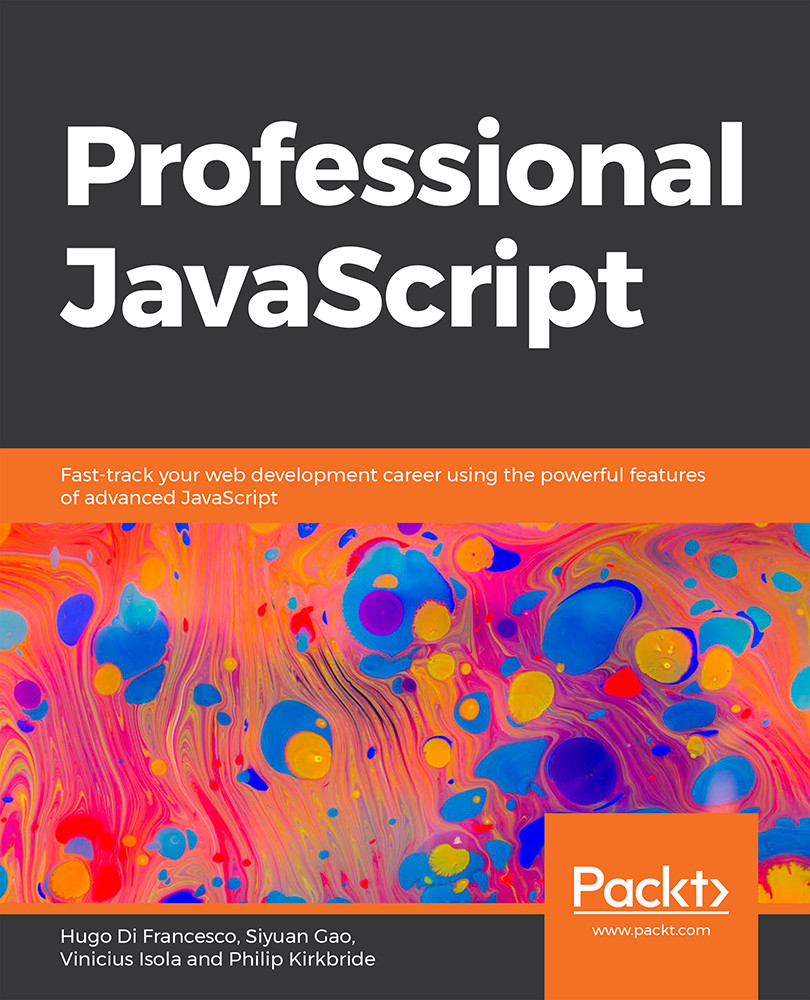
Professional JavaScript

Professional JavaScript

By : Hugo Di Francesco, Siyuan Gao, Vinicius Isola, Philip Kirkbride
3.7 (3)
close
close
Professional JavaScript

Professional JavaScript

3.7 (3)
By: Hugo Di Francesco, Siyuan Gao, Vinicius Isola, Philip Kirkbride

Overview of this book

In depth knowledge of JavaScript makes it easier to learn a variety of other frameworks, including React, Angular, and related tools and libraries. This book is designed to help you cover the core JavaScript concepts you need to build modern applications. You'll start by learning how to represent an HTML document in the Document Object Model (DOM). Then, you'll combine your knowledge of the DOM and Node.js to create a web scraper for practical situations. As you read through further lessons, you'll create a Node.js-based RESTful API using the Express library for Node.js. You'll also understand how modular designs can be used for better reusability and collaboration with multiple developers on a single project. Later lessons will guide you through building unit tests, which ensure that the core functionality of your program is not affected over time. The book will also demonstrate how constructors, async/await, and events can load your applications quickly and efficiently. Finally, you'll gain useful insights into functional programming concepts such as immutability, pure functions, and higher-order functions. By the end of this book, you'll have the skills you need to tackle any real-world JavaScript development problem using a modern JavaScript approach, both for the client and server sides.
Table of Contents (12 chapters)
close
close

Sorting

Sorting is one of the biggest challenges that developers face. When we want to sort a number of items in our array, we usually need to define a specific sorting algorithm. These algorithms usually require us to write a lot of logic on sorting and they are not easily reused. In JavaScript, we can use the built-in array methods to sort our custom list of items and write minimal custom code.

Sorting in JavaScript arrays requires us to call the .sort() function on the array. The sort() function takes one parameter, called the sorting comparator. Based on the comparator, the sort() function will make a decision on how to arrange each element.

The following is a brief description of some of the other functions we will use in the upcoming exercise.

The compareNumber function only calculates the difference between a and b. In the sort method, we can declare our own custom compare function to be passed down to do the comparison:

function compareNumber(a, b) {
  ...
CONTINUE READING
83
Tech Concepts
36
Programming languages
73
Tech Tools
Icon Unlimited access to the largest independent learning library in tech of over 8,000 expert-authored tech books and videos.
Icon Innovative learning tools, including AI book assistants, code context explainers, and text-to-speech.
Icon 50+ new titles added per month and exclusive early access to books as they are being written.
Professional JavaScript
notes
bookmark Notes and Bookmarks search Search in title playlist Add to playlist font-size Font size

Change the font size

margin-width Margin width

Change margin width

day-mode Day/Sepia/Night Modes

Change background colour

Close icon Search
Country selected

Close icon Your notes and bookmarks

Confirmation

Modal Close icon
claim successful

Buy this book with your credits?

Modal Close icon
Are you sure you want to buy this book with one of your credits?
Close
YES, BUY

Submit Your Feedback

Modal Close icon
Modal Close icon
Modal Close icon