


-
Book Overview & Buying
-
Table Of Contents

Blender 3 to Unreal Engine 5 — Dungeon Modular Kitbash
By :


Blender 3 to Unreal Engine 5 — Dungeon Modular Kitbash
By:
Overview of this book
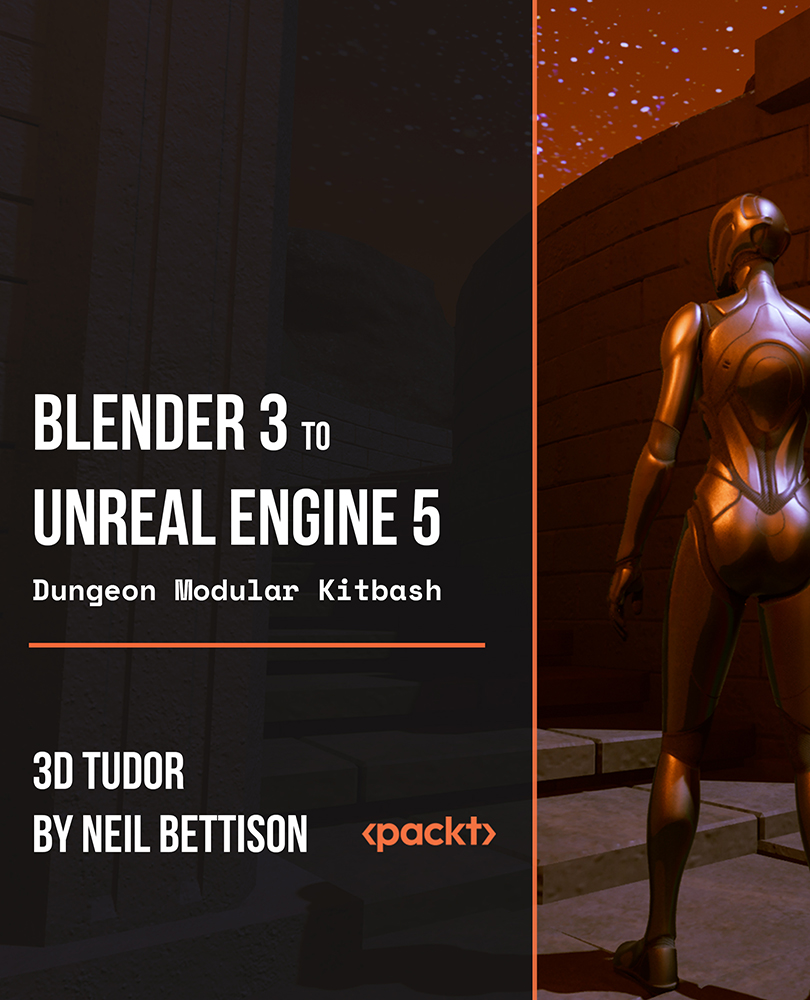
This course consists of two important parts. In the first half, we will build a massive dungeon complete modular system (kitbash) in Blender 3 and create approximately 100 stunning medieval dungeon kitbash assets, enabling you to build an underground dungeon environment.
In the second half, you will learn how to optimize the modular system parts that are ready to be exported into Unreal Engine 5. Once the modular is imported, you will learn how to open a game door, custom collisions, and all about the Niagara fire systems, and set up our dungeon that is ready for a walkthrough with our very own third-person character in Unreal Engine 5.
Next, we will create animated stylized fire and lighting. In the final sections, you will learn how to use render to improve the quality of presentation for our 3D environment in Eevee and Cycles X.
This course will see you learn all the techniques that pros use and how they use them. Learning how to achieve realism through aging your 3D game environments will be a central part of this course’s learning objectives!
By the end of this course, you will be able to master the skills to build an RPG-style dungeons and dragons game.
All the resources for this course are available at: https://github.com/PacktPublishing/Blender-3-to-Unreal-Engine-5-Dungeon-Modular-Kitbash
Table of Contents (52 chapters)
Introduction


HDRI Lighting

Blender Asset Manager
Basic Mesh Tools
Working with Modifiers
Creating Our First Modular Piece
Mid-Level Geometry
Modifier Stacking
Different UV Options
Creating Our Smaller Assets
Doors and Proportional Editing
Creating Hinges and Handles
More Complex Geometry
Basic Sculpting in Blender
Creating Simple Stairs
Creating Door Arches
Spiral Staircases
The Vault Modular Piece
Braziers and Hot Coals
Dungeon Lighting with Torches
Animated Torch Flame
Flame Material Node Setup
Bringing Realism to Our Flames
Starting the Dungeon Layout
Using Modular Pieces in Different Ways
Bringing Our Dungeon to Life
Working with Cameras
Different Render Engines
Working with Collections
Exporting to Unreal Engine
Unreal Engine 5 Basics
Importing 3D Assets
Bringing Kitbash Props to Scene
Setting Up Mesh Collisions
Setting Up the Environment
Building Lower Dungeon Floors
Creating Our Ground Floor Section
Adding More Complexity to Our Rooms
Working with Elevation to Design Our Level
Setting Up Hidden Rooms
Building Final Parts of Our Level
Using Blueprint to Create Interactable Doors
Cutting Custom Holes within Mesh
Setting Up Water Material
Creating Sewer Waterfall
Creating Sewer Splash Effect
Setting Up Fire Fluid Simulation
Creating Fire Particles
Creating UE5 Torch Blueprint
Setting Up Final Decorations for Our 3D Level
Setting Up Visuals
 This video is locked


