


-
Book Overview & Buying
-
Table Of Contents

Android 9 Development Cookbook - Third Edition
By :


Android 9 Development Cookbook
By:
Overview of this book
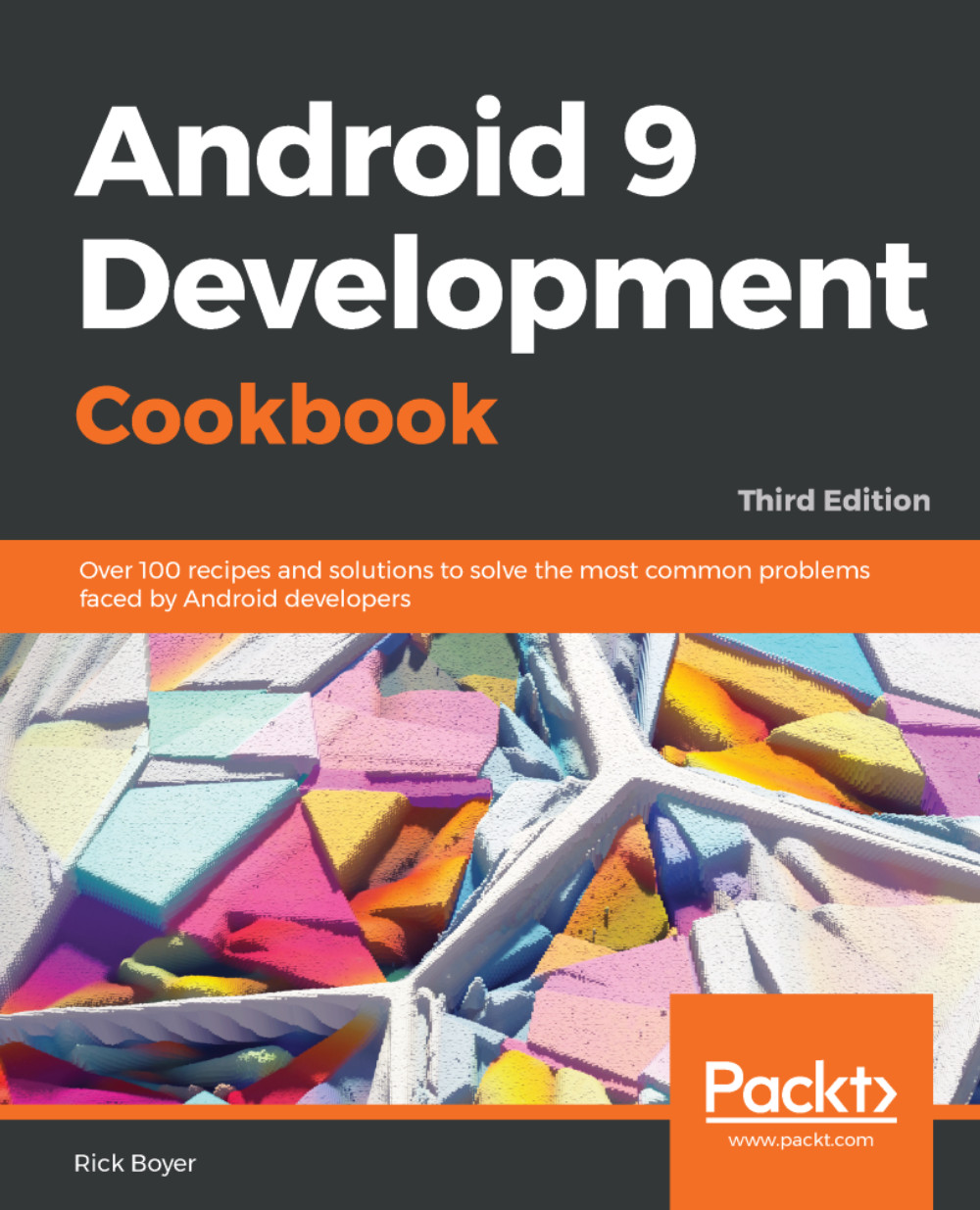
The Android OS has the largest installation base of any operating system in the world. There has never been a better time to learn Android development to write your own applications, or to make your own contributions to the open source community! With this extensively updated cookbook, you'll find solutions for working with the user interfaces, multitouch gestures, location awareness, web services, and device features such as the phone, camera, and accelerometer. You also get useful steps on packaging your app for the Android Market. Each recipe provides a clear solution and sample code you can use in your project from the outset. Whether you are writing your first app or your hundredth, this is a book that you will come back to time and time again, with its many tips and tricks on the rich features of Android Pie.
Table of Contents (18 chapters)
Preface


 Free Chapter
Activities
Layouts
Views, Widgets, and Styles
Menus and Action Mode
Fragments
Home Screen Widgets, Search, and the System UI
Data Storage
Alerts and Notifications

Using the Touchscreen and Sensors
Graphics and Animation
A First Look at OpenGL ES
Multimedia
Telephony, Networks, and the Web
Location and Using Geofencing
Getting Your App Ready for the Play Store
Getting Started with Kotlin
Other Books You May Enjoy


