Sign In Start Free Trial
Account

Add to playlist

Create a Playlist

Modal Close icon
You need to login to use this feature.
  • Book Overview & Buying Android 9 Development Cookbook
  • Table Of Contents Toc
Android 9 Development Cookbook

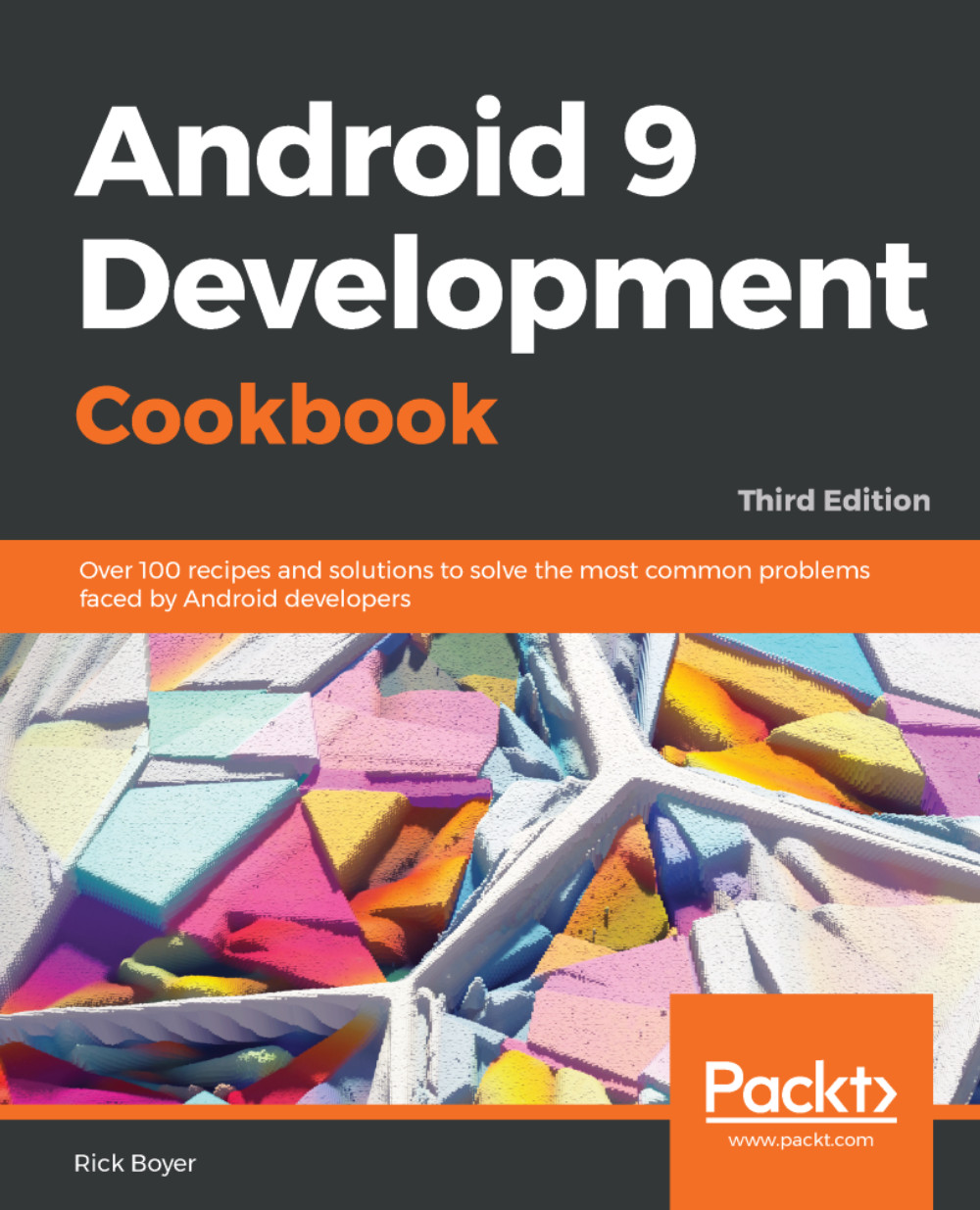
Android 9 Development Cookbook - Third Edition

By : Boyer
3.4 (9)
close
close
Android 9 Development Cookbook

Android 9 Development Cookbook

3.4 (9)
By: Boyer

Overview of this book

The Android OS has the largest installation base of any operating system in the world. There has never been a better time to learn Android development to write your own applications, or to make your own contributions to the open source community! With this extensively updated cookbook, you'll find solutions for working with the user interfaces, multitouch gestures, location awareness, web services, and device features such as the phone, camera, and accelerometer. You also get useful steps on packaging your app for the Android Market. Each recipe provides a clear solution and sample code you can use in your project from the outset. Whether you are writing your first app or your hundredth, this is a book that you will come back to time and time again, with its many tips and tricks on the rich features of Android Pie.
Table of Contents (18 chapters)
close
close

Listing available sensors – an introduction to the Android Sensor Framework


Android includes support for hardware sensors using the Android Sensor Framework. The framework includes the following classes and interfaces:

  • SensorManager
  • Sensor
  • SensorEventListener
  • SensorEvent

Most Android devices include hardware sensors, but they vary greatly between different manufacturers and models. If your application utilizes sensors, you have two choices:

  • Specify the sensor in the Android Manifest
  • Check for the sensor at runtime

To specify your application uses a sensor, include the <uses-feature> declaration in the Android Manifest. Here is an example requiring a compass to be available:

<uses-feature android:name="android.hardware.sensor.compass" android:required="true"/>

If your application utilizes the compass, but does not require it to function, you should set android:required="false" instead; otherwise your application will not be available to install from Google Play.

Sensors are grouped into...

Visually different images
CONTINUE READING
83
Tech Concepts
36
Programming languages
73
Tech Tools
Icon Unlimited access to the largest independent learning library in tech of over 8,000 expert-authored tech books and videos.
Icon Innovative learning tools, including AI book assistants, code context explainers, and text-to-speech.
Icon 50+ new titles added per month and exclusive early access to books as they are being written.
Android 9 Development Cookbook
notes
bookmark Notes and Bookmarks search Search in title playlist Add to playlist download Download options font-size Font size

Change the font size

margin-width Margin width

Change margin width

day-mode Day/Sepia/Night Modes

Change background colour

Close icon Search
Country selected

Close icon Your notes and bookmarks

Confirmation

Modal Close icon
claim successful

Buy this book with your credits?

Modal Close icon
Are you sure you want to buy this book with one of your credits?
Close
YES, BUY

Submit Your Feedback

Modal Close icon
Modal Close icon
Modal Close icon