Sign In Start Free Trial
Account

Add to playlist

Create a Playlist

Modal Close icon
You need to login to use this feature.
  • Book Overview & Buying Hands-On Computer Vision with Julia
  • Table Of Contents Toc
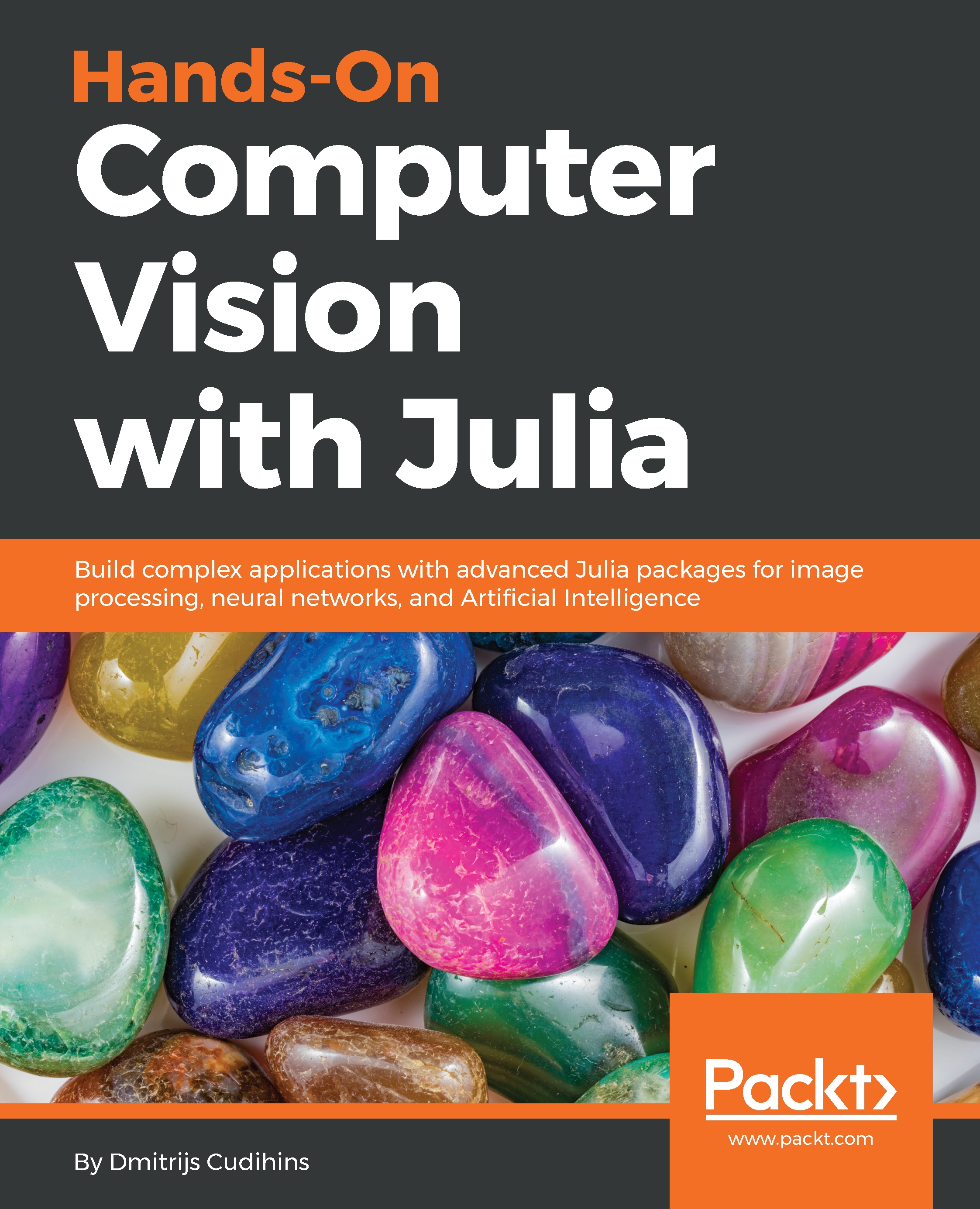
Hands-On Computer Vision with Julia

Hands-On Computer Vision with Julia

By : Dmitrijs Cudihins
4 (1)
close
close
Hands-On Computer Vision with Julia

Hands-On Computer Vision with Julia

4 (1)
By: Dmitrijs Cudihins

Overview of this book

Hands-On Computer Vision with Julia is a thorough guide for developers who want to get started with building computer vision applications using Julia. Julia is well suited to image processing because it’s easy to use and lets you write easy-to-compile and efficient machine code. . This book begins by introducing you to Julia's image processing libraries such as Images.jl and ImageCore.jl. You’ll get to grips with analyzing and transforming images using JuliaImages; some of the techniques discussed include enhancing and adjusting images. As you make your way through the chapters, you’ll learn how to classify images, cluster them, and apply neural networks to solve computer vision problems. In the concluding chapters, you will explore OpenCV applications to perform real-time computer vision analysis, for example, face detection and object tracking. You will also understand Julia's interaction with Tesseract to perform optical character recognition and build an application that brings together all the techniques we introduced previously to consolidate the concepts learned. By end of the book, you will have understood how to utilize various Julia packages and a few open source libraries such as Tesseract and OpenCV to solve computer vision problems with ease.

Table of Contents (11 chapters)
close
close
9
Assessments

Getting Started with JuliaImages

This chapter is all about introducing the JuliaImages collection. JuliaImages is a collection of different packages that are used for image processing. We will look into the Images.jl and ImagesMetadata.jl packages, load and preview images from various sources, read metadata, resize and scale images, create thumbnails, and save them back to disk in a different format.

In this chapter, we will cover the following topics:

  • Setting up Julia
  • Reading images from various sources
  • Saving images in different formats
  • Cropping, scaling, and resizing images
  • Rotating images
  • Using test images
Visually different images
CONTINUE READING
83
Tech Concepts
36
Programming languages
73
Tech Tools
Icon Unlimited access to the largest independent learning library in tech of over 8,000 expert-authored tech books and videos.
Icon Innovative learning tools, including AI book assistants, code context explainers, and text-to-speech.
Icon 50+ new titles added per month and exclusive early access to books as they are being written.
Hands-On Computer Vision with Julia
notes
bookmark Notes and Bookmarks search Search in title playlist Add to playlist download Download options font-size Font size

Change the font size

margin-width Margin width

Change margin width

day-mode Day/Sepia/Night Modes

Change background colour

Close icon Search
Country selected

Close icon Your notes and bookmarks

Confirmation

Modal Close icon
claim successful

Buy this book with your credits?

Modal Close icon
Are you sure you want to buy this book with one of your credits?
Close
YES, BUY

Submit Your Feedback

Modal Close icon
Modal Close icon
Modal Close icon