


-
Book Overview & Buying
-
Table Of Contents

Odoo Development Cookbook - Fifth Edition
By :


Odoo Development Cookbook
By:
Overview of this book
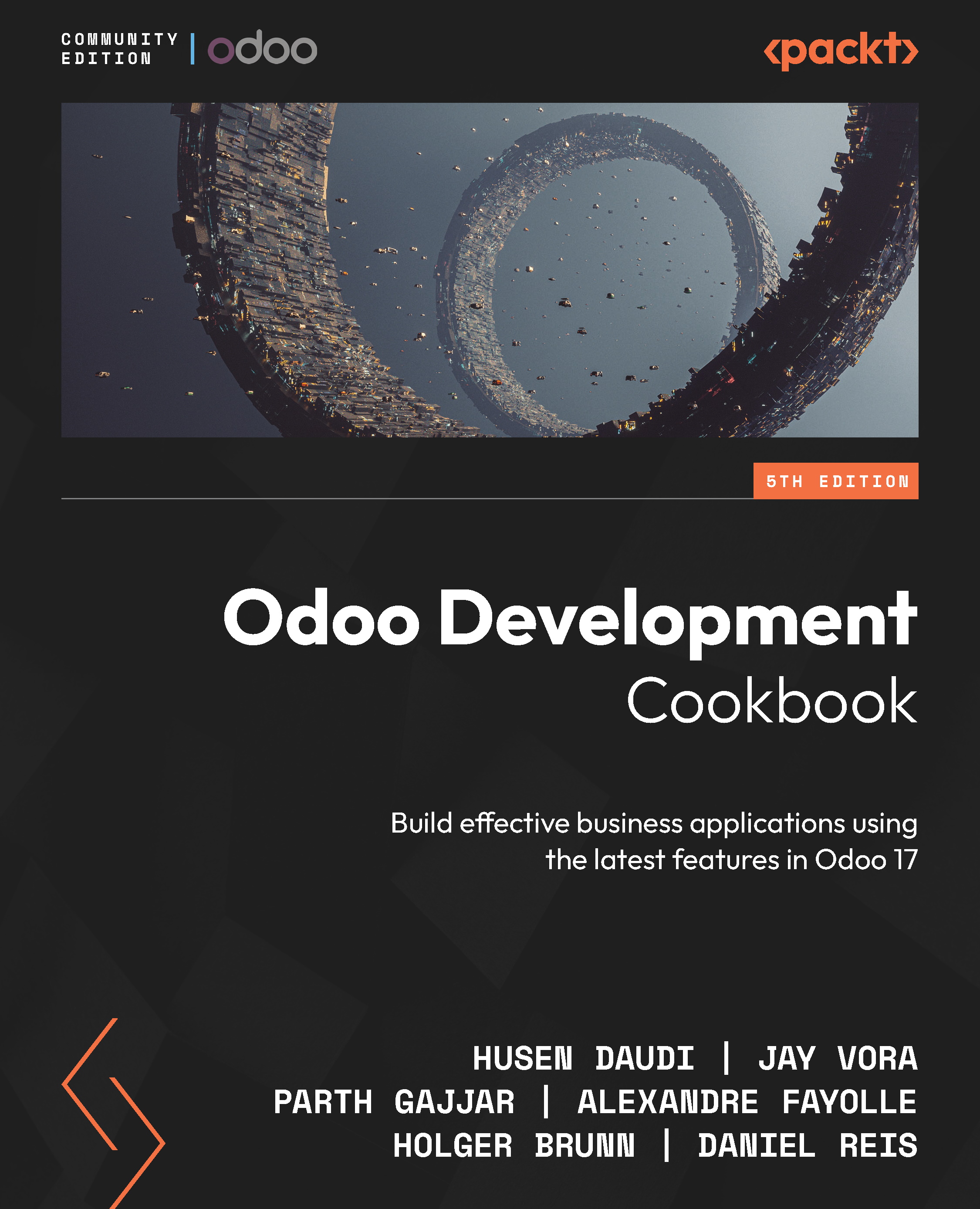
The latest version of the powerful Odoo framework uncovers a wide variety of features for rapid application development. Written by seasoned Odoo experts, this updated Odoo Development Cookbook will help you explore Odoo 17’s new features and use them to develop applications from scratch.
You'll learn about website development concepts and get to grips with the Odoo Web Library (OWL), as well as create a new Odoo module from the ground up before progressing to advanced framework concepts. The book also shows you how to modify existing applications, including Point of Sale (POS) applications. Going beyond backend development, you'll discover advanced JavaScript recipes for creating new views and widgets. You'll get a clear understanding of website development and be on your way to becoming a proficient Odoo developer by studying performance optimization, debugging, and automated testing.
By the end of this book, you'll have the knowledge you need to build impressive applications and be well-versed in Odoo development best practices.
Table of Contents (28 chapters)
Preface


 Free Chapter
Chapter 1: Installing the Odoo Development Environment
Chapter 2: Managing Odoo Server Instances
Chapter 3: Creating Odoo Add-On Modules
Chapter 4: Application Models
Chapter 5: Basic Server-Side Development
Chapter 6: Managing Module Data
Chapter 7: Debugging Modules
Chapter 8: Advanced Server-Side Development Techniques
Chapter 9: Backend Views
Chapter 10: Security Access
Chapter 11: Internationalization
Chapter 12: Automation, Workflows, Emails, and Printing

Chapter 13: Web Server Development
Chapter 14: CMS Website Development
Chapter 15: Web Client Development
Chapter 16: The Odoo Web Library (OWL)
Chapter 17: In-App Purchasing with Odoo
Chapter 18: Automated Test Cases
Chapter 19: Managing, Deploying, and Testing with Odoo.sh
Chapter 20: Remote Procedure Calls in Odoo
Chapter 21: Performance Optimization
Chapter 22: Point of Sale
Chapter 23: Managing Emails in Odoo
Chapter 24: Managing the IoT Box
Chapter 25: Web Studio
Index


