


-
Book Overview & Buying
-
Table Of Contents

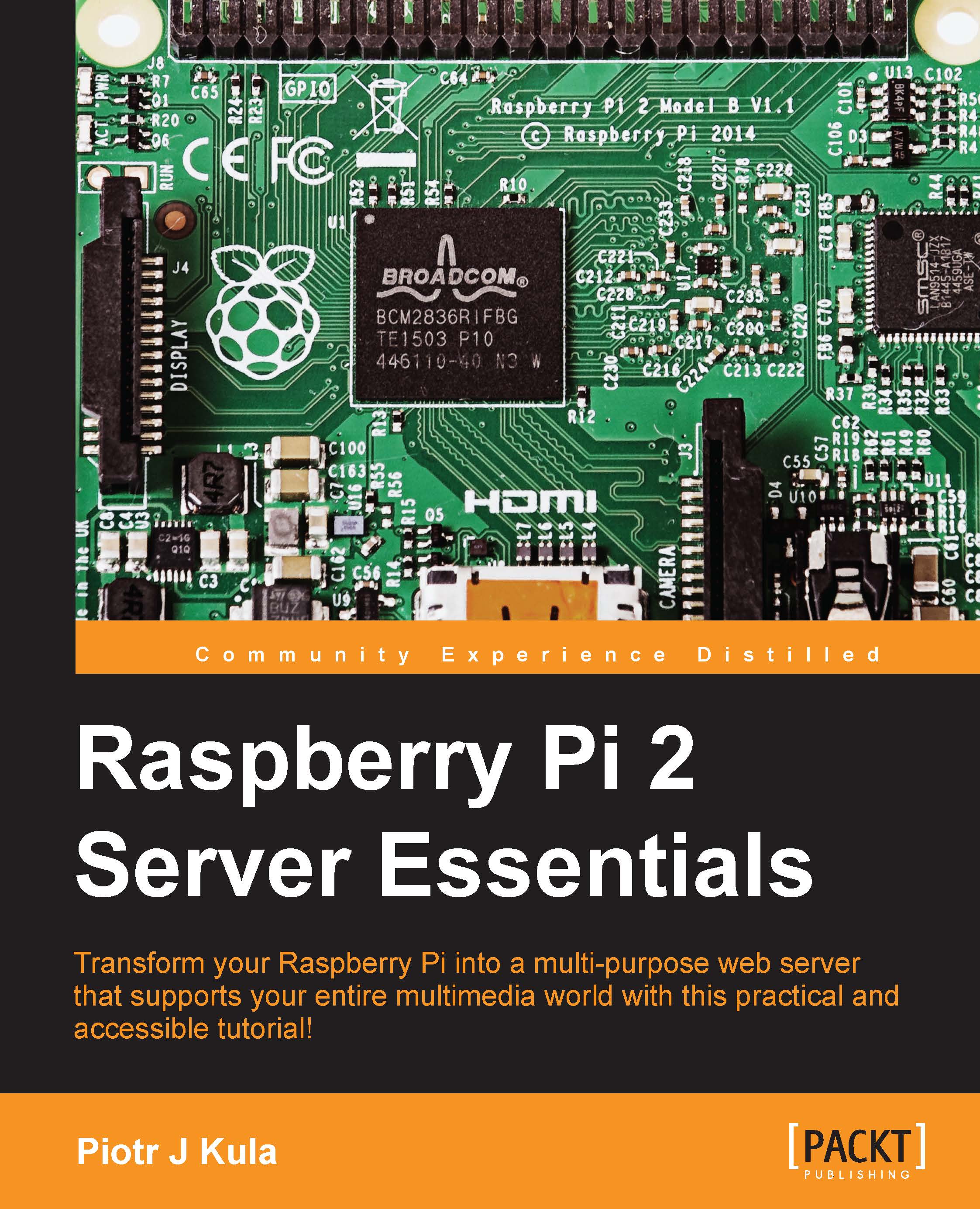
Raspberry Pi 2 Server Essentials
By :


Raspberry Pi 2 Server Essentials
By:
Overview of this book
There’s no end to what you can do with a Raspberry Pi – it makes a huge range of tech projects possible. This book shows you how to transform it into a multipurpose web server, able to store and manage resources that lets you build some truly innovative and impressive computing creations. You’ll learn how to use your Raspberry Pi 2 to host a website using a range of different languages, host a game server, store files, and run everything from a media center to a cloud network. If you want to take control of your technological world, start building your own server and find out what’s possible with the Raspberry Pi microcomputer.
Begin by getting your Pi set up – follow each step as the book shows you how to prepare a network and configure the additional features that you’ll need to build your projects. Once you’ve done this you’ll dig a little deeper and set up your pi as a file server, making sure it’s built for speed using a range of different tools, including Python, Node.js and ASP.NET. Following this the book shows you how to extend your server to allow you to host games, and stream live HD video before customizing it even further to create a fully-fledged media center.
It doesn’t stop there however – the book then dives into the exciting world of the Internet of Things (IoT). You’ll learn how to install Windows IoT onto your Raspberry Pi, the operating system that’s driving embedded software projects all around the world. Once you’ve done this you’ll be ready to explore IoT further, as the book shows you how to use your device to host a cloud network that can form the basis of a wider IoT project.
Table of Contents (14 chapters)
Preface


 Free Chapter
1. Getting Started with the Raspberry Pi
2. Preparing a Network
3. Configuring Extra Features
4. Using Fast Web Servers and Databases
5. Setting Up the Raspberry Pi as a File Server
6. Setting Up Game Servers
7. Streaming Live HD Video

8. Setting Up the Pi as a Media Center Server
9. Running Your Pi from a Battery's Power Source
10. Windows IoT Core
11. Running Your ownCloud
12. The Internet of Things – Sensors in the Cloud
Index


