Sign In Start Free Trial
Account

Add to playlist

Create a Playlist

Modal Close icon
You need to login to use this feature.
  • Book Overview & Buying Disaster Recovery Using VMware vSphere Replication and vCenter Site Recovery Manager
  • Table Of Contents Toc
Disaster Recovery Using VMware vSphere Replication and vCenter Site Recovery Manager

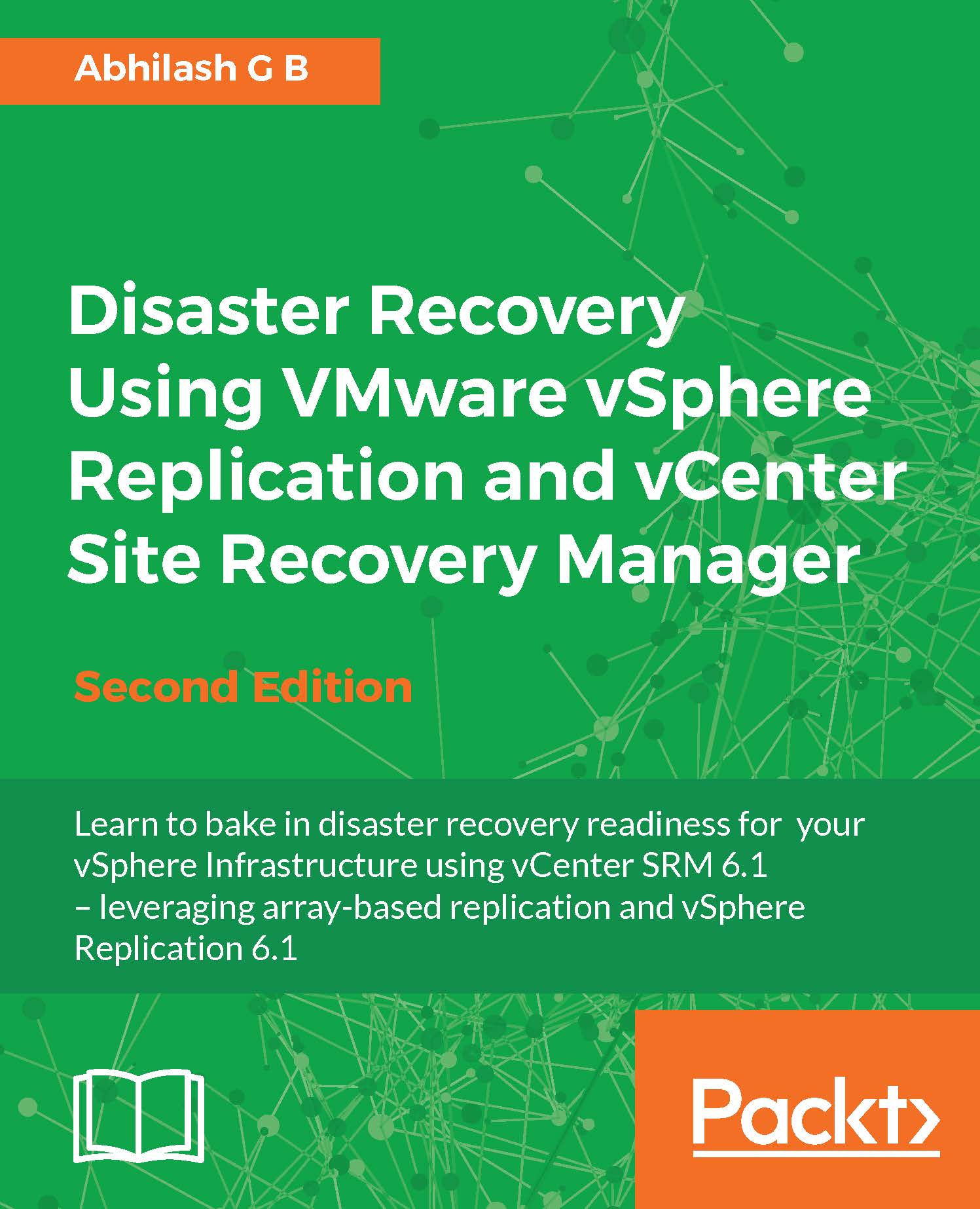
Disaster Recovery Using VMware vSphere Replication and vCenter Site Recovery Manager - Second Edition

By : Abhilash G B
4 (1)
close
close
Disaster Recovery Using VMware vSphere Replication and vCenter Site Recovery Manager

Disaster Recovery Using VMware vSphere Replication and vCenter Site Recovery Manager

4 (1)
By: Abhilash G B

Overview of this book

VMware vCenter Site Recovery manage is an orchestration tool used to automate disaster recovery in a manner that no other solution does. It is programmed to leverage array-based replication and VMware's proprietary vSphere Replication engine. The book begins by talking about the architecture of SRM and guides you through the procedures involved in installing and configuring SRM to leverage array-based replication. You will then learn how to protect your virtual machines by creating Protection Groups and validate their recoverability by testing recovery plans and even performing failover and failback. Moving on, you will learn how to install and configure vSphere Replication as a standalone disaster recovery solution. It also guides you through the procedures involved in configuring SRM to leverage vSphere replication. Finally, you will learn how to deploy and configure vRealize Orchestrator and its plugin for SRM and vSphere Replication.
Table of Contents (8 chapters)
close
close
7
Index

How does replication work?


Once VM replication is successfully configured, it first does an initial full sync of the source VMDKs to the target datastore. If you already have the base VMDKs precopied to the destination datastore, then only the changed blocks are replicated. The replication happens over the network using the Network File Copy (NFC) protocol. The changed blocks are transferred using ESXi's management VMkernel port group.

Once the initial sync is complete, the VR Agent tracks the changed blocks using the vSCSI filter driver. It tracks, writes, and maintains a bitmap of the changed blocks. Every time a replica is created, the data transferred is copied to a redo log file. This is done to make sure that a VM at the recovery site is not corrupted in the event of a network disruption. The redo log is committed to the base disk only after the changed blocks are fully copied, thereby making each replica crash consistent. When you configure replication for a VM you get to choose the...

Visually different images
CONTINUE READING
83
Tech Concepts
36
Programming languages
73
Tech Tools
Icon Unlimited access to the largest independent learning library in tech of over 8,000 expert-authored tech books and videos.
Icon Innovative learning tools, including AI book assistants, code context explainers, and text-to-speech.
Icon 50+ new titles added per month and exclusive early access to books as they are being written.
Disaster Recovery Using VMware vSphere Replication and vCenter Site Recovery Manager
notes
bookmark Notes and Bookmarks search Search in title playlist Add to playlist font-size Font size

Change the font size

margin-width Margin width

Change margin width

day-mode Day/Sepia/Night Modes

Change background colour

Close icon Search
Country selected

Close icon Your notes and bookmarks

Confirmation

Modal Close icon
claim successful

Buy this book with your credits?

Modal Close icon
Are you sure you want to buy this book with one of your credits?
Close
YES, BUY

Submit Your Feedback

Modal Close icon
Modal Close icon
Modal Close icon