Sign In Start Free Trial
Account

Add to playlist

Create a Playlist

Modal Close icon
You need to login to use this feature.
  • Book Overview & Buying Mastering Windows PowerShell Scripting
  • Table Of Contents Toc
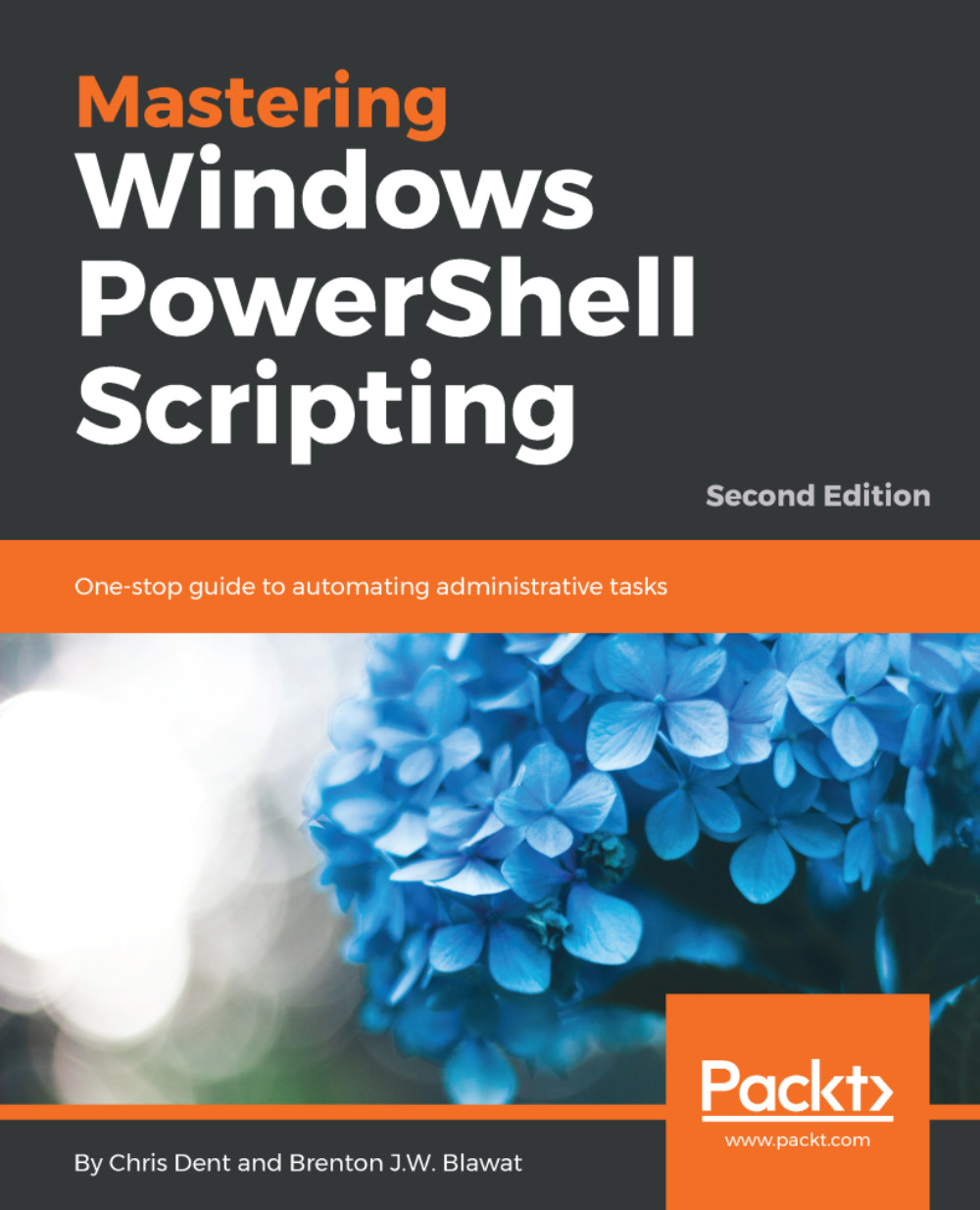
Mastering Windows PowerShell Scripting

Mastering Windows PowerShell Scripting - Second Edition

By : Chris Dent, Brenton J.W. Blawat
3.3 (8)
close
close
Mastering Windows PowerShell Scripting

Mastering Windows PowerShell Scripting

3.3 (8)
By: Chris Dent, Brenton J.W. Blawat

Overview of this book

PowerShell scripts offer a handy way to automate various chores. Working with these scripts effectively can be a difficult task. This comprehensive guide starts from scratch and covers advanced-level topics to make you a PowerShell expert. The first module, PowerShell Fundamentals, begins with new features, installing PowerShell on Linux, working with parameters and objects, and also how you can work with .NET classes from within PowerShell. In the next module, you’ll see how to efficiently manage large amounts of data and interact with other services using PowerShell. You’ll be able to make the most of PowerShell’s powerful automation feature, where you will have different methods to parse and manipulate data, regular expressions, and WMI. After automation, you will enter the Extending PowerShell module, which covers topics such as asynchronous processing and, creating modules. The final step is to secure your PowerShell, so you will land in the last module, Securing and Debugging PowerShell, which covers PowerShell execution policies, error handling techniques, and testing. By the end of the book, you will be an expert in using the PowerShell language.
Table of Contents (18 chapters)
close
close

Naming and creating variables


Variables in PowerShell are preceded by the dollar symbol ($), for example:

$MyVariable

The name of a variable may contain numbers, letters, and underscores. For example, each of the following is a valid name:

$123 
$x 
$my_variable 
$variable 
$varIABle 
$Path_To_File

Variables are frequently written in either camel case or upper-camel case (also known as pascal case). PowerShell does not enforce any naming convention, nor does it exhibit a convention in any of the automatic variables. For example:

  • $myVariable is camel case
  • $MyVariable is upper-camel case or pascal case

I suggest making your variable names meaningful so that when you come and visit your script again after a long break, you can identify its purpose. I recommend choosing and maintaining a consistent style in your own code.

It is possible to use more complex variable names using the following notation:

${My Variable} 
${My-Variable}

The following notation, where a file path is written as the variable name...

CONTINUE READING
83
Tech Concepts
36
Programming languages
73
Tech Tools
Icon Unlimited access to the largest independent learning library in tech of over 8,000 expert-authored tech books and videos.
Icon Innovative learning tools, including AI book assistants, code context explainers, and text-to-speech.
Icon 50+ new titles added per month and exclusive early access to books as they are being written.
Mastering Windows PowerShell Scripting
notes
bookmark Notes and Bookmarks search Search in title playlist Add to playlist font-size Font size

Change the font size

margin-width Margin width

Change margin width

day-mode Day/Sepia/Night Modes

Change background colour

Close icon Search
Country selected

Close icon Your notes and bookmarks

Confirmation

Modal Close icon
claim successful

Buy this book with your credits?

Modal Close icon
Are you sure you want to buy this book with one of your credits?
Close
YES, BUY

Submit Your Feedback

Modal Close icon
Modal Close icon
Modal Close icon