Sign In Start Free Trial
Account

Add to playlist

Create a Playlist

Modal Close icon
You need to login to use this feature.
  • Book Overview & Buying SELinux System Administration
  • Table Of Contents Toc
  • Feedback & Rating feedback
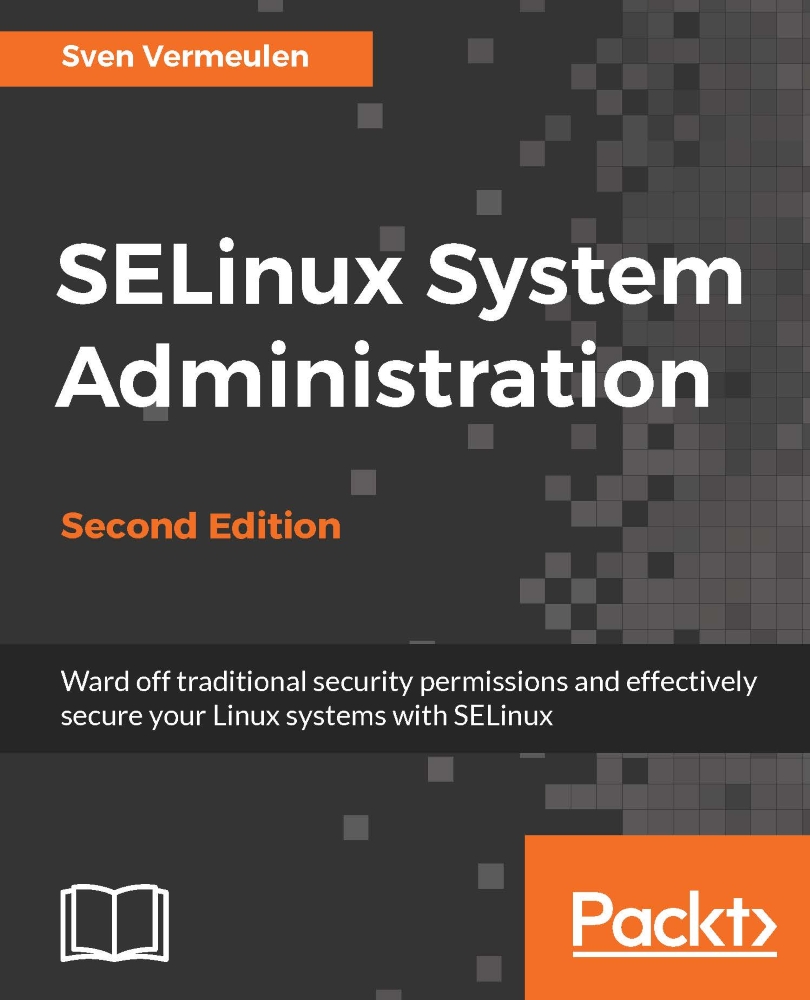
SELinux System Administration

SELinux System Administration - Second Edition

By : Sven Vermeulen
4 (3)
close
close
SELinux System Administration

SELinux System Administration

4 (3)
By: Sven Vermeulen

Overview of this book

Do you have the crucial job of protecting your private and company systems from malicious attacks and undefined application behavior? Are you looking to secure your Linux systems with improved access controls? Look no further, intrepid administrator! This book will show you how to enhance your system’s secure state across Linux distributions, helping you keep application vulnerabilities at bay. This book covers the core SELinux concepts and shows you how to leverage SELinux to improve the protection measures of a Linux system. You will learn the SELinux fundamentals and all of SELinux’s configuration handles including conditional policies, constraints, policy types, and audit capabilities. These topics are paired with genuine examples of situations and issues you may come across as an administrator. In addition, you will learn how to further harden the virtualization offering of both libvirt (sVirt) and Docker through SELinux. By the end of the book you will know how SELinux works and how you can tune it to meet your needs.
Table of Contents (11 chapters)
close
close

Modifying file contexts

We now know how to set SELinux contexts, both directly through tools such as chcon as well as through the restorecon application, which queries the SELinux context list to know what context a file should have. Yet restorecon is not the only application that considers this context list.

Using setfiles, rlpkg, and fixfiles

The setfiles application is an older one, which requires the path to the context list file itself to reset contexts. It is often used under the hood of other applications, so most administrators do not need to call setfiles directly anymore:

# setfiles /etc/selinux/targeted/contexts/files/file_contexts /srv/web

Another set of tools are the rlpkg (Gentoo) and fixfiles (CentOS and related distributions) applications. Both these applications have a nice feature: they can be used to reset the contexts of the files of an application rather than having to iterate over the files manually and run restorecon against them.

In the next example...

Visually different images
CONTINUE READING
83
Tech Concepts
36
Programming languages
73
Tech Tools
Icon Unlimited access to the largest independent learning library in tech of over 8,000 expert-authored tech books and videos.
Icon Innovative learning tools, including AI book assistants, code context explainers, and text-to-speech.
Icon 50+ new titles added per month and exclusive early access to books as they are being written.
SELinux System Administration
notes
bookmark Notes and Bookmarks search Search in title playlist Add to playlist download Download options font-size Font size

Change the font size

margin-width Margin width

Change margin width

day-mode Day/Sepia/Night Modes

Change background colour

Close icon Search
Country selected

Close icon Your notes and bookmarks

Confirmation

Modal Close icon
claim successful

Buy this book with your credits?

Modal Close icon
Are you sure you want to buy this book with one of your credits?
Close
YES, BUY

Submit Your Feedback

Modal Close icon
Modal Close icon
Modal Close icon