


-
Book Overview & Buying
-
Table Of Contents

-
Feedback & Rating

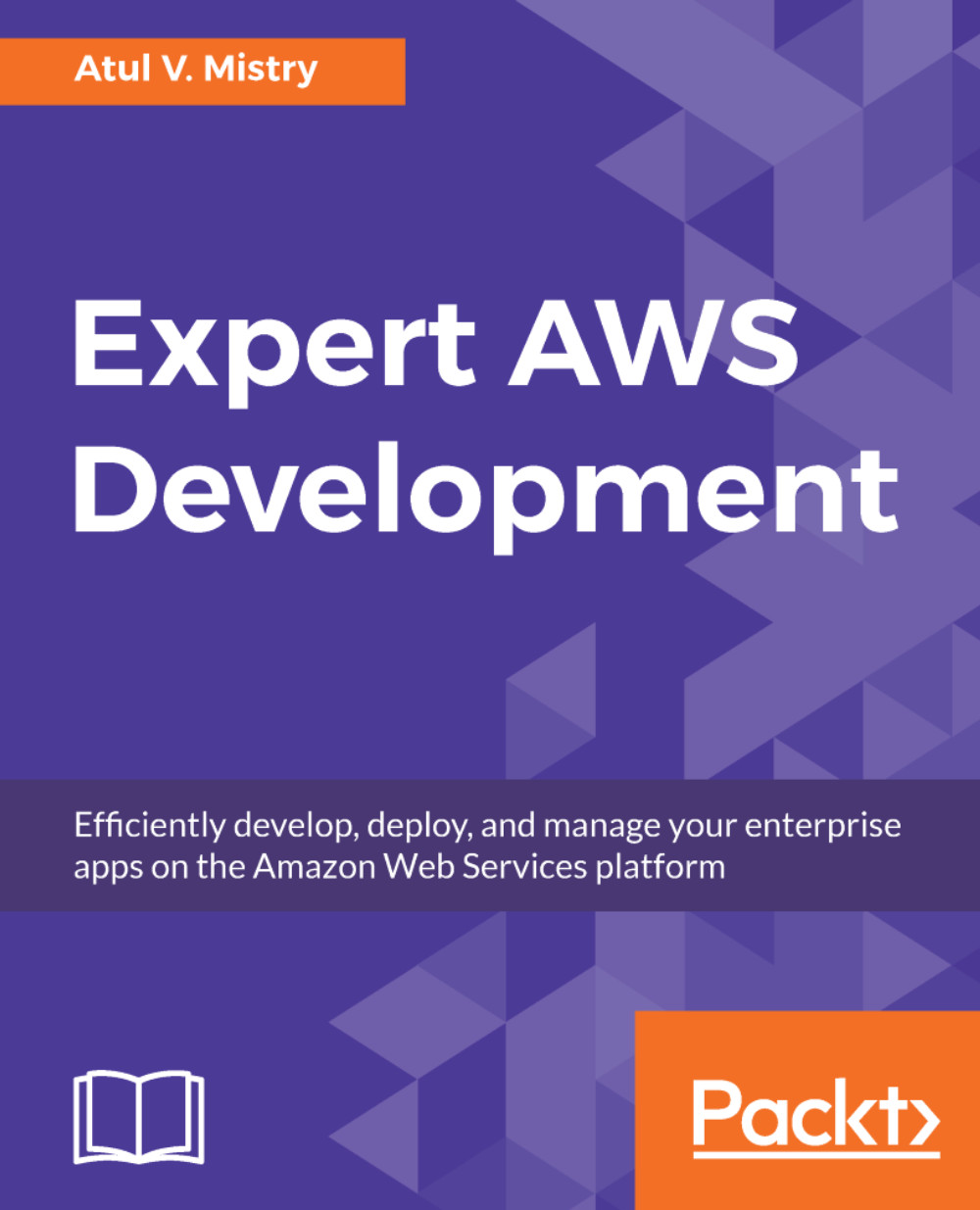
Expert AWS Development
By :


Expert AWS Development
By:
Overview of this book
Expert AWS Development begins with the
installation of the AWS SDK and you will go
on to get hands-on experience of creating
an application using the AWS Management
Console and the AWS Command Line
Interface (CLI). Then, you will integrate
applications with AWS services such as
DynamoDB, Amazon Kinesis, AWS Lambda,
Amazon SQS, and Amazon SWF.
Following this, you will get well versed with
CI/CD workflow and work with four major
phases in the release process – Source,
Build, Test, and Production. Then, you will
learn to apply AWS Developer tools to your
Continuous Integration (CI) and Continuous
Deployment (CD) workflow. Later, you
will learn about user authentication using
Amazon Cognito, and also how you can
evaluate the best architecture as per your
infrastructure costs. You will learn about
Amazon EC2 service and will deploy an
app using it. You will also deploy a practical
real-world example of a CI/CD application
with the Serverless Application Framework,
which is known as AWS Lambda.
Finally, you will learn how to build, develop,
and deploy the Application using AWS
Developer tools such as AWS CodeCommit,
AWS CodeBuild, AWS CodeDeploy, and
AWS CodePipeline, as per your project
requirements.
Table of Contents (12 chapters)
Preface


 Free Chapter
AWS Tools and SDKs
Integrating Applications with AWS Services
Continuous Integration and Continuous Deployment Workflow
CI/CD in AWS Part 1 – CodeCommit, CodeBuild, and Testing
CI/CD in AWS Part 2 – CodeDeploy, CodePipeline, and CodeStar
User Authentication with AWS Cognito
Evaluating the Best Architecture
Traditional Web Hosting – Amazon EC2 and Elastic Load Balancing
Amazon EC2 Container Service
Amazon Lambda – AWS Serverless Architecture

Other Books You May Enjoy
Customer Reviews



