
Sign In Start Free Trial
Account

Add to playlist

Create a Playlist

Modal Close icon
You need to login to use this feature.
  • Book Overview & Buying Mastering VMware vSphere 6.7,
  • Table Of Contents Toc
Mastering VMware vSphere 6.7,

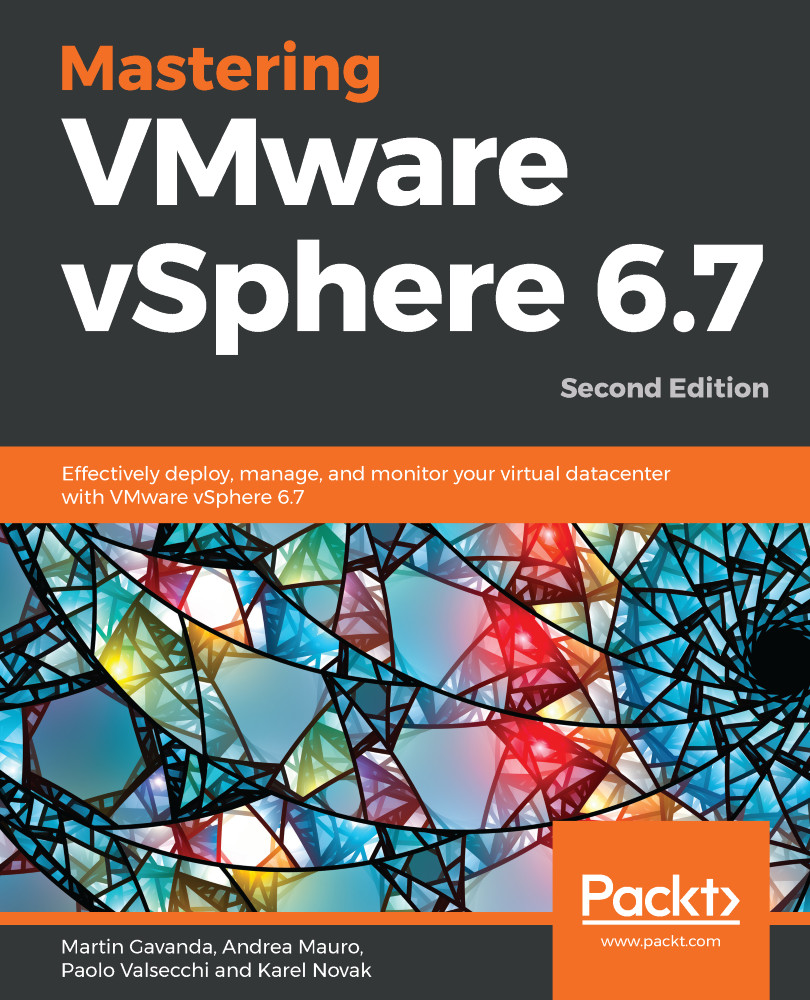
Mastering VMware vSphere 6.7, - Second Edition

By : Martin Gavanda, Andrea Mauro, Paolo Valsecchi, Karel Novak
3.6 (5)
close
close
Mastering VMware vSphere 6.7,

Mastering VMware vSphere 6.7,

3.6 (5)
By: Martin Gavanda, Andrea Mauro, Paolo Valsecchi, Karel Novak

Overview of this book

vSphere 6.7 is the latest release of VMware’s industry-leading, virtual cloud platform. It allows organisations to move to hybrid cloud computing by enabling them to run, manage, connect and secure applications in a common operating environment. This up-to-date, 2nd edition provides complete coverage of vSphere 6.7. Complete with step-by-step explanations of essential concepts, practical examples and self-assessment questions, you will begin with an overview of the products, solutions and features of the vSphere 6.7 suite. You’ll learn how to design and plan a virtual infrastructure and look at the workflow and installation of components. You'll gain insight into best practice configuration, management and security. By the end the book you'll be able to build your own VMware vSphere lab that can run even the most demanding of workloads.
Table of Contents (22 chapters)
close
close
Lock Free Chapter
1
Section 1: Getting Started
8
Section 2: Managing Resources
13
Section 3: Advanced Topics
18
Section 4: Building Your Lab Environment

VM Deployment and Management

Once the setup of the vSphere environment has been completed, the final step involved in firing up your virtual infrastructure is deploying the virtual machines. When the hosts and vCenter Server are in place, they provide physical resources to the VMs that physically reside on the storage device shared within the environment.

This chapter will look closely at the structure of VMs and their configuration to better understand how they work and which options we should configure in order to obtain the best performance. The use of templates is a key point in the management of VMs since it simplifies the management of the environment, allowing VMs to be created easily and deployed quickly. Compared to physical machines, VMs deployed from a template don't need to be installed from scratch, which saves you time.

We will also look at the content library...

CONTINUE READING
83
Tech Concepts
36
Programming languages
73
Tech Tools
Icon Unlimited access to the largest independent learning library in tech of over 8,000 expert-authored tech books and videos.
Icon Innovative learning tools, including AI book assistants, code context explainers, and text-to-speech.
Icon 50+ new titles added per month and exclusive early access to books as they are being written.
Mastering VMware vSphere 6.7,
notes
bookmark Notes and Bookmarks search Search in title playlist Add to playlist download Download options font-size Font size

Change the font size

margin-width Margin width

Change margin width

day-mode Day/Sepia/Night Modes

Change background colour

Close icon Search
Country selected

Close icon Your notes and bookmarks

Confirmation

Modal Close icon
claim successful

Buy this book with your credits?

Modal Close icon
Are you sure you want to buy this book with one of your credits?
Close
YES, BUY

Submit Your Feedback

Modal Close icon
Modal Close icon
Modal Close icon