


-
Book Overview & Buying
-
Table Of Contents

Multi-Cloud Handbook for Developers
By :


Multi-Cloud Handbook for Developers
By:
Overview of this book
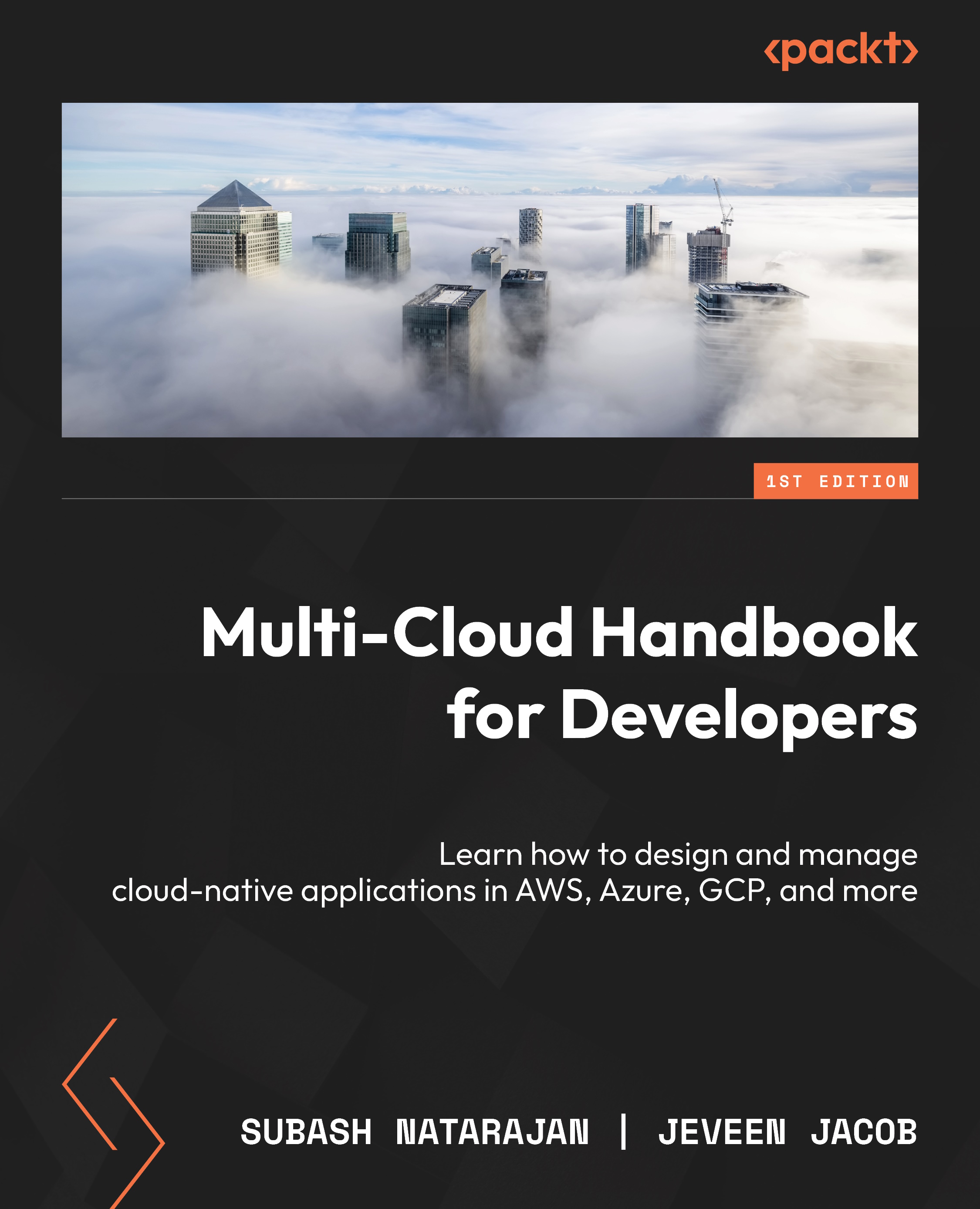
Unleash the power of cloud computing with Multi-Cloud Handbook for Developers, your guide to mastering the nuances of cloud-native and multi-cloud, covering practical strategies for design, development, and management. Explore the essential concepts, challenges, and methodologies critical for navigating the complex landscape of modern cloud computing.
Using core architectural and design principles (such as microservices and 12-factor architecture) and advanced strategies (such as distributed application design patterns, domain-driven design (DDD), and API-first strategies), you’ll learn how to build portable and efficient apps across various cloud platforms. You’ll understand how to leverage Infrastructure as Code (IaC), continuous integration and deployment (CI/CD), GitOps, and DevOps practices, along with containerization and orchestration techniques using Docker and Kubernetes. You’ll also get to grips with data, security, compliance, and cloud cost management strategies in multi-cloud environments.
With real-world case studies, best practices, and insights into future trends, this book will equip you with the skills to develop, manage, troubleshoot, and innovate cloud-native applications across diverse cloud platforms, positioning you at the forefront of the cloud computing revolution.
Table of Contents (17 chapters)
Preface


Part 1:Introduction to Multi-Cloud and Cloud-Native
 Free Chapter
Chapter 1: Discovering the Multi-Cloud and Cloud-Native Universe
Chapter 2: Building the Backbone of Cloud-Native Applications
Part 2: Designing and Developing Cloud-Native Applications for Multi-Cloud
Chapter 3: Designing for Diversity with Multi-Cloud Application Strategies

Chapter 4: Crafting and Deploying in the Multi-Cloud as a Developer
Part 3: Managing and Operating Cloud-Native Apps in Multi-Cloud
Chapter 5: Managing Security, Data, and Compliance on Multi-Cloud
Chapter 6: Maximizing Value and Minimizing Cost in Multi-Cloud
Chapter 7: Troubleshooting Multi-Cloud Applications
Part 4: Best Practices, Case Studies, and Future Trends for Multi-Cloud and Cloud-Native
Chapter 8: Learning from Pioneers and Case Studies
Chapter 9: Bringing Your Cloud-Native Application to Life
Chapter 10: Future-Proofing Your Cloud Computing Skills
Index


