


-
Book Overview & Buying
-
Table Of Contents

Azure for Developers - Third Edition
By :


Azure for Developers
By:
Overview of this book
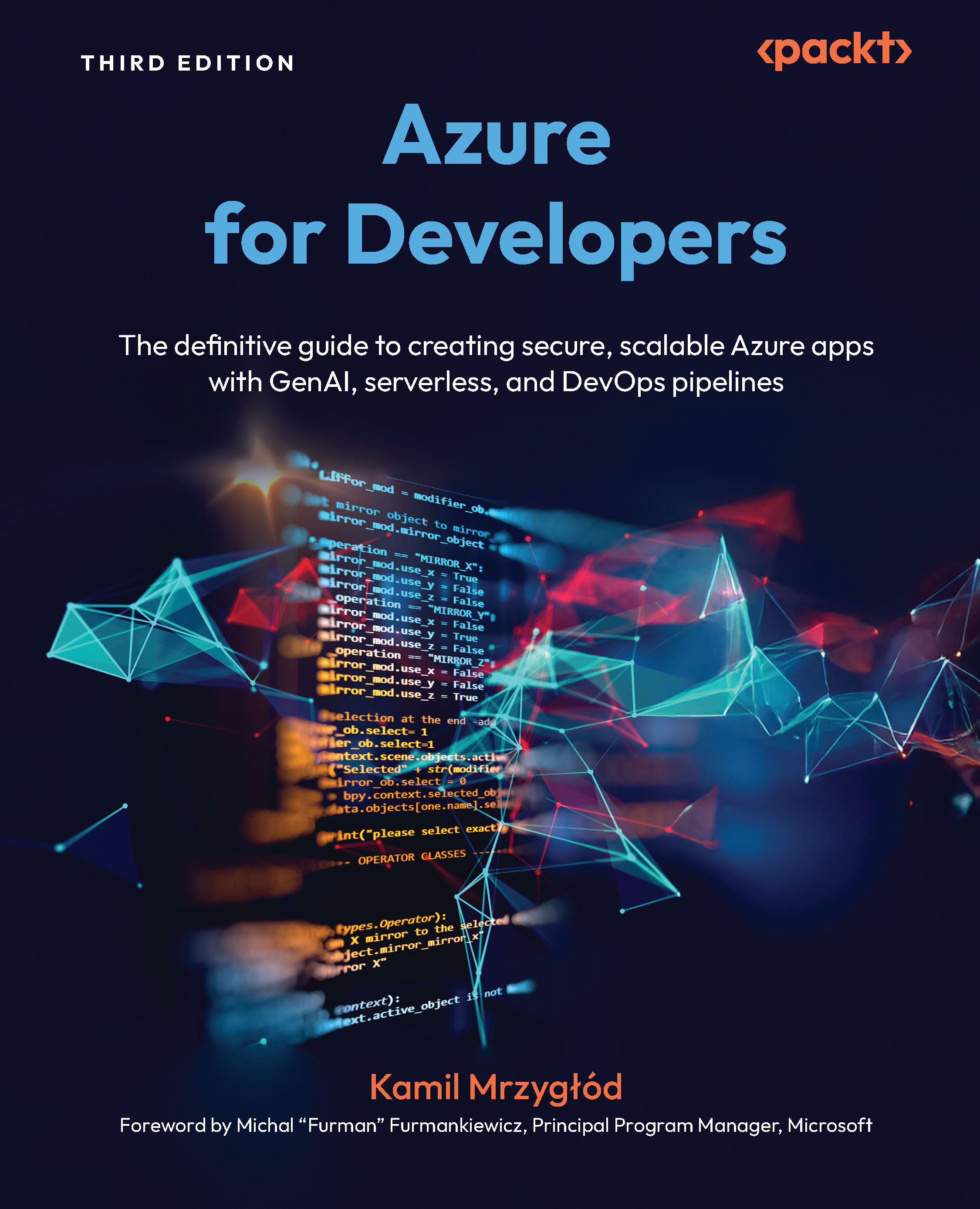
Supercharge your development career by mastering Azure’s evolving GenAI, container, and serverless capabilities to build scalable, secure applications with confidence. This third edition of Azure for Developers transforms complex cloud concepts into practical skills, guiding you through the design, deployment, and management of cloud-native solutions while eliminating infrastructure headaches.
Fully updated with Azure’s latest features, this hands-on guide helps you automate DevOps pipelines with GitHub Actions, deploy microservices using containers, and integrate generative AI via Azure OpenAI to modernize your development workflows. You will learn how to set up your environment, streamline app deployment, and implement robust service integrations using real-world best practices.
The final section is a game-changer for developers who want to stay ahead of the curve. It shows you how to leverage Azure’s AI and machine learning services to automate tasks, fine-tune models, and build intelligent assistants and next-generation workflows.
By the end, you will have the confidence and capabilities to deliver production-grade cloud solutions that meet real-world demands and position yourself at the forefront of modern cloud development.
Table of Contents (28 chapters)
Preface


Chapter 1: Getting Started with an Azure Account and Selecting an IDE
Chapter 2: Choosing between Azure CLI and Azure PowerShell
Part 2:Web Applications and Workflows in Microsoft Azure
Chapter 3: Hosting Applications with Azure App Service
Chapter 4: Developing Static Web Applications
Chapter 5: Going Serverless with Azure Functions
Chapter 6: Managing Secrets and Configuration in Azure
Chapter 7: Integrating Services with Azure Logic Apps
Chapter 8: Building Workflows Using Durable Functions
Part 3:Containers in Microsoft Azure
Chapter 9: Learning About Azure Container Registry
Chapter 10: Building Ad Hoc Workloads Using Azure Container Instances
Chapter 11: Developing Microservices with Azure Container Apps
Chapter 12: Hosting Containers with Azure App Service
Part 4:Storage, Messaging, and Monitoring
Chapter 13: Storing Data with Azure Storage
Chapter 14: Using Queues in Microsoft Azure
Chapter 15: Using Relational Databases in Microsoft Azure
Chapter 16: Adding Monitoring to Your Application
Part 5:AI, ML, and DevOps
Chapter 17: Integrating an Application with Azure OpenAI Service
Chapter 18: Leveraging Azure Machine Learning to Automate Machine Learning Tasks
Chapter 19: Using GitHub Actions to Build and Deploy Applications to Azure

Chapter 20: Developing, Testing, and Deploying Azure Logic Apps
Index



