Sign In Start Free Trial
Account

Add to playlist

Create a Playlist

Modal Close icon
You need to login to use this feature.
  • Book Overview & Buying Windows Server 2019 Administration Fundamentals
  • Table Of Contents Toc
  • Feedback & Rating feedback
Windows Server 2019 Administration Fundamentals

Windows Server 2019 Administration Fundamentals - Second Edition

By : Bekim Dauti
3.3 (4)
close
close
Windows Server 2019 Administration Fundamentals

Windows Server 2019 Administration Fundamentals

3.3 (4)
By: Bekim Dauti

Overview of this book

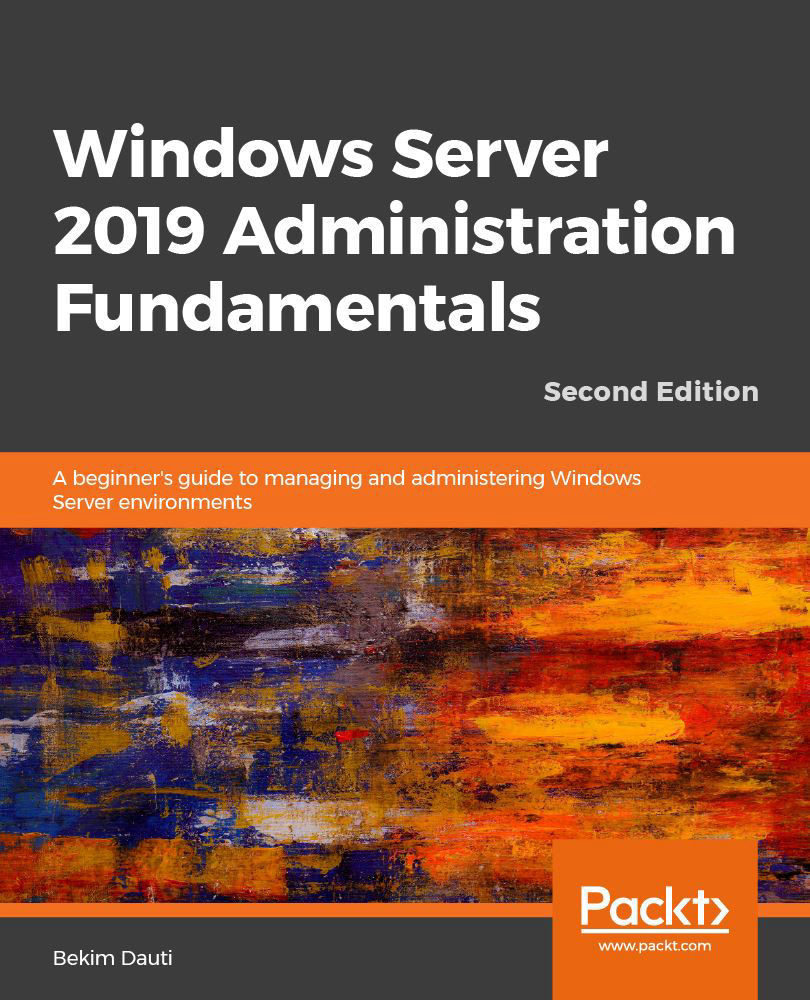
Windows Server 2019 is the server operating system introduced by Microsoft as part of the Windows NT family of operating systems, developed concurrently with Windows 10. This book will not only get you started with Windows Server 2019, but will also help you prepare for the MTA 98-365 exam. With step-by-step instructions and easy-to-understand graphics, you will become well-versed with the roles, features, and functions of Windows Server 2019. Starting with the installation process, upgrades, and basic configuration, you will move on to explore roles and features such as Active Directory, Hyper-V, remote access, storage, and printers. The book then takes you through maintenance and troubleshooting tasks to guide you in efficiently managing Windows Server 2019. In addition, it covers Windows Server 2019 best practices using real-world examples. Complete with questionnaires, and detailed answers at the end of the book, you can test your understanding of the concepts covered in each chapter. By the end of this book, you will be equipped with the knowledge you need to troubleshoot, update, and maintain servers so as to ensure business continuity.

Table of Contents (20 chapters)
close
close
Lock Free Chapter
1
Section 1: Introducing Windows Server and Installing Windows Server 2019
6
Section 2: Setting Up Windows Server 2019
chevron up
9
Section 3: Configuring Windows Server 2019
13
Section 4: Keeping Windows Server 2019 Up and Running
16
Section 5: Getting Ready for the Certification Exam

Directory Services in Windows Server 2025

In this chapter, you will progress in establishing your organization’s IT infrastructure by thoroughly exploring domain services, which are pivotal for managing a Windows-based domain network. You will gain insight into Active Directory Domain Services (AD DS) and Domain Name System (DNS), understanding their integral roles in network management. Key concepts such as domains, forests, tree domains, child domains, and Domain Controllers (DCs) will be covered, along with functional levels and trust relationships that facilitate network integration and resource sharing. Additionally, the chapter will delve into DNS functionalities, including forward and reverse lookup zones and DNS records, which are crucial for resolving domain names and ensuring reliable network communication.

Furthermore, you will explore how Organizational Units (OUs), default containers, user accounts, and different group scopes and types are utilized to effectively...

Visually different images
CONTINUE READING
83
Tech Concepts
36
Programming languages
73
Tech Tools
Icon Unlimited access to the largest independent learning library in tech of over 8,000 expert-authored tech books and videos.
Icon Innovative learning tools, including AI book assistants, code context explainers, and text-to-speech.
Icon 50+ new titles added per month and exclusive early access to books as they are being written.
Windows Server 2019 Administration Fundamentals
notes
bookmark Notes and Bookmarks search Search in title playlist Add to playlist font-size Font size

Change the font size

margin-width Margin width

Change margin width

day-mode Day/Sepia/Night Modes

Change background colour

Close icon Search
Country selected

Close icon Your notes and bookmarks

Confirmation

Modal Close icon
claim successful

Buy this book with your credits?

Modal Close icon
Are you sure you want to buy this book with one of your credits?
Close
YES, BUY

Submit Your Feedback

Modal Close icon
Modal Close icon
Modal Close icon