Sign In Start Free Trial
Account

Add to playlist

Create a Playlist

Modal Close icon
You need to login to use this feature.
  • Book Overview & Buying Advanced Network Simulations Simplified
  • Table Of Contents Toc
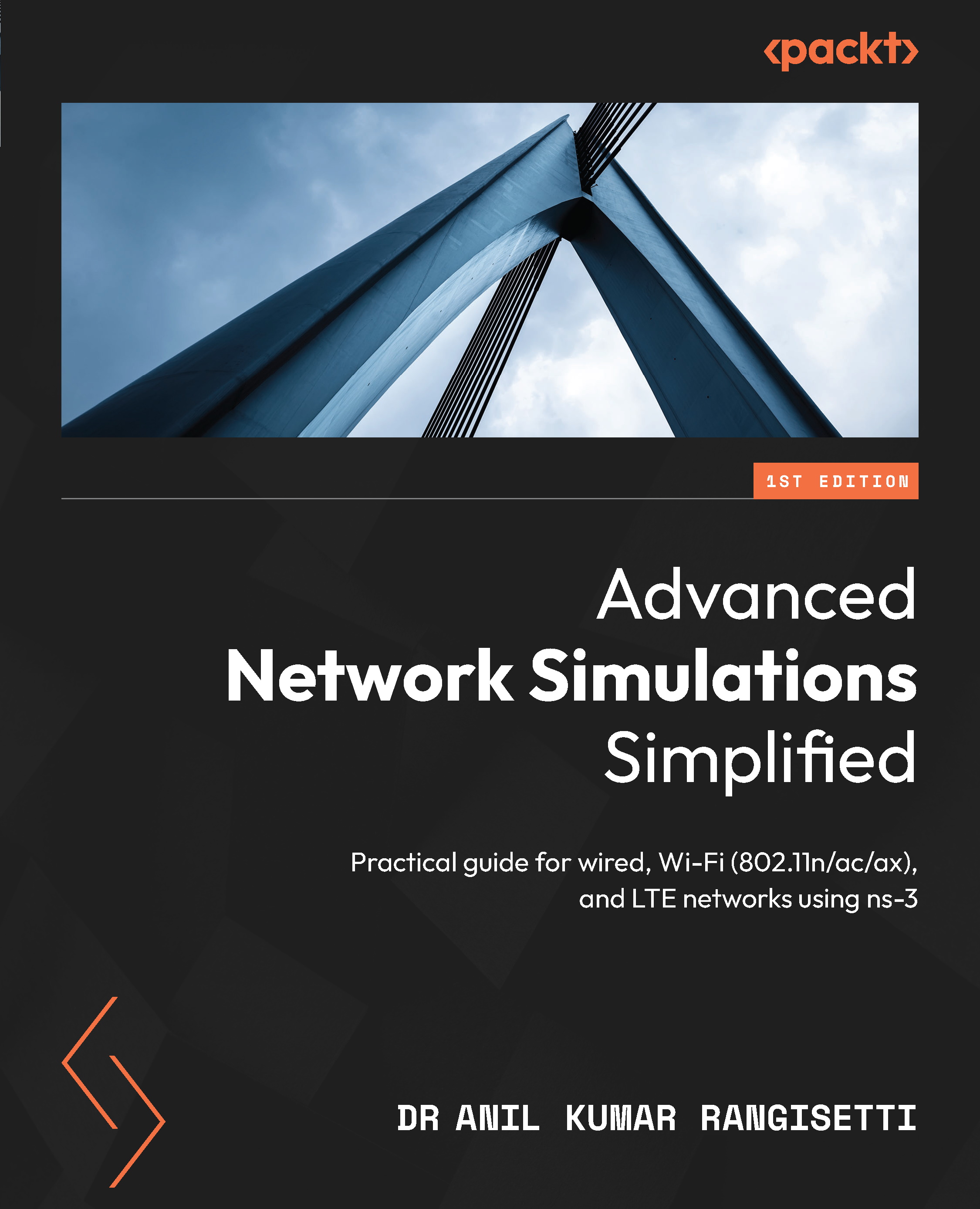
Advanced Network Simulations Simplified

Advanced Network Simulations Simplified

By : Anil Kumar Rangisetti
5 (14)
close
close
Advanced Network Simulations Simplified

Advanced Network Simulations Simplified

5 (14)
By: Anil Kumar Rangisetti

Overview of this book

Network simulation is a powerful technique that uses software programs to replicate the behaviors of real networks. Network simulators are programs that can predict the performance of computer networks or wireless communication networks. This book is your hands-on guide to ns-3, a script-based simulator that allows for learning, experimenting, and evaluating wired, wireless (802.11a/b/g/n/ac/ax), and 4G long-term evolution (LTE) networks quickly and at low cost. You’ll begin by learning how to install and use ns-3, along with exploring its key features such as building blocks for creating a variety of wired or wireless network topologies, installing suitable protocols and applications, identifying and resolving networking issues, and systematically evaluating network performance. As you make progress, you’ll gain a clear understanding of simulation errors, exceptions, and abrupt events. You’ll also discover how to set up and evaluate Ethernet, Wi-Fi (802.11n/ac/ax) LANs, ad-hoc, and LTE networks. The concluding chapters discuss LTE advanced topics such as capacity planning, site surveys, radio resources, mobility management, and interference handling. By the end of this simulation book, you’ll be able to use ns-3 to implement, analyze, debug, and evaluate the performance of wired or wireless networks, as well as setting up custom test scenarios.
Table of Contents (15 chapters)
close
close
1
Part 1: Exploring Network Simulator-3 (ns-3) Thoroughly and Quickly
5
Part 2: Learn, Set Up, and Evaluate Wired and Wi-Fi (802.11a/b/g/n/ac/ax) Networks
9
Part 3: Learn, Set Up, and Evaluate 4G Long-Term Evolution (LTE) Networks

Getting Started with Network Simulator-3 (ns-3)

The main reasons for using network simulators are setting up a variety of wired or wireless networks and analyzing their protocols and application performance systematically. Conducting networking experiments is highly complex and incurs a lot of cost with real systems. Network Simulator-3 (ns-3) is an open source simulation platform written in C++ for conducting systematic experiments on wired and/or wireless networks. ns-3 provides important models, such as core, internet, and Ethernet-related modules, routing, applications, and flow-level statistics monitoring for setting up network topologies and conducting basic simulation experiments. Moreover, ns-3 offers important modules such as mobility, placement, spectrum, and antenna for conducting advanced network simulations related to Wi-Fi, WiMAX, and LTE networks. The ns-3 team is planning to introduce 5G simulation topics in upcoming ns-3 versions.

In general, ns-3 helps users to re-create real-time scenarios quickly and in a scalable manner. ns-3 is implemented as a discrete-event simulator to handle various events of a simulation setup. It offers a simulation engine with a scheduler that handles all types of events generated in user-written simulation experiments. ns-3’s unique basic features, such as supporting logging, debugging, tracing, and computing flow-level statistics, are highly useful for conducting simulations by researchers, engineers, and students. ns-3 also supports NetAnimator (NetAnim) for visualizing ns-3 simulations. It is highly useful for beginners or advanced users to easily conduct simulations. In this chapter, we will mainly introduce the ns-3 installation procedure, and how to integrate ns-3 with Code::Blocks editors to quickly start ns-3 simulations. Next, we will discuss a typical ns-3 simulation program structure and how to implement and evaluate your first simulation program. Finally, we will discuss how to install and integrate NetAnim with ns-3 for visualizing ns-3 simulations. Specifically, we will discuss all the important features of NetAnim to perform systematic network simulation inspections and visualization.

In summary, in this chapter, we are going to cover the following main topics:

  • Getting started with installing ns-3
  • Exploring ns-3 code easily using the Code::Blocks editor
  • Understanding a ns-3 program’s structure
  • Starting your first network simulation
  • Playing ns-3 simulations using NetAnim
CONTINUE READING
83
Tech Concepts
36
Programming languages
73
Tech Tools
Icon Unlimited access to the largest independent learning library in tech of over 8,000 expert-authored tech books and videos.
Icon Innovative learning tools, including AI book assistants, code context explainers, and text-to-speech.
Icon 50+ new titles added per month and exclusive early access to books as they are being written.
Advanced Network Simulations Simplified
notes
bookmark Notes and Bookmarks search Search in title playlist Add to playlist font-size Font size

Change the font size

margin-width Margin width

Change margin width

day-mode Day/Sepia/Night Modes

Change background colour

Close icon Search
Country selected

Close icon Your notes and bookmarks

Confirmation

Modal Close icon
claim successful

Buy this book with your credits?

Modal Close icon
Are you sure you want to buy this book with one of your credits?
Close
YES, BUY

Submit Your Feedback

Modal Close icon
Modal Close icon
Modal Close icon