Sign In Start Free Trial
Account

Add to playlist

Create a Playlist

Modal Close icon
You need to login to use this feature.
  • Book Overview & Buying Data Acquisition Using LabVIEW
  • Table Of Contents Toc
Data Acquisition Using LabVIEW

Data Acquisition Using LabVIEW

By : Yang, Ehsani
3.8 (8)
close
close
Data Acquisition Using LabVIEW

Data Acquisition Using LabVIEW

3.8 (8)
By: Yang, Ehsani

Overview of this book

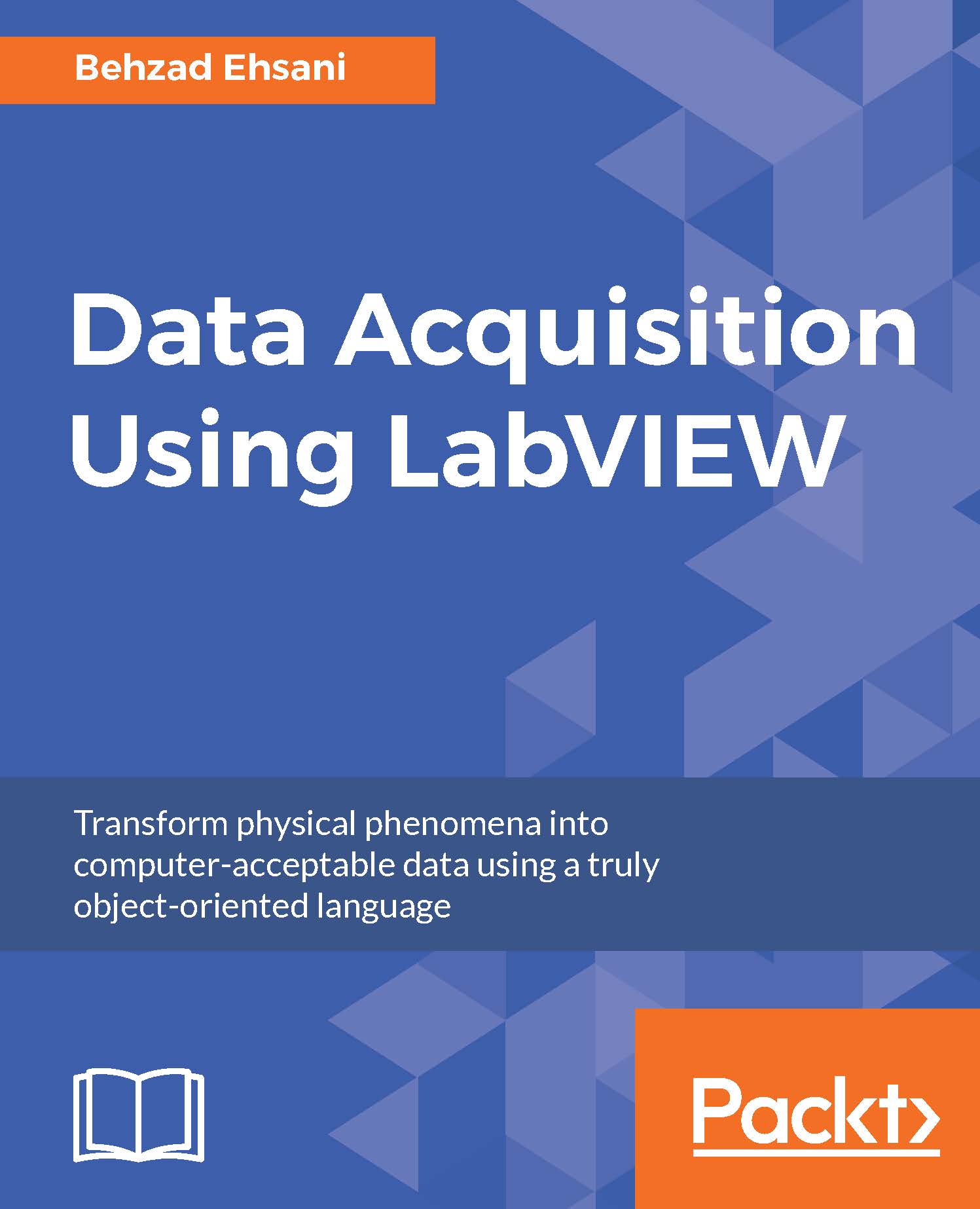
NI LabVIEW's intuitive graphical interface eliminates the steep learning curve associated with text-based languages such as C or C++. LabVIEW is a proven and powerful integrated development environment to interact with measurement and control hardware, analyze data, publish results, and distribute systems. This hands-on tutorial guide helps you harness the power of LabVIEW for data acquisition. This book begins with a quick introduction to LabVIEW, running through the fundamentals of communication and data collection. Then get to grips with the auto-code generation feature of LabVIEW using its GUI interface. You will learn how to use NI-DAQmax Data acquisition VIs, showing how LabVIEW can be used to appropriate a true physical phenomenon (such as temperature, light, and so on) and convert it to an appropriate data type that can be manipulated and analyzed with a computer. You will also learn how to create Distribution Kit for LabVIEW, acquainting yourself with various debugging techniques offered by LabVIEW to help you in situations where bugs are not letting you run your programs as intended. By the end of the book, you will have a clear idea how to build your own data acquisition system independently and much more.
Table of Contents (12 chapters)
close
close
9
9. Alternate Software for DAQ

Debugging - broken arrow


As mentioned previously, when a VI is "seriously!" broken, it does not run and a broken arrow is displayed. Since the error is immediately recognized by LabVIEW, usually in such particular cases, the fix is probably simple (unless a major design error is recognized). A more difficult situation maybe where there are no obvious errors, but the VI does not do what we intend it to do. We will now take a closer look at a version of a VI we used in Chapter 4, DAQ Programming Using LabVIEW:

When we run the preceding VI several times, we will notice a couple of issues with the VI. Note that a displayed array may be extended horizontally or vertically:

  • The array gets longer and longer and new values are appended to the end of the results from the previous run

  • There are blank array elements between the array entries (this was an error with the logic of the VI and we fixed it by adding a check for blank array elements)

To fix the issue, we know that we need to initialize the...

CONTINUE READING
83
Tech Concepts
36
Programming languages
73
Tech Tools
Icon Unlimited access to the largest independent learning library in tech of over 8,000 expert-authored tech books and videos.
Icon Innovative learning tools, including AI book assistants, code context explainers, and text-to-speech.
Icon 50+ new titles added per month and exclusive early access to books as they are being written.
Data Acquisition Using LabVIEW
notes
bookmark Notes and Bookmarks search Search in title playlist Add to playlist download Download options font-size Font size

Change the font size

margin-width Margin width

Change margin width

day-mode Day/Sepia/Night Modes

Change background colour

Close icon Search
Country selected

Close icon Your notes and bookmarks

Confirmation

Modal Close icon
claim successful

Buy this book with your credits?

Modal Close icon
Are you sure you want to buy this book with one of your credits?
Close
YES, BUY

Submit Your Feedback

Modal Close icon
Modal Close icon
Modal Close icon